Creality K1 Error 2112: Movement Exceeds Maximum Extrusion
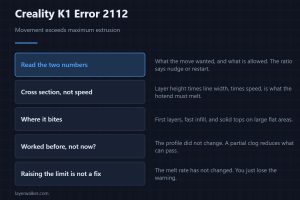
Creality K1 error 2112 means a move exceeded the maximum extrusion cross section. Layer height and line width matter every bit as much as print speed.
Machine error codes explained: Bambu HMS codes, MINTEMP and MAXTEMP, thermal runaway, homing and probe failures. What the code means, and what to check first.
Creality K1 error 2112 means a move exceeded the maximum extrusion cross section. Layer height and line width matter every bit as much as print speed.
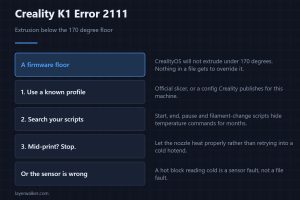
Creality K1 error 2111 means the file asked to extrude below the 170 degree floor. The fix belongs in the slicer profile rather than in the printer firmware.
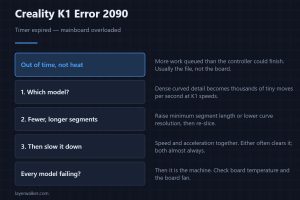
Creality K1 error 2090 means the board ran out of time, not out of heat. Dense geometry at high speed causes most of them, so start with the file itself.
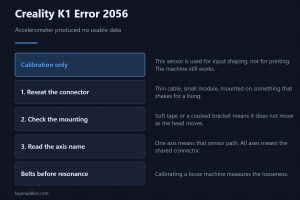
Creality K1 error 2056 means the accelerometer produced no usable data. Printing still works; what you lose is the tuning that makes the speed usable.
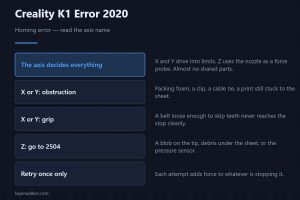
Creality K1 error 2020 is a homing failure and the message names the axis. X and Y share nothing with Z, so that one word decides where you look first.
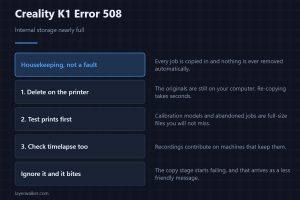
Creality K1 error 508 warns that internal storage is nearly full. The printer keeps every job you have ever run and never removes any of them for you.
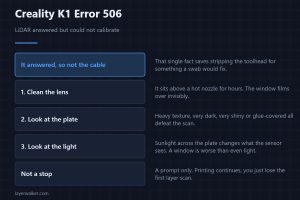
Creality K1 error 506 means the LiDAR answered but could not calibrate. That rules out the cable and puts the lens and the plate at the top of the list.
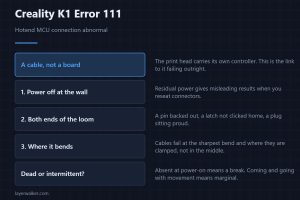
Creality K1 error 111 means the link to the hotend controller is abnormal. It is the moving loom far more often than the board, and how to prove that.
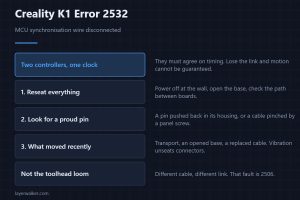
Creality K1 error 2532 means the sync wire between the two controllers has dropped. It reads like a board failure and is almost always a loose connector.
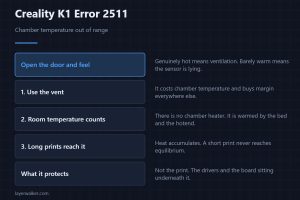
Creality K1 error 2511 is a chamber temperature fault. Whether the cavity is genuinely hot or the sensor is lying decides which fix will actually help.