Creality K1 Error 2056: Accelerometer Cannot Measure Data
LayerWalker is a participant in the Amazon Services LLC Associates Program. We may earn a commission when you buy through links on our site, at no extra cost to you.
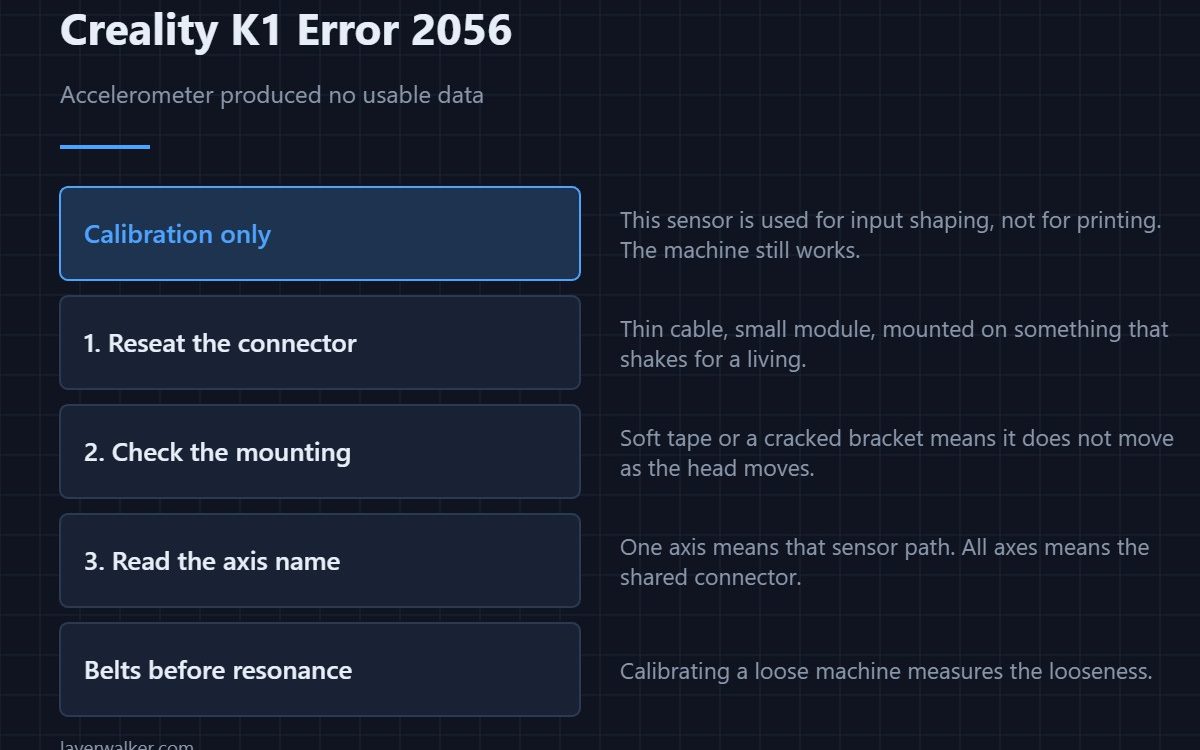
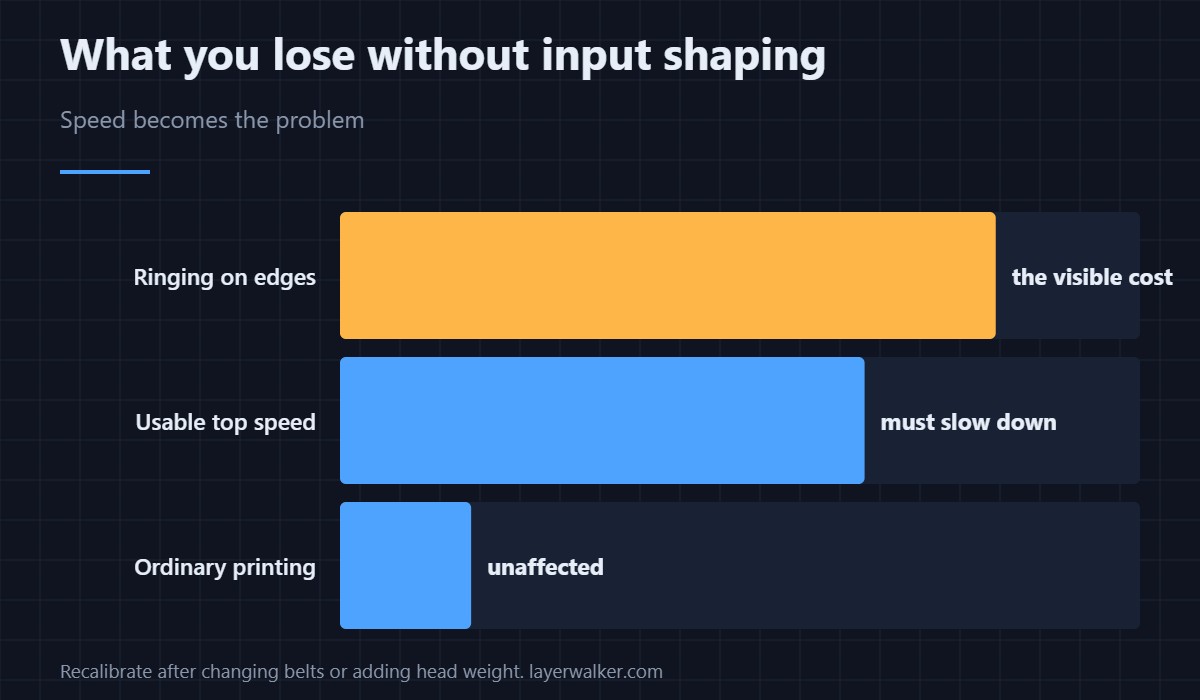
Creality K1 error 2056 means the accelerometer on the named axis could not produce data during a resonance measurement. This sensor is only used during input shaping calibration, not during ordinary printing, so the printer still works. What you lose is the tuning that lets a fast machine move fast without ringing.
It is almost always a connection, because the sensor is small, its cable is thin, and it lives on a part that shakes for a living.
Where to buy


Check the connector before anything else
Power off at the wall. Reseat the accelerometer connector at both ends and check that the module is firmly attached to the part it is measuring. A sensor that is loose on its mount reports noise rather than a clean resonance curve, and noise is indistinguishable from no data.
Mounting matters as much as wiring
An accelerometer must move exactly as the thing it is measuring moves. Double-sided foam tape that has gone soft, a bracket with a cracked screw boss, or a module resting against a cable all break that. Fix the mount and the measurement usually returns.
Why the axis name is worth reading
One axis failing points at that sensor, its mount or its cable. Every axis failing points at the shared path: the connector on the board, or the board input itself. That is the same logic used for driver faults, and it saves you from replacing three parts to fix one.
What Creality K1 error 2056 costs you
Input shaping cancels the ringing that fast movement causes. Without a fresh measurement the printer falls back on whatever it last knew, which is fine if that was recent and wrong if you have since changed belts, added weight to the head or moved the machine. Ghosting on vertical edges is the visible result, and it lives in the same family as layer shifting.
Do the mechanical work first
Calibrating resonance on a machine with loose belts measures the looseness. Set tension properly first — see belt tension — then run the calibration, then keep the result. The general order of operations is in calibrating a 3D printer. If the fault is a cable between controllers rather than to a sensor, that reports separately as 2532.
Creality K1 Error 2056 FAQ
Can I print without input shaping?
Yes, but slow down if you do. The tuning is what makes the speed usable.
It failed on one axis only. Is the sensor shared?
The module is, but the measurement is per axis. A single-axis failure usually means the machine could not move that axis cleanly enough to measure.
Does the printer need to be on a solid surface?
Very much so. A flexing table adds its own resonance and can produce unusable data from perfectly good hardware.
Should I recalibrate after changing a belt?
Yes. New belt tension changes the resonance the shaper is correcting for, so the old numbers no longer apply.

LayerWalker
Print defect diagnosis, calibration procedures and parts that actually fit. Corrections welcome through the contact page.

