Creality K1 Error 2308: Axis Accelerometer Fails to Measure
LayerWalker is a participant in the Amazon Services LLC Associates Program. We may earn a commission when you buy through links on our site, at no extra cost to you.
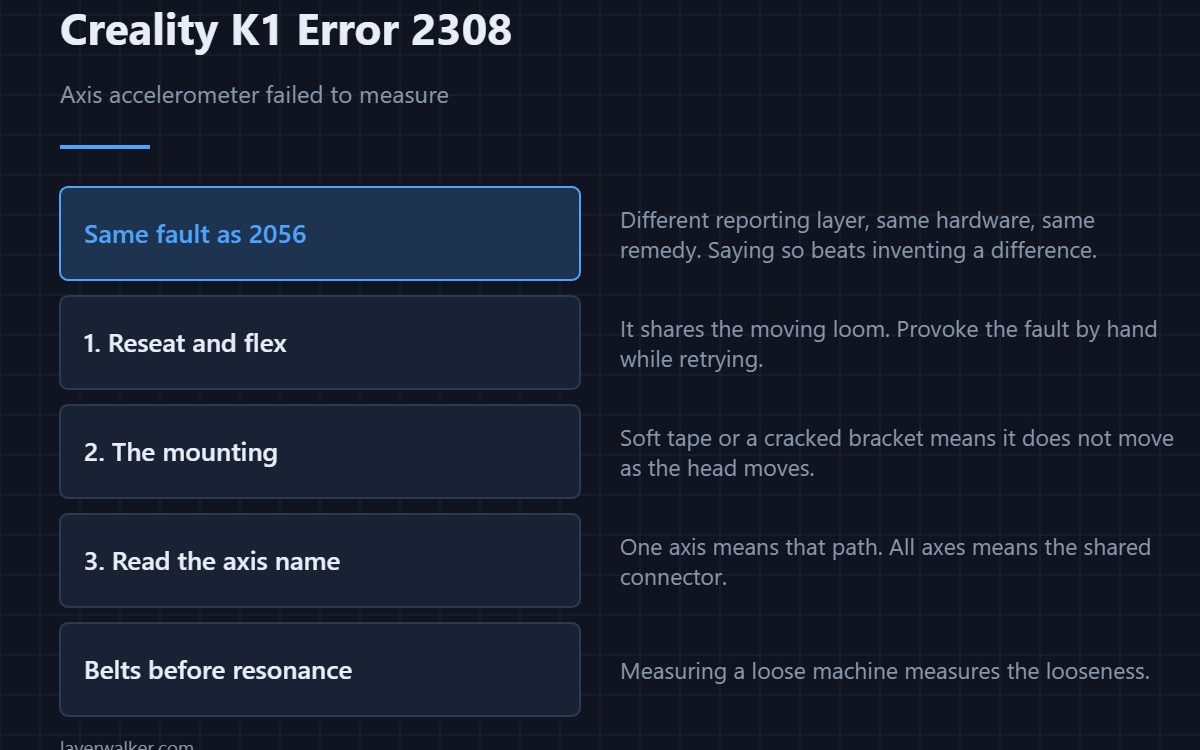
Creality K1 error 2308 means the accelerometer on the named axis failed to measure data. It is nearly identical to the other measurement failure in this family, and in practice the fix is the same. The honest answer is that they are reported from different layers of the firmware rather than describing genuinely different faults — so treat whichever you see the same way.
Saying that plainly is more useful than inventing a distinction that does not exist.
Where to buy


Start with the connector
The accelerometer sits on the print head and shares the moving loom. Reseat both ends with the machine unplugged, then flex the cable while retrying the calibration. A fault you can provoke by moving the loom has located itself.
Then the mounting
An accelerometer must move exactly as the thing it measures. Soft foam tape, a cracked bracket, or a module resting against a cable all break that. Fix the mount even if it turns out not to be the cause.
Read the axis name
One axis failing points at that sensor path or that axis moving badly. Every axis failing points at the shared connector or the board input. That single word saves replacing three things to fix one.
Set the belts before you measure
Resonance calibration on a machine with loose belts measures the looseness. Set tension properly first — the routine is in belt tension — then run the measurement and keep the result.
How Creality K1 error 2308 sits in the family
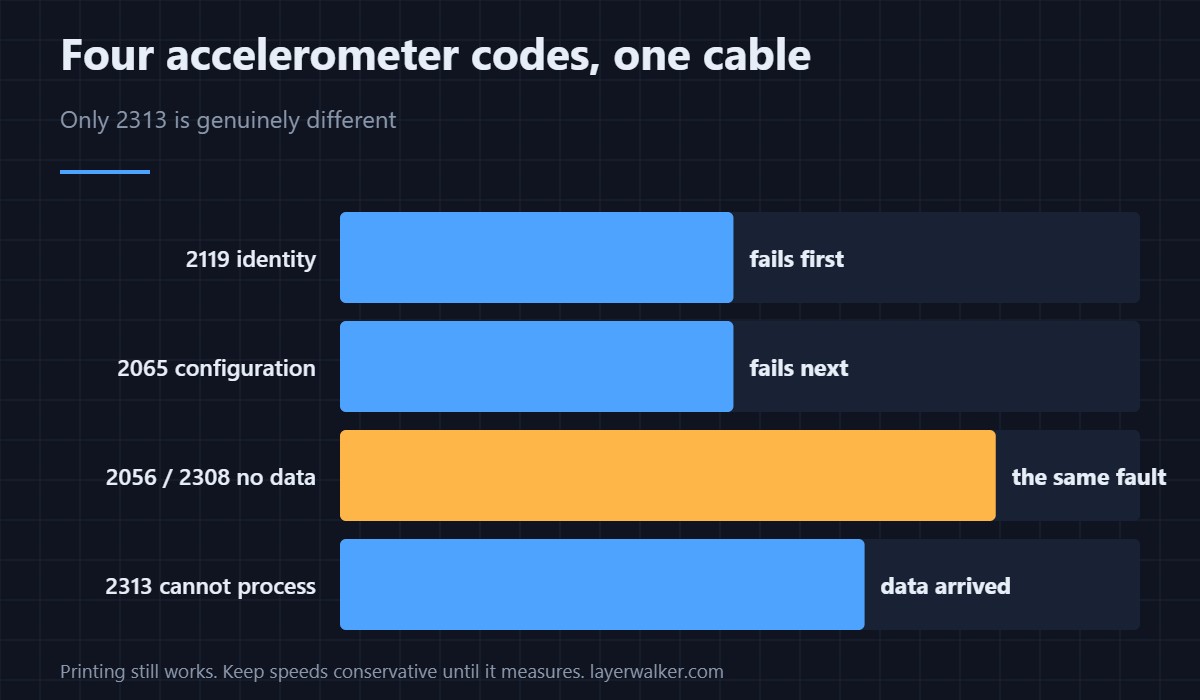
The other measurement failure is 2056 and is the one most people see. Data that arrives and cannot be processed is 2313, which is genuinely different because every earlier stage worked. If you get this one, check whether you have also seen 2056, because they are almost certainly the same underlying fault.
Creality K1 Error 2308 FAQ
Is this different from 2056?
Not meaningfully. Different reporting layer, same hardware and same remedy.
Can I print without input shaping?
Yes, at reduced speed. It is tuning, not a safety feature.
Does the surface the printer stands on matter?
Very much for resonance work. A flexing table contributes its own frequencies.
Should I replace the module?
Only after the cable, the connector and the mounting are proven. Those explain most of these, and an identity or buffer failure would show as 2118 instead.

LayerWalker
Print defect diagnosis, calibration procedures and parts that actually fit. Corrections welcome through the contact page.

