Creality K1 Error 2313: Accelerometer Data Processing Error
LayerWalker is a participant in the Amazon Services LLC Associates Program. We may earn a commission when you buy through links on our site, at no extra cost to you.
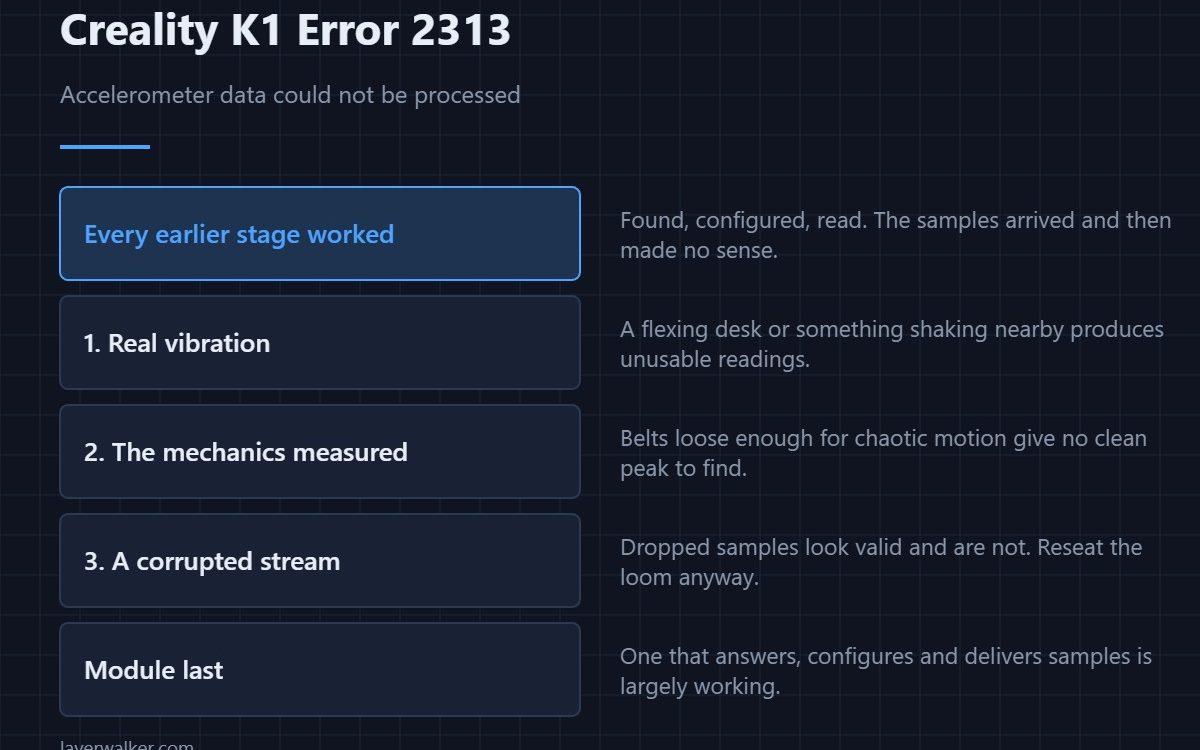
Creality K1 error 2313 is an internal error while processing accelerometer data. The samples arrived — the chip was found, configured and read successfully — and then something went wrong with what came back. That makes this the last failure point in the accelerometer chain, and it points at the data itself rather than at the wiring.
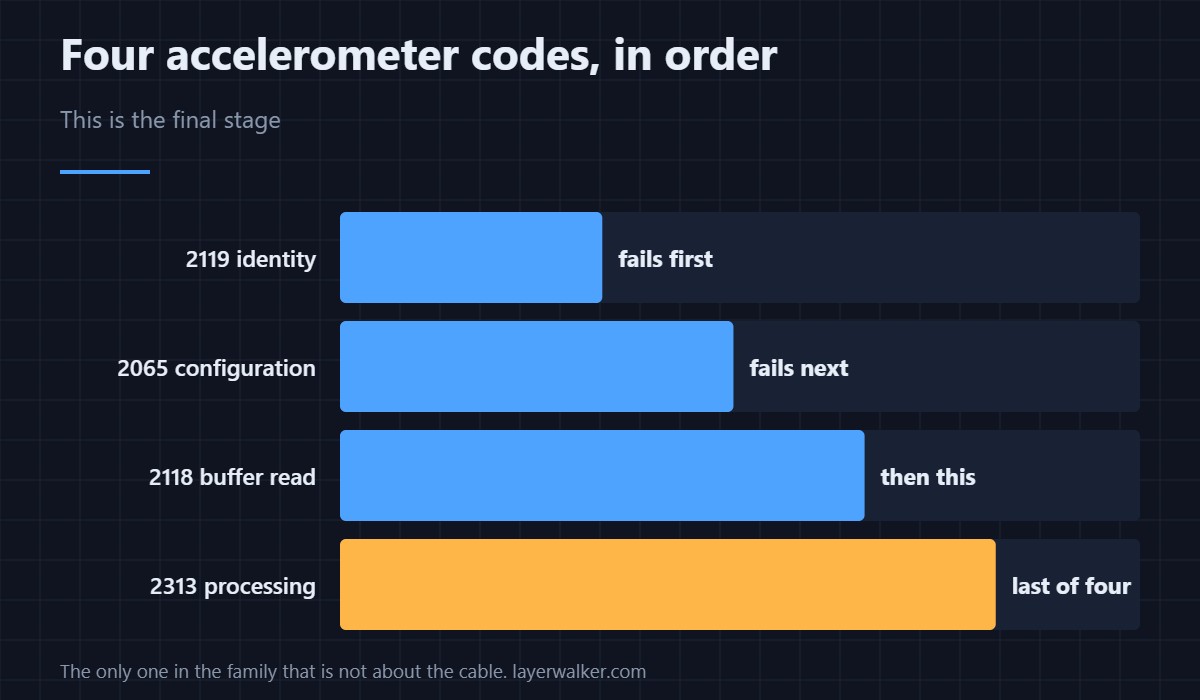
Which is unusual, because every other code in this family ends at the cable.
Where to buy


Nonsense data is often real vibration
A resonance measurement on a machine standing on a flexing desk, or next to something that vibrates, produces readings the analysis cannot make sense of. Move the printer to something rigid and run the calibration at a quiet moment before assuming anything is broken.
Then the mechanics being measured
Input shaping measures how the machine rings. If belts are loose enough to produce chaotic rather than resonant motion, the result is data without a clean peak to find. Set tension properly first — the routine is in belt tension — then measure.
Then a partially corrupted stream
A marginal connection that drops occasional samples gives a stream that looks valid and is not. That overlaps the buffer-read fault, so reseating the loom is still worth doing even though this code sits past it.
Where Creality K1 error 2313 sits in the chain
Identity check is 2119. Configuration is 2065. Buffer reads are 2118. No usable measurement is 2056. This one is processing, which means every earlier stage worked.
What it costs you
Input shaping calibration only. The machine prints; it simply cannot tune itself for speed. Keep the profile conservative until the measurement succeeds, because untuned fast motion shows up as ringing on vertical surfaces.
Creality K1 Error 2313 FAQ
Does the surface the printer stands on really matter?
For resonance measurement, very much. A springy table adds its own frequencies to what the sensor records.
Should I replace the module?
Last. A module that answers, configures and delivers samples is largely working.
Can I skip input shaping?
Yes, at reduced speed. It is tuning, not safety.
Why does it fail only on one axis?
Because that axis is producing the unusable data. Look at its belt and its bearings before the sensor.

LayerWalker
Print defect diagnosis, calibration procedures and parts that actually fit. Corrections welcome through the contact page.

