Creality K1 Error 2563: Host to MCU Communication Abnormal
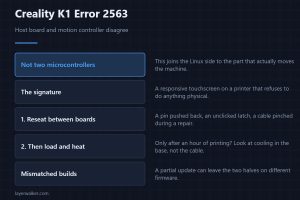
Creality K1 error 2563 means the host board and the motion controller have stopped agreeing. A working screen with a dead machine is the signature here.
Machine error codes explained: Bambu HMS codes, MINTEMP and MAXTEMP, thermal runaway, homing and probe failures. What the code means, and what to check first.
Creality K1 error 2563 means the host board and the motion controller have stopped agreeing. A working screen with a dead machine is the signature here.
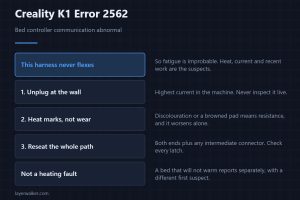
Creality K1 error 2562 is abnormal bed controller communication. That harness never flexes, so look for heat marks rather than for any sign of real wear.
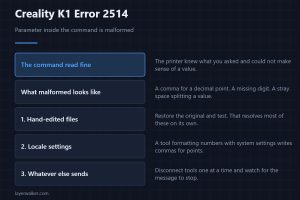
Creality K1 error 2514 means a command parsed but a parameter inside it did not. That narrows it very sharply, and hand-edited G-code leads the suspects.
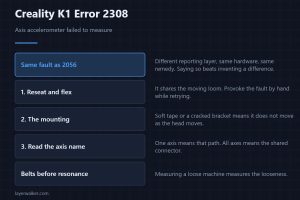
Creality K1 error 2308 is an accelerometer measurement failure, near-identical to 2056. A different reporting layer, the same hardware, and the same fix.
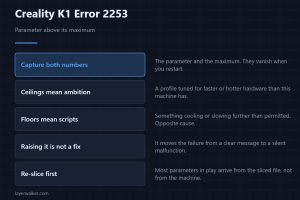
Creality K1 error 2253 means a parameter was set above its maximum value. Hitting a ceiling usually means ambition, where hitting a floor means a script.
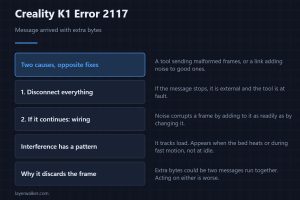
Creality K1 error 2117 means a message arrived carrying extra bytes. Either a tool is sending malformed frames, or the link is adding noise to good ones.
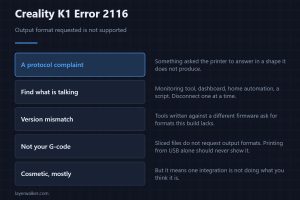
Creality K1 error 2116 means something asked the printer to answer in a format it does not produce. A third-party tool causes nearly all of these ones.
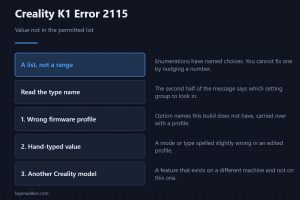
Creality K1 error 2115 means a value is not in its permitted list. That is a different fault from a number out of range, and it gets fixed somewhere else.
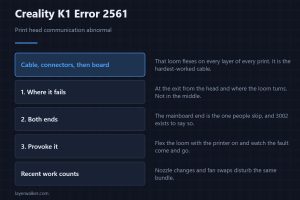
Creality K1 error 2561 is abnormal print head communication. That loom flexes on every single layer, so the cable leads and the board is a distant third.
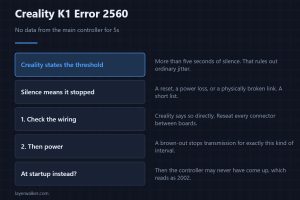
Creality K1 error 2560 means no data came from the main controller for over five seconds. Silence that long means something stopped, not that it struggled.