Creality K1 Error 2514: Command Parameter Format Wrong
LayerWalker is a participant in the Amazon Services LLC Associates Program. We may earn a commission when you buy through links on our site, at no extra cost to you.
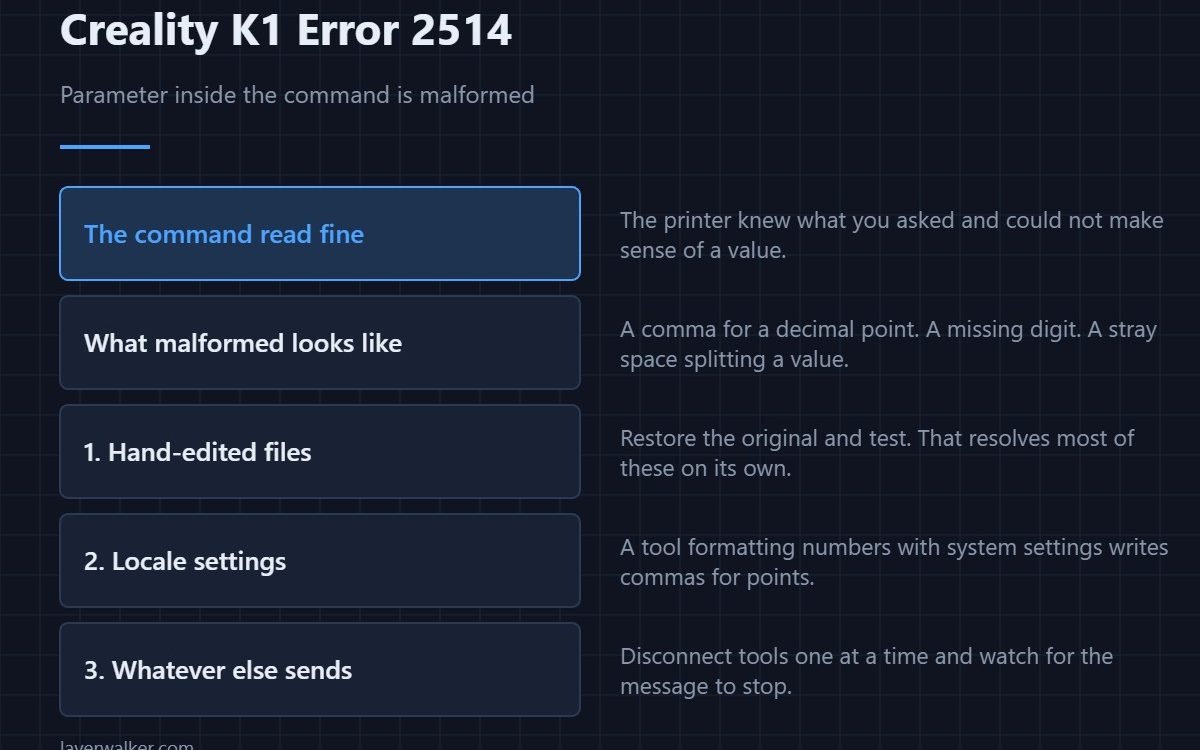
Creality K1 error 2514 means a command was recognised but one of its parameters was malformed. The printer got as far as knowing what you asked for and then could not make sense of a value. That is a much narrower fault than an unreadable command, and it points almost always at hand-edited G-code.
Knowing the command parsed is what makes this worth separating from its neighbour.
Where to buy

Official CREALITY PETG Filament, 3D Printer Filament 1.75mm 1KG Black


What malformed usually looks like
A decimal written with a comma instead of a point. A missing digit after a letter. A stray space splitting a value in two. A negative sign where none belongs. All of these are invisible at a glance and obvious once you know to look.
Hand-edited files first
If you have been editing start scripts, end scripts or the file itself, that is where to look. Restore the original and test before suspecting anything else, because that single step resolves most of these.
Then locale settings
The comma-for-point substitution is a real trap on systems configured for a locale that writes decimals that way. A script or tool that formats numbers using system settings can produce G-code that is correct locally and wrong everywhere else.
Then whatever else is sending
A third-party tool, a dashboard or a script can send commands with badly formatted values. Disconnect them one at a time and see when the message stops.
How Creality K1 error 2514 differs from 2513
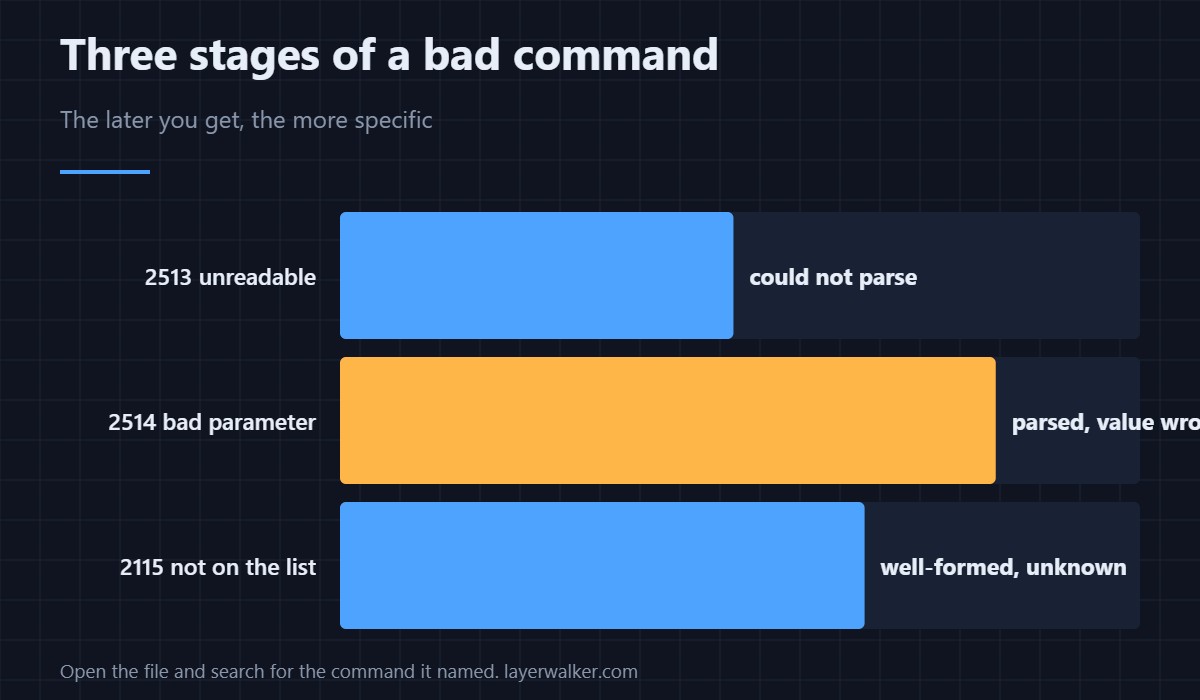
A command that could not be parsed at all is 2513. This one parsed and then objected to a value inside it. A value that is well-formed but not on the permitted list is a third case again, 2115. Unreadable, malformed, and unrecognised are three distinct problems with three distinct fixes.
Creality K1 Error 2514 FAQ
Can I find the bad line?
Open the file in a text editor and search for the command named in the message. The malformed value is usually visible once you are looking at the right line.
Does re-slicing fix it?
If the fault came from the slicer, yes. If you edited the file afterwards, re-slicing discards your edit along with the problem — profile handling is in the Creality slicer guide.
Is my printer at fault?
No. It read the command correctly and refused a value it could not use.
Could a bad transfer cause it?
It can, by corrupting characters. Re-copy the file with a proper eject and compare, and check it in a G-code preview before printing.

LayerWalker
Print defect diagnosis, calibration procedures and parts that actually fit. Corrections welcome through the contact page.

