Creality Slicer and Creality Print: Which Is Which, and What to Use
LayerWalker is a participant in the Amazon Services LLC Associates Program. We may earn a commission when you buy through links on our site, at no extra cost to you.
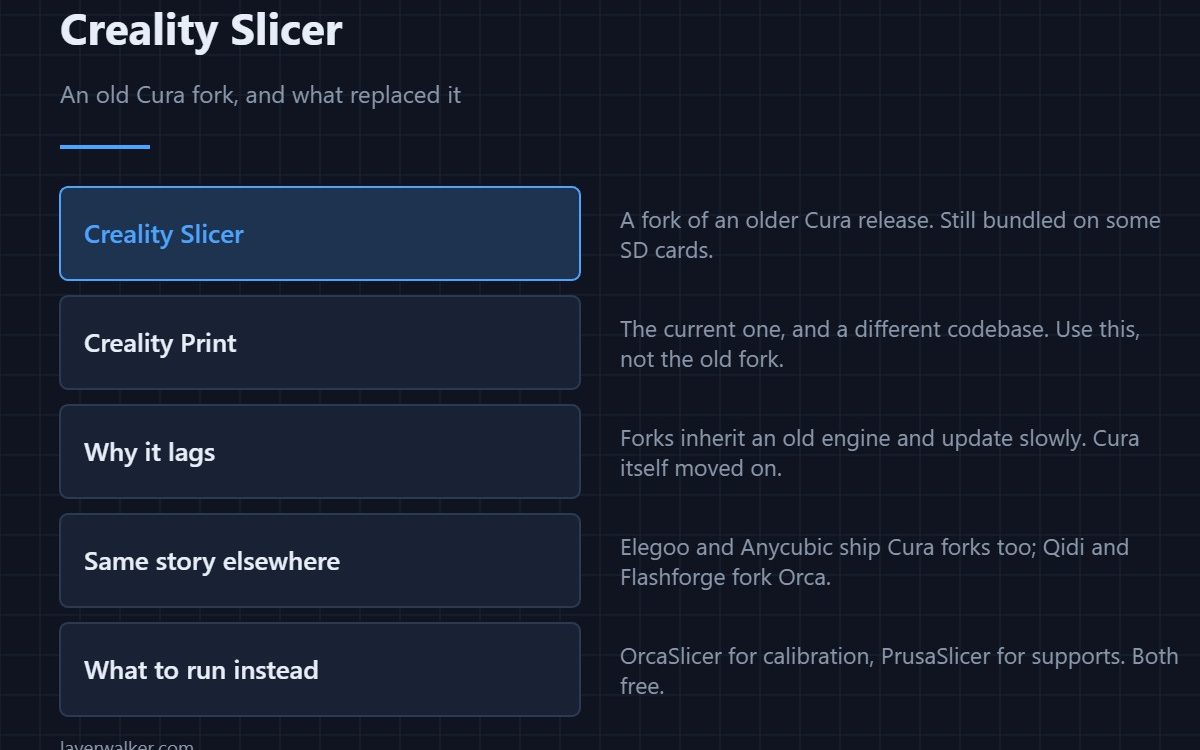
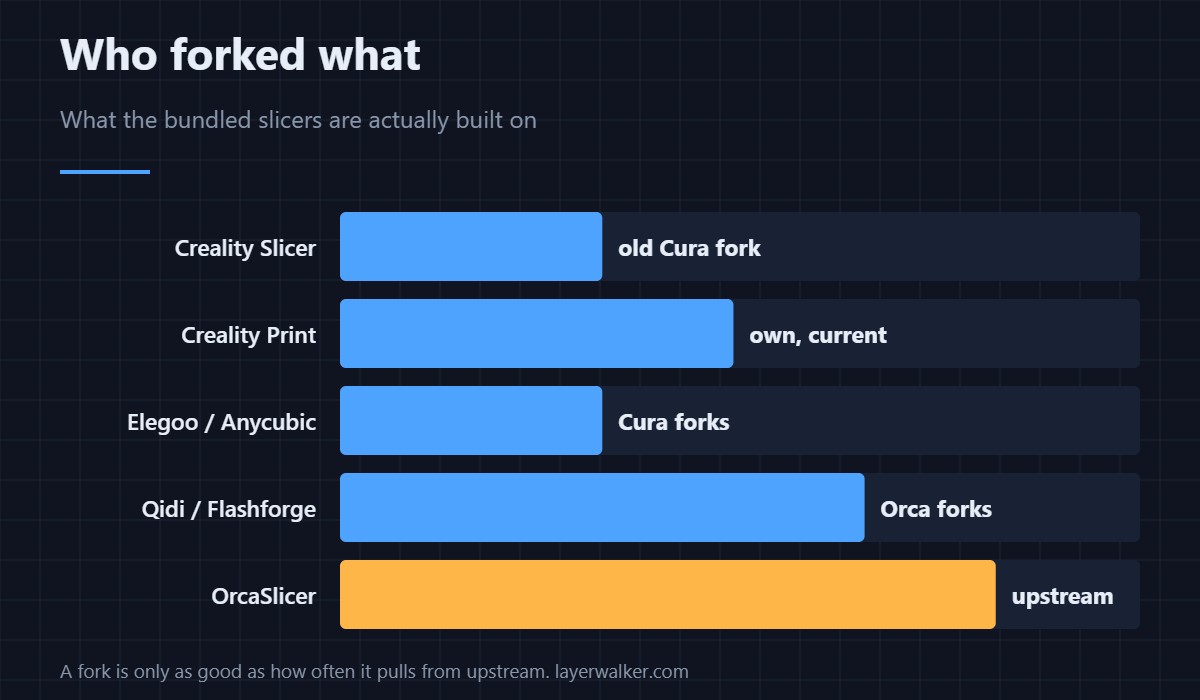
Creality Slicer is a fork of an old Cura release and still turns up on bundled SD cards. Creality Print is the current program and a different codebase — use that one if you use a Creality slicer at all. Both work, but neither has a reason to beat OrcaSlicer or PrusaSlicer, which are free, current and support Creality machines perfectly well.
Almost every printer manufacturer ships a slicer, and almost all of them are forks of one of three open-source programs. Knowing which fork you are running explains why a feature you read about is missing.
Where to buy


Creality Slicer against Creality Print
Creality Slicer is the older of the two, forked from a Cura release several versions behind current. Creality Print replaced it and is actively developed. If the SD card that came with your printer has Creality Slicer on it, treat that as a sign the card is old — download something current instead.
Why forks fall behind
A fork inherits the slicing engine at the moment it was taken and only gains upstream improvements when the vendor merges them, which happens on the vendor’s schedule rather than the project’s. That is why bundled slicers are missing features the parent project shipped a year ago, and why the same is true of Elegoo’s and Anycubic’s Cura forks.
Qidi and Flashforge fork OrcaSlicer instead, which is a newer base — their versions tend to be closer to current. See Qidi Slicer for how that plays out.
What to run on a Creality printer
OrcaSlicer, for the calibration tests that a Creality machine genuinely benefits from, or PrusaSlicer if supports are your sticking point. Both ship Creality profiles, and both handle the K1C and Ender lines without modification. Which one suits which job is in best 3D printer slicer software, and the Ender-specific answer in best slicer for Ender 3.
When the bundled one is the right call
If you own exactly one Creality printer — an Ender 3 or a K-series — print mostly PLA, and have no interest in tuning, Creality Print is perfectly serviceable and comes preconfigured. The argument for moving is tuning and multi-printer support, and if neither applies to you, it does not apply.
Creality Slicer FAQ
Is Creality Slicer the same as Cura?
It is a fork of an older Cura version, so it looks similar and behaves similarly but lacks everything Cura added since the fork. It is not maintained in step with Cura.
Should I use Creality Print or Creality Slicer?
Creality Print. It is the current program; Creality Slicer is legacy and mostly survives on old SD cards.
Will OrcaSlicer work with my Creality printer?
Yes. It ships profiles for the common Creality machines, including the Ender and K series, and adding an unusual one by hand is straightforward.
Do I lose anything by leaving the Creality slicer?
Only the preconfigured machine profile, which takes a minute to select in another slicer. There is no proprietary feature tied to the hardware.

LayerWalker
Print defect diagnosis, calibration procedures and parts that actually fit. Corrections welcome through the contact page.