Best 3D Printer Slicer Software: Four That Matter, All of Them Free
LayerWalker is a participant in the Amazon Services LLC Associates Program. We may earn a commission when you buy through links on our site, at no extra cost to you.
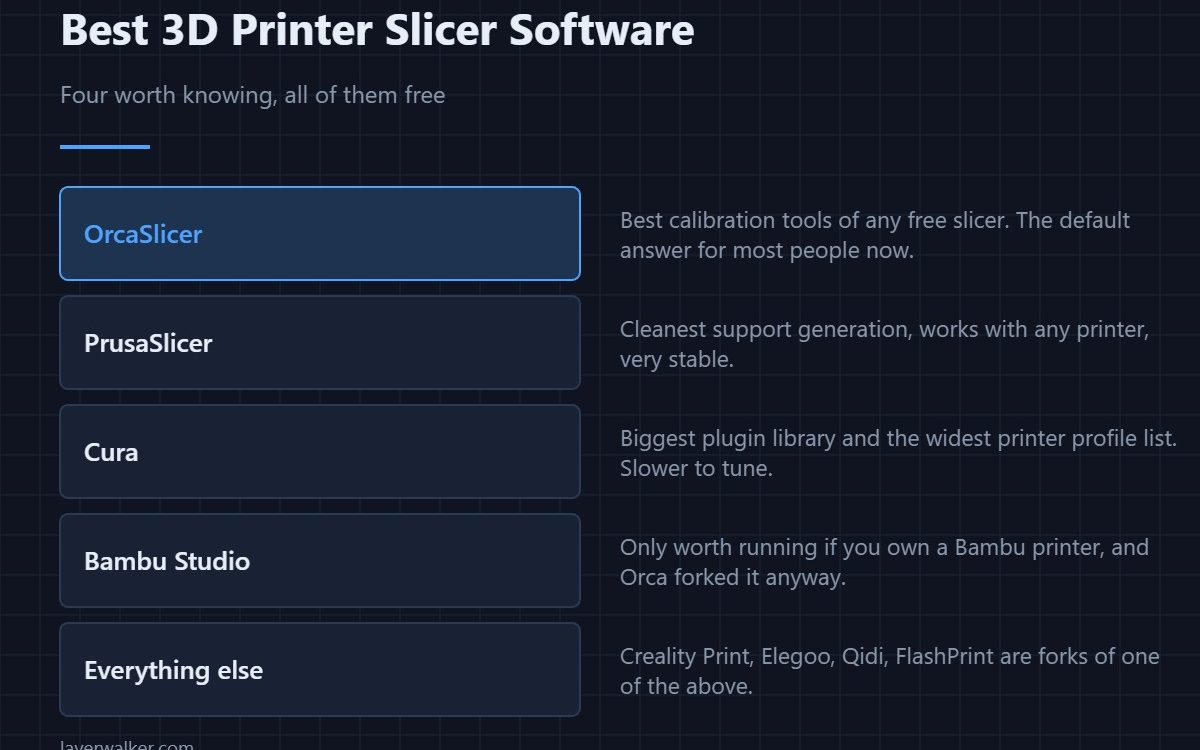
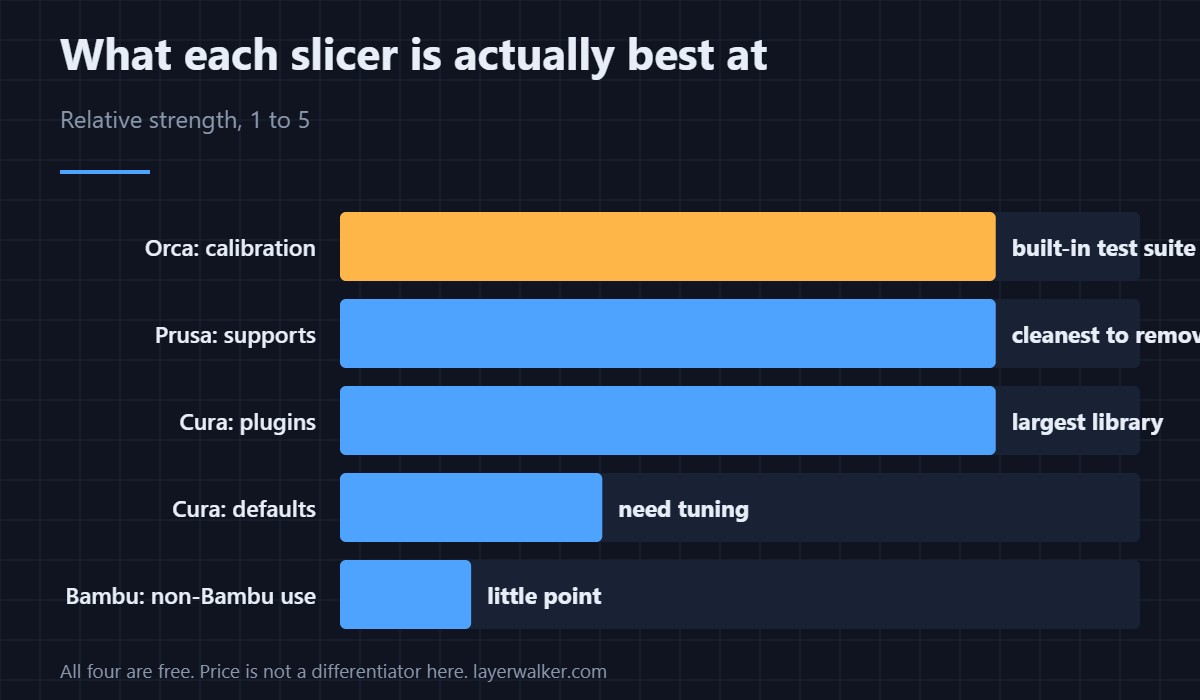
The best 3D printer slicer software costs nothing, and there are only four worth knowing: OrcaSlicer for its built-in calibration suite, PrusaSlicer for the cleanest supports, Cura for its plugin library, and Bambu Studio if you own a Bambu printer. Everything else on an SD card is a fork of one of those, usually an old one.
Slicer comparisons get written as if this were a paid market with meaningful trade-offs. It is not. All four are free, you can install all four, and most experienced people do exactly that and pick per job.
Where to buy


OrcaSlicer
The default recommendation now. Its distinguishing feature is a calibration menu that generates temperature towers, flow tests, pressure advance and retraction tests as ready-to-print models — work that used to mean downloading someone’s STL and guessing. What each test does is covered in the OrcaSlicer calibration menu. Profiles ship for most current printers.
PrusaSlicer
Free, works with any printer rather than just Prusa machines, and has the best support generation of the four — organic supports that peel away instead of tearing the surface. It also slices large models noticeably faster. More detail in PrusaSlicer, and the head-to-head with Cura in PrusaSlicer vs Cura.
Cura
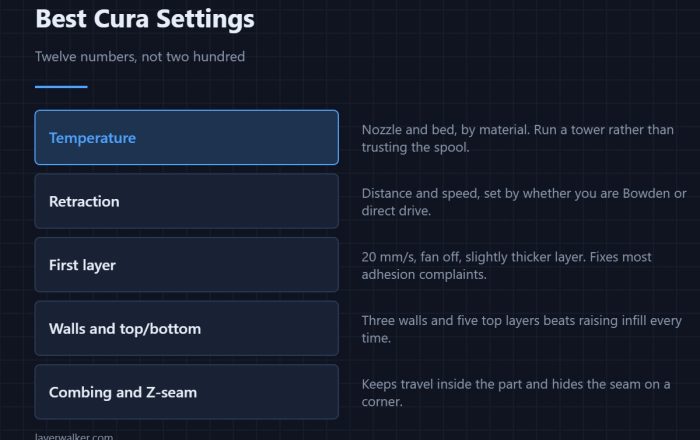
The one most tutorials are written for, and the one with a real plugin marketplace. Its weakness is that stock profiles need tuning before they print as well as PrusaSlicer’s do out of the box. The settings actually worth changing are in best Cura settings, and moving a tuned profile across is covered in importing Cura profiles into OrcaSlicer.
Bambu Studio
Worth running if you own a Bambu printer and lean on the AMS. On anything else there is little reason, not least because OrcaSlicer is a fork of it with more added since. The comparison is in OrcaSlicer vs Bambu Studio.
What about the slicer that came with my printer
Creality Print, Creality Slicer, Elegoo Cura, Anycubic Slicer, Qidi Slicer and FlashPrint are all forks. Some are well maintained and some are years behind. A fork is only as current as its last merge from upstream, which is why the bundled option is rarely the best one — see Creality Slicer and Qidi Slicer for the two most asked about.
Best 3D Printer Slicer Software FAQ
Is any paid slicer worth buying for FDM?
No. The free four cover everything a hobbyist or small workshop needs. Paid slicers exist in industrial contexts with different requirements entirely.
Which slicer should a complete beginner use?
OrcaSlicer, because the calibration tests remove the hardest part of getting started — knowing what to test and in what order.
Can I use one slicer for every printer I own?
Yes, and it is worth doing. OrcaSlicer and PrusaSlicer both handle multiple machines with separate profiles, which beats learning four bundled slicers.
Does the slicer affect print strength?
Through settings, yes — wall count, infill and temperature all matter. But the same settings in two slicers give near-identical parts. The slicer is not the variable; the profile is.

LayerWalker
Print defect diagnosis, calibration procedures and parts that actually fit. Corrections welcome through the contact page.