OrcaSlicer vs Bambu Studio: One Is a Fork of the Other
LayerWalker is a participant in the Amazon Services LLC Associates Program. We may earn a commission when you buy through links on our site, at no extra cost to you.
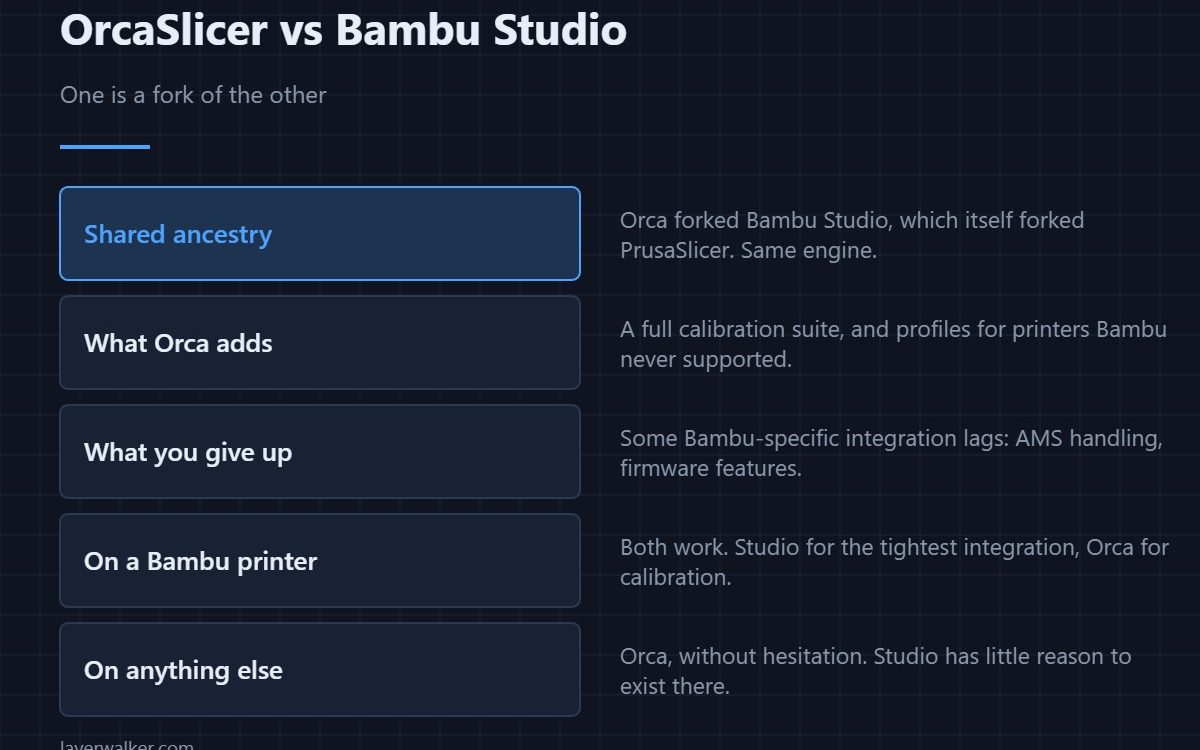
OrcaSlicer vs Bambu Studio is a comparison between a program and its own fork: Orca forked Bambu Studio, which forked PrusaSlicer. Same engine underneath. Orca adds a full calibration suite and profiles for printers Bambu never supported; Studio keeps the tightest integration with Bambu hardware and the AMS. On a Bambu printer, run whichever matches the job. On anything else, run Orca.
Because they share ancestry, the interfaces look alike and settings live in mostly the same places. Moving between them is unusually painless, which is why plenty of Bambu owners keep both.
Where to buy


Bambu Lab PLA 3D Printer Filament 1.75mm RFID 1kg with Spool, Black

SUNLU AMS Heater, Compatible with Bambu lab AMS Gen 1
What OrcaSlicer adds
The calibration menu is the headline: temperature towers, flow rate, pressure advance and retraction tests generated as ready-to-print models rather than downloaded STLs. Detail in what each test does. It also ships profiles for a wide range of non-Bambu machines, which Studio has no reason to do.
What you give up on a Bambu printer
Integration lags, not breaks. AMS handling, firmware-linked features and the newest Bambu-specific options arrive in Studio first and in Orca later. If you lean heavily on multi-colour printing with several AMS units, Studio is the smoother path — the hardware side is in the AMS Hub.
Which to run, by machine
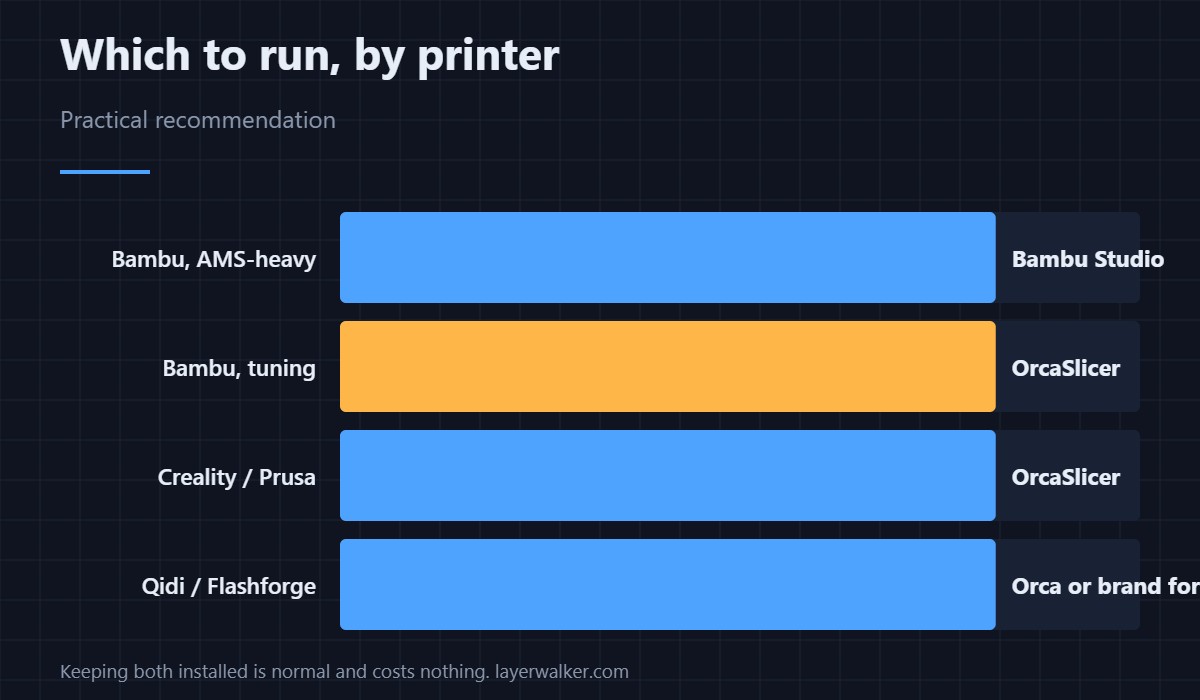
- Bambu, multi-colour heavy. Bambu Studio, for AMS handling that is always current.
- Bambu, tuning a new filament. OrcaSlicer, for the calibration suite. See the P1S for the machine most people are doing this on.
- Creality, Prusa, Sovol, Elegoo. OrcaSlicer. Studio has no purpose here.
- Qidi or Flashforge. Orca, or the vendor fork — see Qidi Slicer.
Profiles move between them
Because of the shared lineage, exporting a filament or process profile from one and importing into the other usually works. That is what makes keeping both practical rather than a chore, and it is the same reason Cura profiles can be brought across with a bit more effort. The wider list is in best 3D printer slicer software.
OrcaSlicer vs Bambu Studio FAQ
Does OrcaSlicer work with the AMS?
Yes, including multi-colour prints. Newer AMS features simply appear in Studio first, so very recent hardware may be better served there for a while.
Is OrcaSlicer safe to use with a Bambu printer?
Yes. It sends standard G-code through Bambu’s own network stack. It is widely used on Bambu machines.
Which produces better prints?
Neither, at matched settings — they share a slicing engine. Orca’s advantage is that its calibration tools help you find better settings faster.
Can I run both?
Yes, and many people do: Studio for multi-colour jobs, Orca for calibration and for other printers. Profiles transfer between them.

LayerWalker
Print defect diagnosis, calibration procedures and parts that actually fit. Corrections welcome through the contact page.