OrcaSlicer calibration menu: what each test does
LayerWalker is a participant in the Amazon Services LLC Associates Program. We may earn a commission when you buy through links on our site, at no extra cost to you.
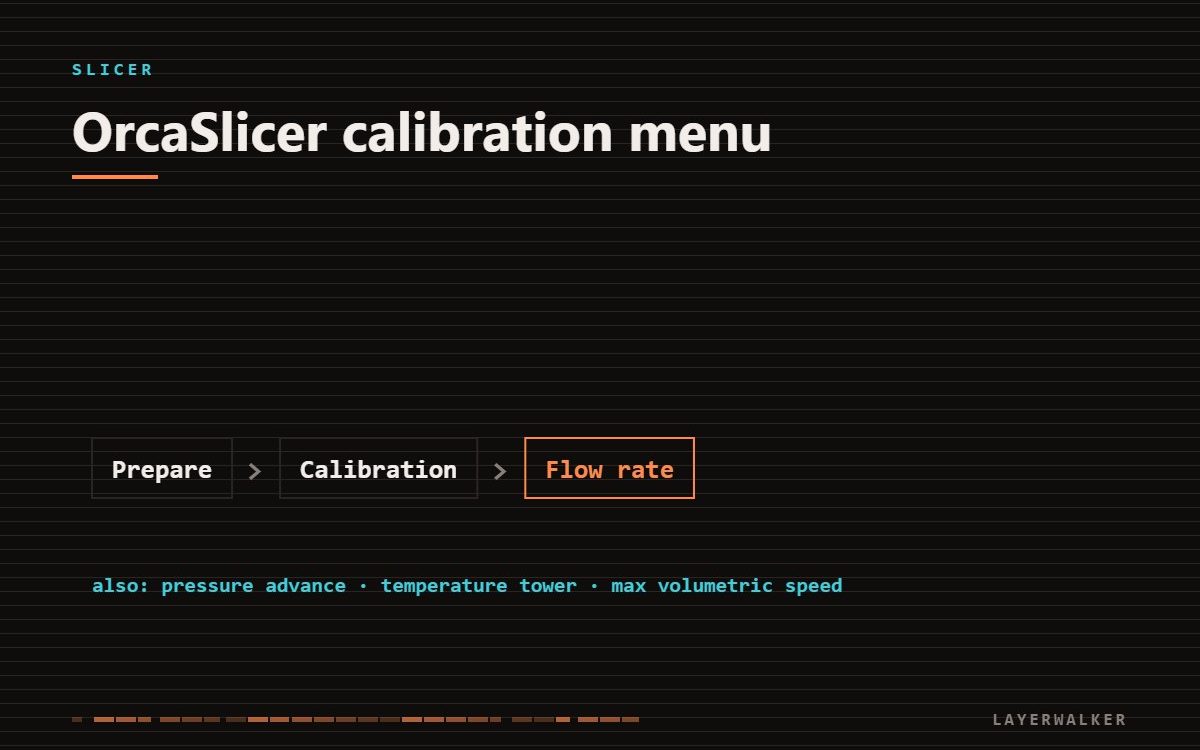
Run them in this order: temperature, flow rate, pressure advance, retraction, tolerance, max volumetric speed. Each one assumes the previous is correct, so skipping ahead means calibrating around an error.
OrcaSlicer’s calibration menu automates the test prints people used to download individually. The tests are good; the order matters more than most guides admit.
OrcaSlicer calibration: the correct order and why
| Property | Value |
|---|---|
| 1. Temperature tower | everything downstream depends on melt behaviour |
| 2. Flow rate | fixes how much plastic arrives, before you tune its timing |
| 3. Pressure advance | corrects pressure lag, assumes flow is right |
| 4. Retraction | stringing depends on temperature, so temperature comes first |
| 5. Tolerance test | measures real dimensional accuracy after the above |
| 6. Max volumetric speed | finds the hotend limit, needed before raising speeds |
| 7. VFA test | chases fine surface artefacts, last because it is cosmetic |
Temperature tower
Prints a tower with a different temperature per band. Pick the lowest band that still shows good layer bonding and clean overhangs. Lower is better for stringing and detail; too low and layers separate.
Flow rate
Runs in two passes, coarse then fine. Pick the square with the flattest top surface — not the shiniest. Overfilled squares look glossy because material is being pushed sideways.
Pressure advance
Corrects the lag between the extruder pushing and plastic actually leaving the nozzle. Too low leaves blobs at corners; too high leaves gaps just after them. The pattern method is quicker to read than the tower.
Max volumetric speed
This is the real limit on how fast you can print. It measures how much plastic per second the hotend can melt. Set speeds above it and the machine silently under-extrudes no matter what the profile says.
Machine and hotend specific. Test rather than copying.
How OrcaSlicer compares with the alternatives is in best 3D printer slicer software, and the head-to-head with the program it forked from in OrcaSlicer vs Bambu Studio.
Store results per filament
Flow, pressure advance and temperature belong in the filament profile, not the printer profile. Different brands behave differently and a single global number fits none of them exactly.

LayerWalker
Print defect diagnosis, calibration procedures and parts that actually fit. Corrections welcome through the contact page.