Pressure advance: what it fixes and how to tune it
LayerWalker is a participant in the Amazon Services LLC Associates Program. We may earn a commission when you buy through links on our site, at no extra cost to you.
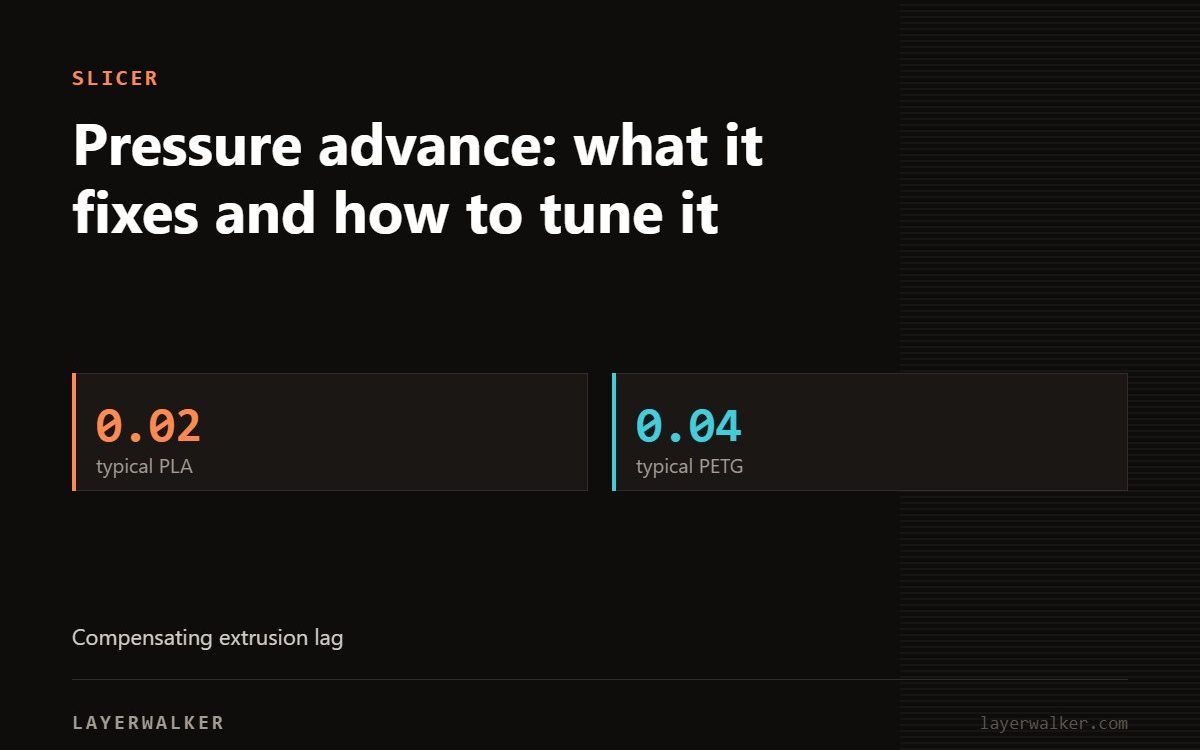
Pressure advance compensates for the delay between the extruder moving and plastic actually leaving the nozzle. Tune it and corner blobs and post-corner gaps both disappear. Too high is as bad as too low.
Molten plastic in the melt zone is compressible and the nozzle is a restriction. When the extruder speeds up, pressure builds before flow increases; when it slows, pressure bleeds off after. The result is too much plastic entering a corner and too little leaving it.
Pressure advance calibration: reading the result
| Property | Value |
|---|---|
| Blob at the corner, thin line after | value too low |
| Gap before the corner, thin corner | value too high |
| Even line width through the corner | correct |
| No visible change across the whole test | flow rate is wrong, fix that first |
Bulges at corners and thin sections just after them
Extrusion pressure lagging behind nozzle movement
- Calibrate flow rate first. Pressure advance tuned on wrong flow is meaningless.
- Run the pattern test rather than the tower. It is easier to read.
- Print at a speed close to what you actually use. The correct value shifts with speed.
- Pick the line where corner width matches straight-section width.
- Save to the filament profile.
- Re-tune after changing nozzle size or hotend.
Typical starting values
These are starting ranges only. The correct value is machine, hotend and filament specific.
Linear advance is the same idea
Marlin calls it linear advance, Klipper and Bambu call it pressure advance. Same concept, different scaling. Do not copy a value between firmware families.

LayerWalker
Print defect diagnosis, calibration procedures and parts that actually fit. Corrections welcome through the contact page.