Max volumetric speed: the real limit on print speed
LayerWalker is a participant in the Amazon Services LLC Associates Program. We may earn a commission when you buy through links on our site, at no extra cost to you.
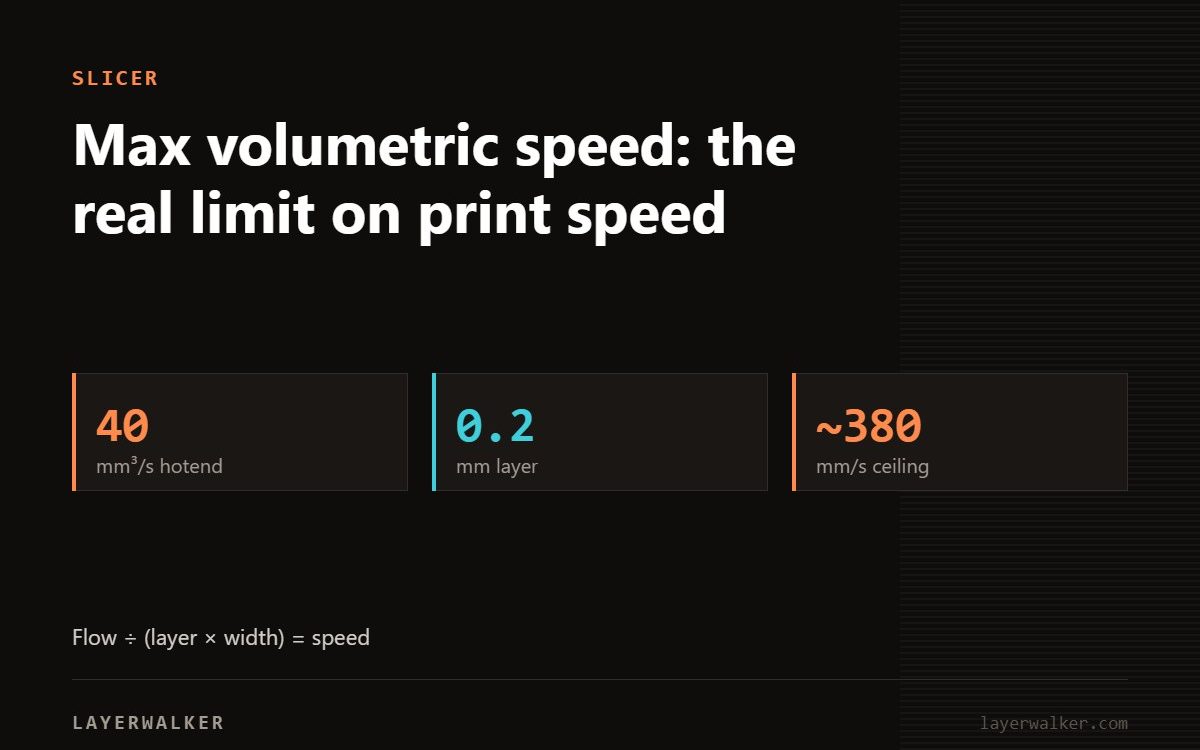
Max volumetric speed is how much plastic your hotend can melt per second. Set print speeds above it and the machine quietly under-extrudes no matter what number the profile says. Test it before chasing high speed profiles.
Speed profiles are advertised in millimetres per second, but the hotend does not care about that. It cares about cubic millimetres per second. Layer height and extrusion width turn one into the other.
Max volumetric speed: the arithmetic
Volumetric flow equals layer height multiplied by extrusion width multiplied by speed. A 0.2 mm layer at 0.42 mm width running at 150 mm/s needs 12.6 mm3/s. Many standard hotends cannot melt that much PLA, so the print silently comes out thin.
| Property | Value |
|---|---|
| Standard hotend, PLA | 8-12 mm3/s |
| High flow hotend, PLA | 20-30 mm3/s |
| Standard hotend, PETG | 6-10 mm3/s |
| Standard hotend, ABS / ASA | 8-12 mm3/s |
| TPU | 2-4 mm3/s |
| Carbon filled | reduce by about 20 percent |
Fast prints come out weak and thin, slow prints are fine
Requested flow exceeds what the hotend can melt
- Run the max volumetric speed test in your slicer.
- Watch for the point where extrusion becomes visibly inconsistent and note the value.
- Set the filament profile limit slightly below that.
- Leave your speed settings alone. The slicer will cap them automatically where needed.
- Retest per material. PETG melts more slowly than PLA.
What actually makes prints faster
If you are flow limited, raising speed does nothing. Increasing layer height moves more plastic per pass within the same flow budget, and a larger nozzle does the same. A 0.6 mm nozzle at 0.3 mm layers finishes most functional parts in a fraction of the time with no quality loss that matters.
Set it per filament
This is a filament profile setting, not a printer setting. Carbon filled variants need a lower limit than the plain material, and every brand differs slightly.

LayerWalker
Print defect diagnosis, calibration procedures and parts that actually fit. Corrections welcome through the contact page.