PrusaSlicer vs Cura: Supports Against Plugins
LayerWalker is a participant in the Amazon Services LLC Associates Program. We may earn a commission when you buy through links on our site, at no extra cost to you.
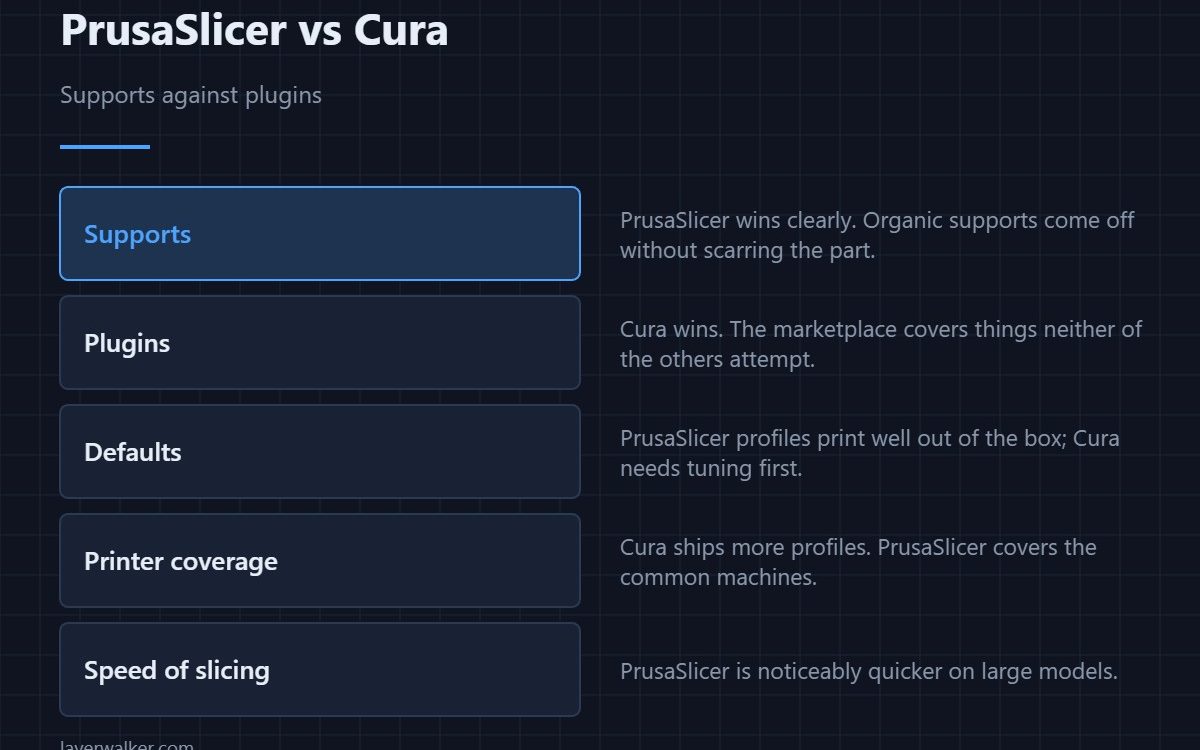
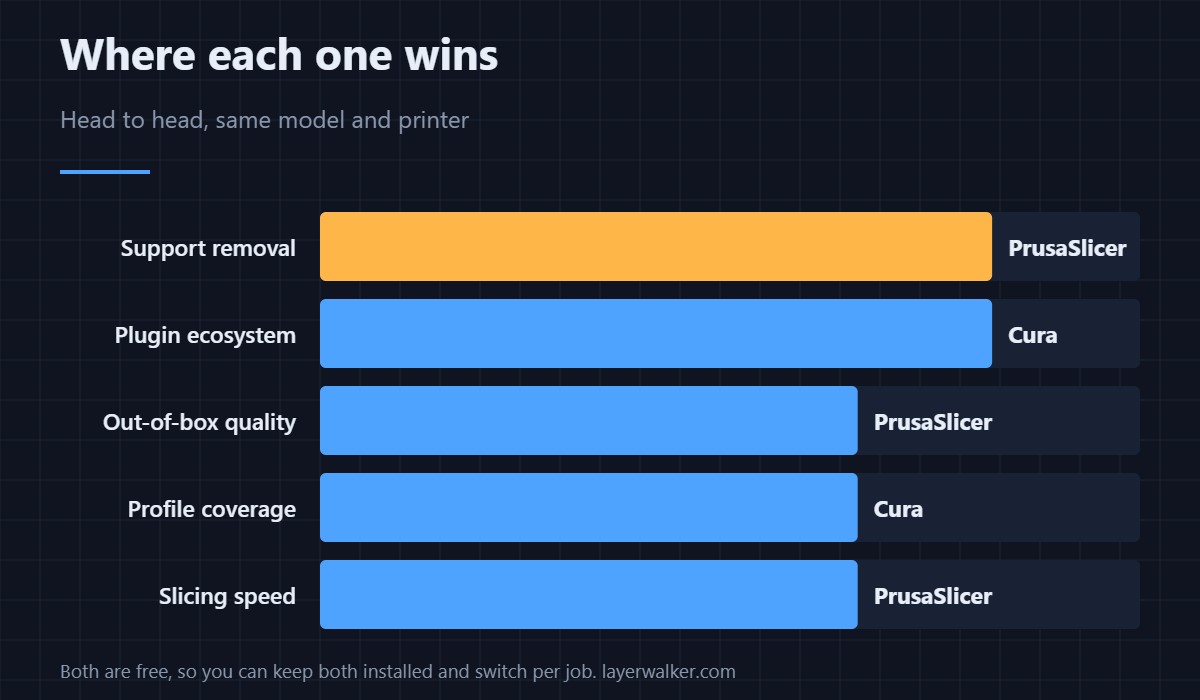
PrusaSlicer vs Cura is a narrow contest because both are free and both slice well. PrusaSlicer wins on supports, out-of-box profile quality and slicing speed. Cura wins on plugins and the sheer number of printer profiles it ships. If you print models with overhangs, take PrusaSlicer; if you want to extend the slicer itself, take Cura.
There is no licensing decision here and no lock-in. You can install both, and the practical question is which to open first for a given model rather than which to commit to.
Where to buy


Supports: PrusaSlicer, clearly
Organic supports branch to the model at fewer contact points and peel away without scarring the surface. Cura’s tree supports have improved but still leave more marks and take longer to remove. On miniatures, figures and anything with steep overhangs this is the difference that decides it. Which style to pick is in tree vs normal supports.
Plugins: Cura, clearly
Cura has a marketplace with post-processing scripts, model repair, custom supports and vendor integrations. PrusaSlicer has post-processing scripts but nothing like the ecosystem. If you need a specific workflow bolted on, Cura is usually where somebody has already built it.
Defaults and profile coverage
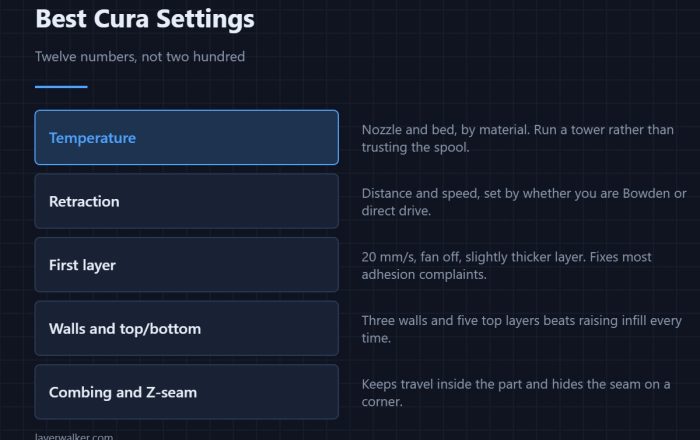
PrusaSlicer’s shipped profiles tend to print well immediately; Cura’s need tuning before they match. Against that, Cura ships more printer profiles, so an obscure machine is more likely to be listed. The settings worth changing in Cura are in best Cura settings.
Speed and interface
PrusaSlicer slices large models noticeably faster and its Expert mode exposes settings in a more predictable order. Cura’s search box is better for finding a specific setting by name when you do not know where it lives.
The answer most people land on
Keep both, and add OrcaSlicer for calibration. Nothing is lost by having three free slicers installed, and profiles transfer more easily than people expect — see importing Cura profiles into OrcaSlicer. The wider picture is in best 3D printer slicer software, and PrusaSlicer on its own in this guide.
PrusaSlicer vs Cura FAQ
Which produces stronger parts?
Neither, at matched settings. Strength comes from wall count, temperature and layer adhesion, not from which program generated the G-code.
Which is easier for a beginner?
PrusaSlicer, because its default profiles need less work before they print acceptably. Cura assumes you will tune.
Can I use my Cura profile in PrusaSlicer?
Not directly — the formats differ. You transfer the values by hand, which is a twenty-minute job for the dozen settings that matter.
Does either one support my printer better?
Cura ships more profiles, so unusual machines are more likely to be listed. For common printers both cover you, and adding a custom printer is straightforward in either.

LayerWalker
Print defect diagnosis, calibration procedures and parts that actually fit. Corrections welcome through the contact page.