Best Slicer for Ender 3: Not the One on the SD Card
LayerWalker is a participant in the Amazon Services LLC Associates Program. We may earn a commission when you buy through links on our site, at no extra cost to you.
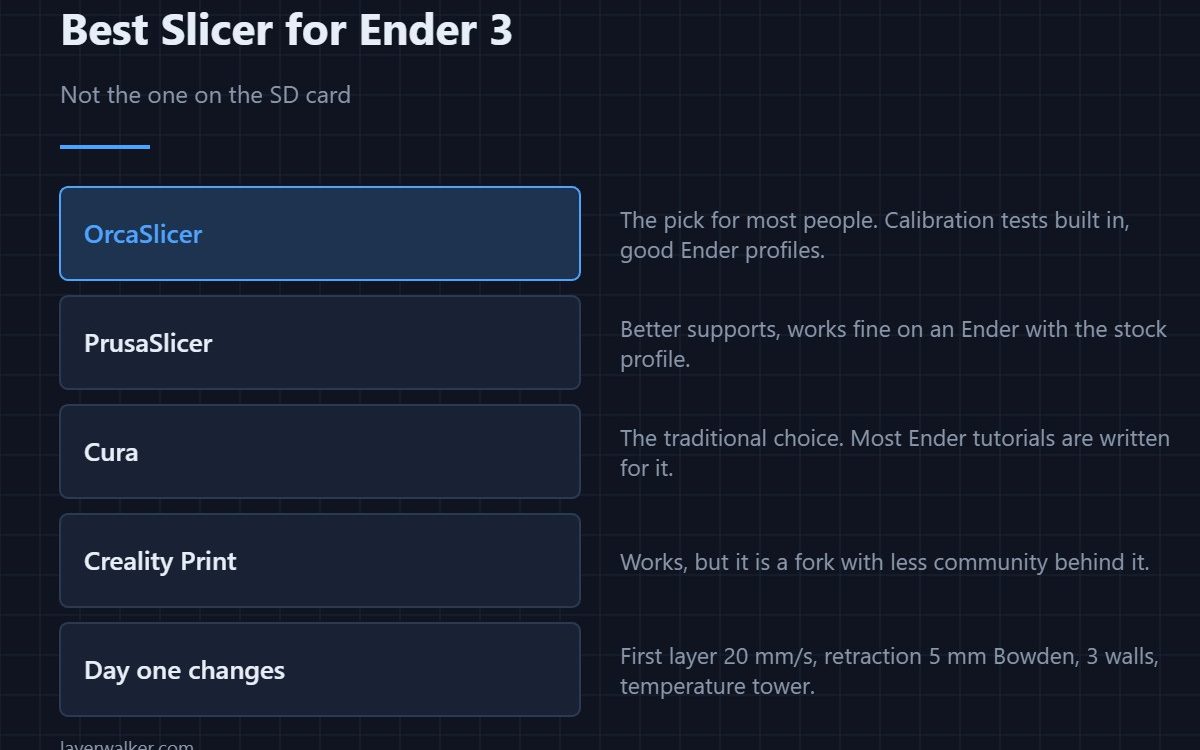
The best slicer for Ender 3 is OrcaSlicer for most people, because its calibration tests remove the guesswork from tuning a machine that ships untuned. PrusaSlicer is the pick if supports are your problem, and Cura is the one most Ender tutorials are written for. All three are free. The slicer on the supplied SD card is years old — do not use it.
The Ender 3 is a capable printer that ships with a conservative profile and an ancient bundled slicer. Most of what people call “Ender 3 problems” are profile problems, and the fix is a current slicer plus about six settings.
Where to buy


OrcaSlicer, for most people
It ships Ender 3 profiles and, more importantly, a calibration menu that generates temperature towers, flow tests and retraction tests as ready-to-print models. On a machine that needs tuning, that is worth more than any other feature — see what each test does.
PrusaSlicer, if supports are the issue
Organic supports that peel off cleanly, and profiles that work on an Ender without modification. Detail in PrusaSlicer.
Cura, if you follow tutorials
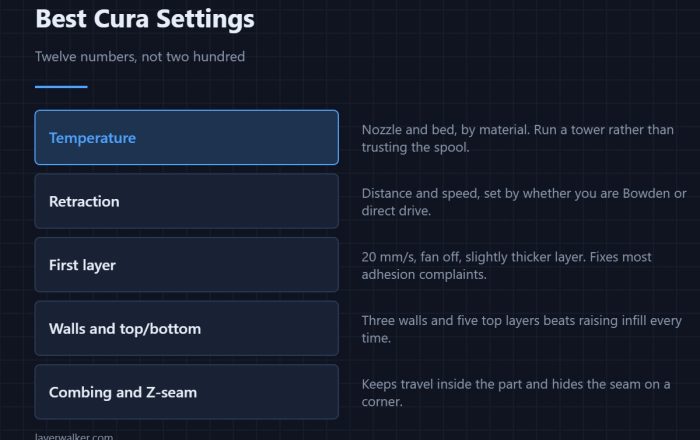
Most written Ender 3 guidance assumes Cura, so following along is easier. Its defaults need tuning — the list is in best Cura settings.
The settings to change on day one
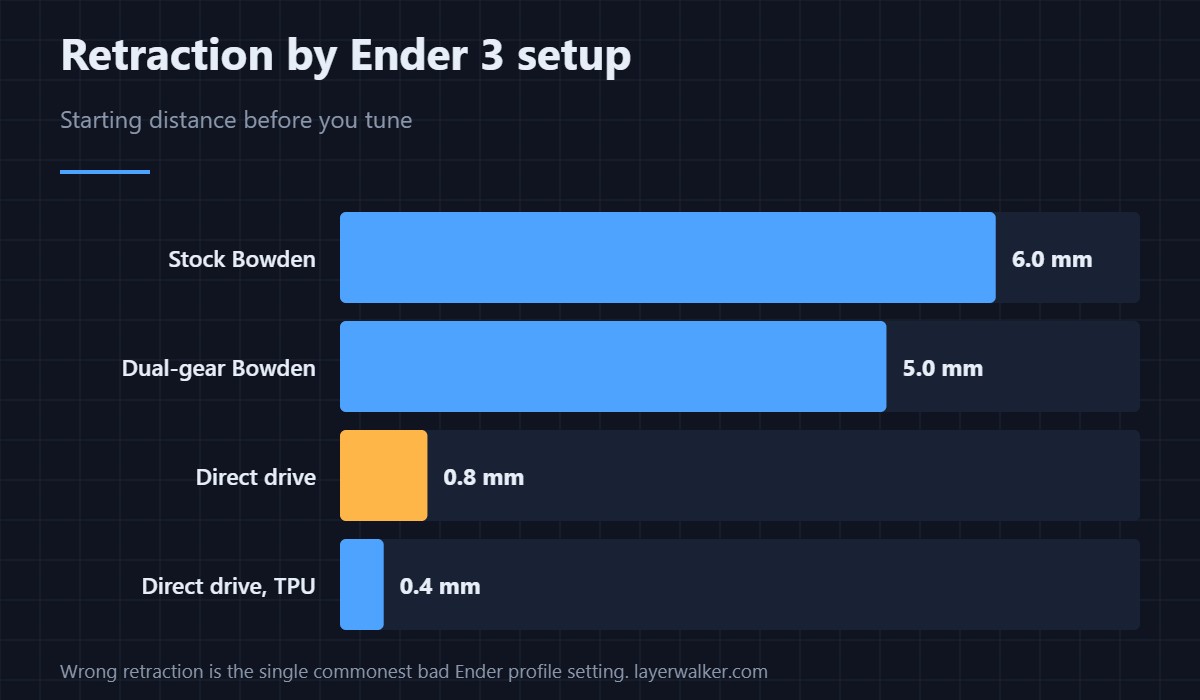
- Retraction. The chart above. Stock Ender 3 is Bowden and wants around 5–6 mm; if you have converted to direct drive, drop to under 1 mm.
- First layer 20 mm/s, fan off. Then level the bed properly, which no slicer can do for you.
- Temperature tower. Stock profiles run most PLA about 10 °C hotter than it needs.
- Three walls instead of two. Biggest strength gain per minute of print time.
- Z-seam to a corner, so the seam hides on an edge.
Which Ender 3 do you actually have
Profiles differ between the original, the Pro, the V2 and the V3 line — bed size is shared but the hotend and firmware are not. Picking the wrong profile gives odd first layers and wrong retraction. Sorting out which machine you own is in the Ender 3 lineup, and the hardware worth adding is in Ender 3 upgrades.
Best Slicer for Ender 3 FAQ
Is Creality Print good enough for an Ender 3?
It works, but it is a fork with a smaller community and slower updates. There is no advantage over OrcaSlicer for this machine — see Creality Slicer and Creality Print.
Do I need a different slicer for the Ender 3 V3?
No, but you do need the right profile. The V3 line runs much faster than the original, so a profile written for a 2018 Ender 3 will leave most of its speed unused.
Why do my prints look worse than the tutorial’s?
Almost always retraction and temperature, copied from a tutorial written for a different extruder setup. Run a tower and a retraction test on your own machine before copying anyone’s numbers.
Can I use the same slicer for a second printer later?
Yes. OrcaSlicer and PrusaSlicer both handle several machines with separate profiles, which is a good reason not to learn a vendor slicer.

LayerWalker
Print defect diagnosis, calibration procedures and parts that actually fit. Corrections welcome through the contact page.