Best Resin Printer Slicer: Chitubox, Lychee, and What Each Costs
LayerWalker is a participant in the Amazon Services LLC Associates Program. We may earn a commission when you buy through links on our site, at no extra cost to you.
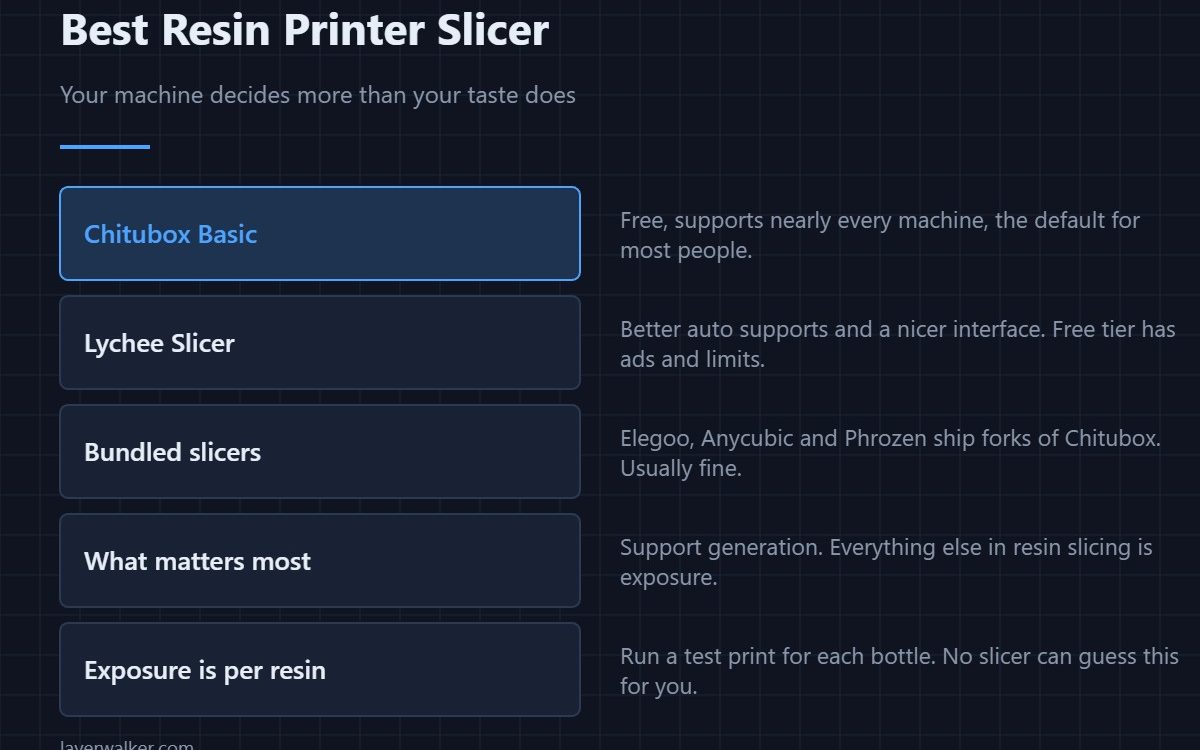
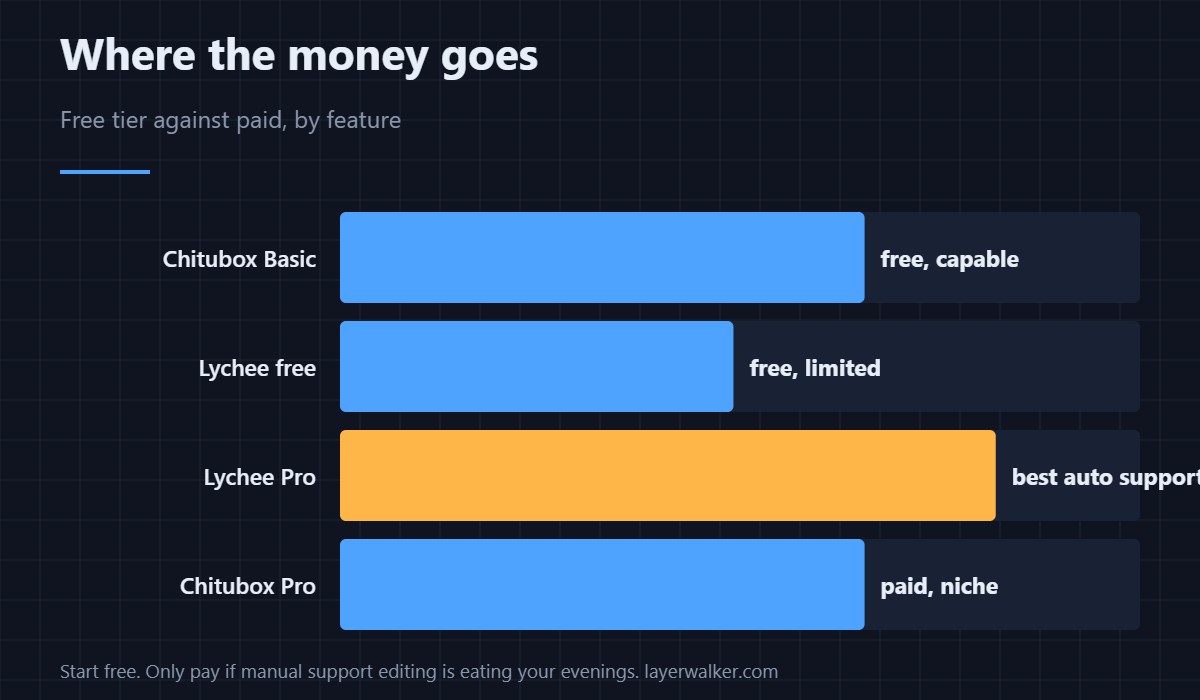
The best resin printer slicer for most people is Chitubox Basic, because it is free and supports nearly every machine. Lychee Slicer generates better automatic supports but limits its free tier. The slicer bundled with your printer is usually a Chitubox fork and is generally fine. Support generation is the only thing that really differs — everything else in resin slicing is exposure, and that is per-resin.
Resin slicing is a much smaller problem than FDM slicing. There is no retraction, no infill, no cooling and no temperature tower. What there is: hollowing, drain holes, orientation, supports and exposure. Only supports vary meaningfully between programs.
Where to buy
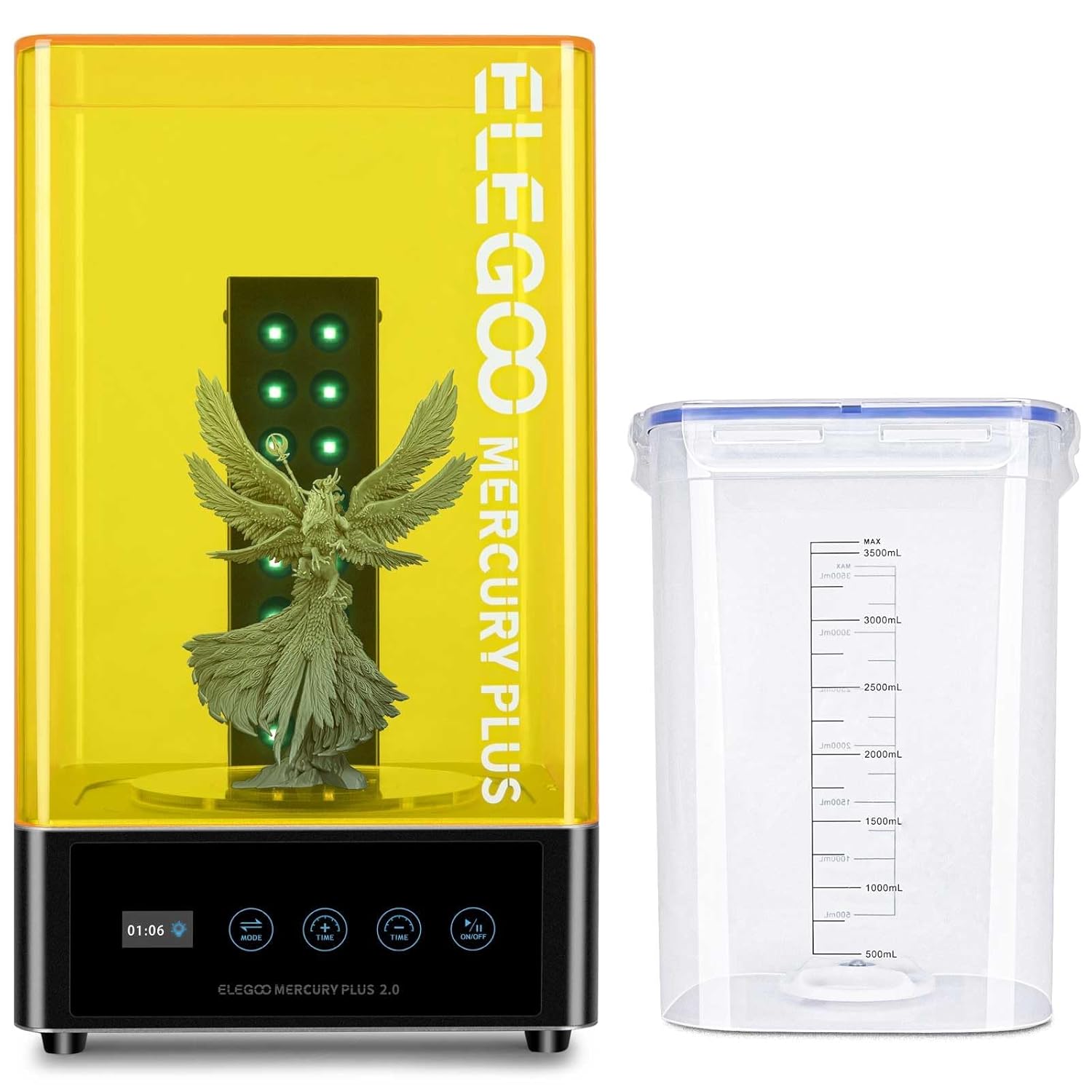

ANYCUBIC 3D Printer Resin, 405nm SLA UV-Curing Resin with High Precision and Quick Curing & Excellent Fluidity for LCD 3D Printing (Grey, 1kg)

Chitubox Basic
Free, supports an enormous list of machines, and the format most printers expect natively. Its automatic supports are adequate rather than excellent, and most people end up adjusting them by hand on complex models. For a first resin printer it is the obvious starting point — see resin printers for beginners.
Lychee Slicer
Better automatic support generation and a more approachable interface. The free tier carries advertising and restricts some features; the paid tier removes both. Whether that is worth paying for comes down to how much time you currently spend fixing supports by hand — if the answer is “most of the evening”, it pays for itself quickly.
The slicer that came with your printer
Elegoo, Anycubic and Phrozen all ship Chitubox forks with their machine profiles preloaded. They work, they are current enough, and for a single printer they save you setting up a machine profile. The only reason to move off them is support quality.
Exposure is not a slicer question
This catches people moving from FDM. No slicer can tell you the right exposure time: it depends on the resin, the printer’s light source and the ambient temperature. Run an exposure test print for every new bottle. Curing afterwards is a separate variable again — see how long to cure resin prints.
If you are choosing between resin and filament
The slicer question is downstream of a bigger one. Resin wins on fine detail and loses on strength, mess and safety overhead — the comparison is in SLA vs FDM. If you print functional parts, the FDM slicers in best 3D printer slicer software are the relevant list instead.
Best Resin Printer Slicer FAQ
Is Chitubox Basic still free?
Yes. There is a paid Pro tier aimed at more specialised workflows, but the free version covers ordinary hobby printing completely.
Is Lychee worth paying for?
Only if automatic supports are costing you real time. The paid tier buys convenience, not print quality — a well-supported model prints the same from either program.
Can I use one slicer for several resin printers?
Yes. Both Chitubox and Lychee handle multiple machine profiles, which is a good reason not to rely on the bundled fork if you own more than one printer.
Does the slicer affect resin print quality?
Only through supports and orientation. Exposure, resin temperature and the printer’s screen do the rest, and no slicer setting compensates for a bad exposure time.

LayerWalker
Print defect diagnosis, calibration procedures and parts that actually fit. Corrections welcome through the contact page.