Creality K1 Error 2069: M107 P3 in the Sliced File
LayerWalker is a participant in the Amazon Services LLC Associates Program. We may earn a commission when you buy through links on our site, at no extra cost to you.
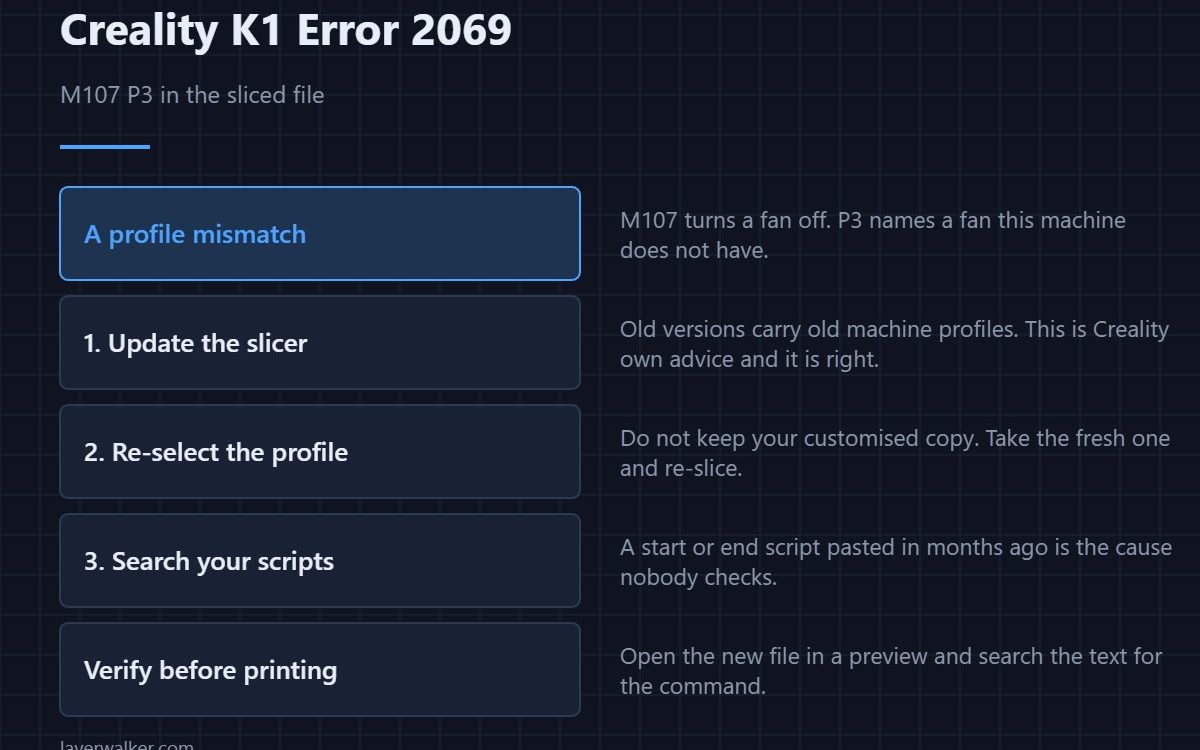
Creality K1 error 2069 means the sliced file contains the command M107 P3, which this firmware does not accept. Creality’s own advice is the right advice: update the slicer and re-slice. The command is a fan instruction aimed at a fan index the printer does not have, and it almost always comes from an out-of-date or mismatched profile.
It is a satisfying error to get, because the printer has told you exactly what is wrong rather than failing vaguely.
Where to buy


What M107 actually is
M107 turns a fan off. The P parameter picks which fan. On a machine with fewer fan outputs than the profile expects, P3 refers to something that does not exist, and rather than guess, the firmware stops. It is a profile-versus-hardware mismatch expressed in one line of text.
The three ways it gets into your file
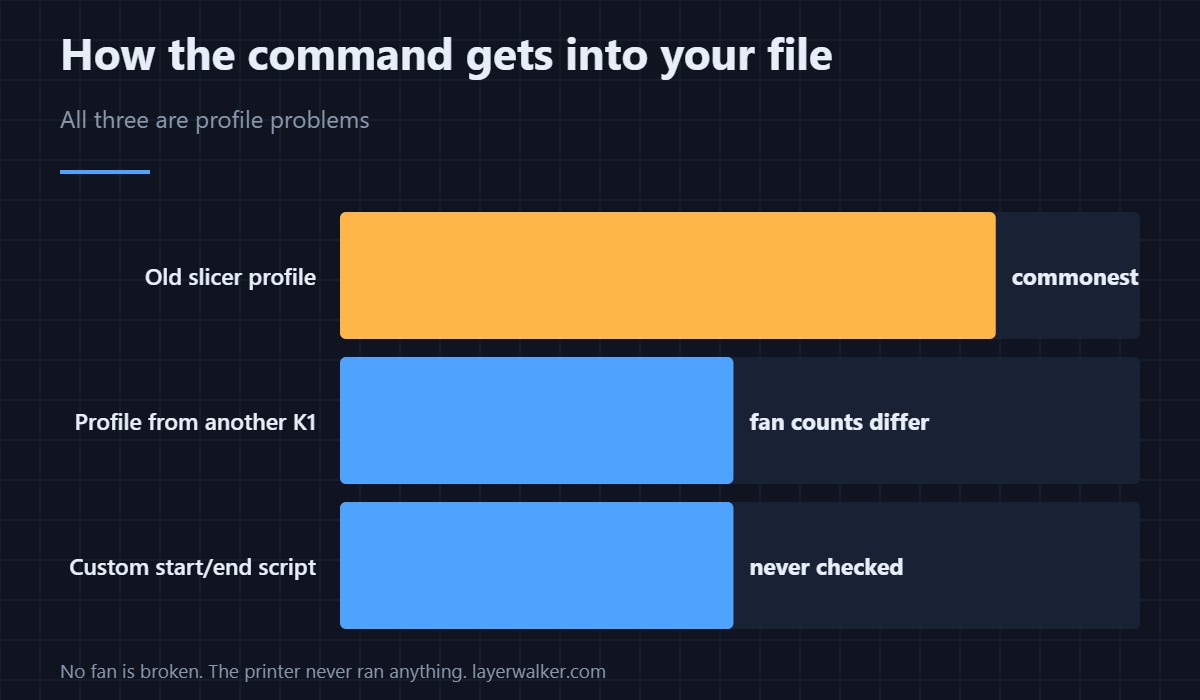
An old slicer version with an old machine profile is the commonest. Second is a profile copied from a different K1 variant, since the family does not share fan counts exactly. Third is a custom start or end script you pasted in months ago and forgot, which is the one people never check.
Fix it in the right order
Update the slicer, then re-select the machine profile rather than keeping your customised copy, then re-slice. If it persists, search your start and end G-code for M107 and remove the offending line. Profile handling and where those scripts live are covered in the Creality slicer guide.
Confirming the fix before you print
Open the new file in a G-code preview and search the text for the command. That takes seconds and saves walking back to the printer to find out. It also catches the case where you re-sliced with the same broken profile and changed nothing.
Why Creality K1 error 2069 is not a hardware fault
No fan is broken. The printer never got as far as running anything. Fan hardware faults have their own codes and read completely differently — the heat break fan fault is 501 and the board fan fault is 502. If the file will not even copy across, that is 100 and happens earlier still.
Creality K1 Error 2069 FAQ
Can I just delete the line by hand?
You can, and for a one-off print it works. It is a patch rather than a fix, because the next file you slice will contain it again.
Does this affect third-party slicers?
It can. Any slicer using a stale or borrowed K1 profile can emit it, which is why re-selecting the machine profile matters more than which slicer you use.
Will updating the firmware fix it instead?
Not reliably, and it is the wrong end of the problem. The file is asking for hardware that is not there; changing the firmware does not add a fan.
Why does an old file from last year still work?
Because it was sliced with a profile that matched at the time. The mismatch arrived with a profile change, not with the printer.

LayerWalker
Print defect diagnosis, calibration procedures and parts that actually fit. Corrections welcome through the contact page.

