Creality K1 Error 502: Mainboard Fan Exception
LayerWalker is a participant in the Amazon Services LLC Associates Program. We may earn a commission when you buy through links on our site, at no extra cost to you.
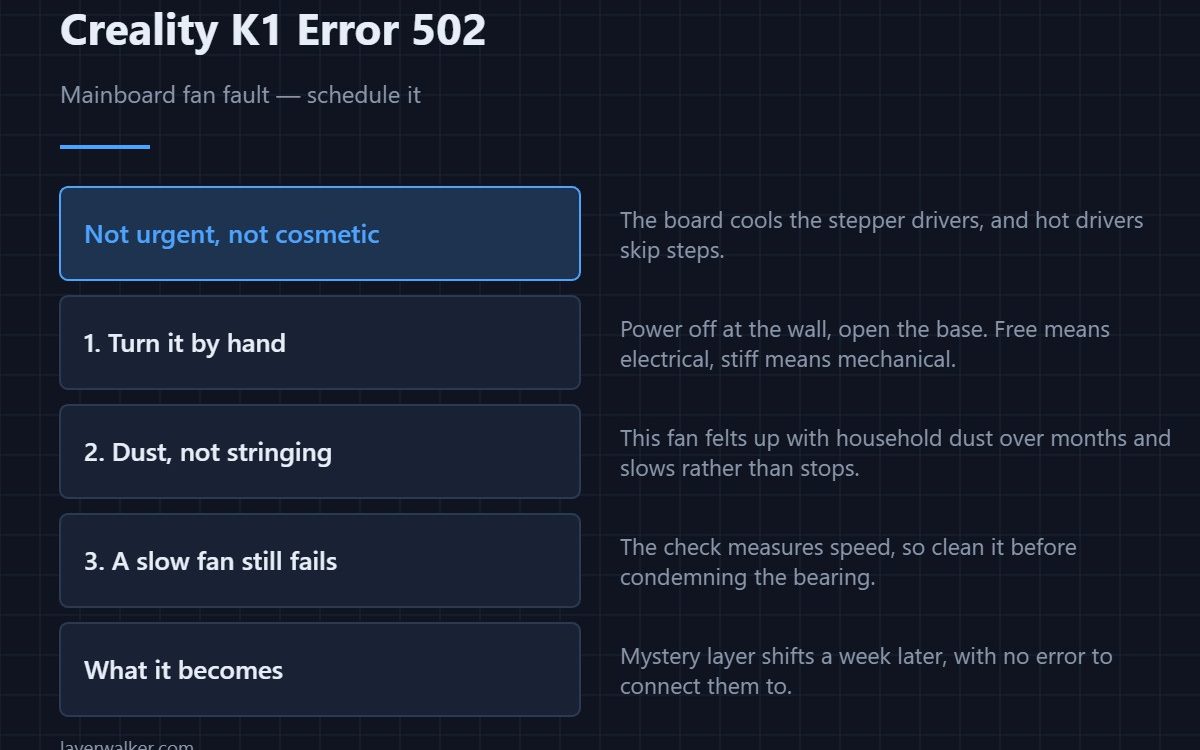
Creality K1 error 502 means the mainboard fan is not reporting its speed. Nothing melts immediately, so this is less urgent than the hotend fan fault, but it is not cosmetic either: the board cools the stepper drivers, and hot drivers are the classic source of skipped steps and layer shifts that appear to have no cause.
The K1 board sits in an enclosed base under the machine, with the enclosure above it running warm by design. It needs that fan.
Where to buy



The same three causes, in the same order
A loose cable terminal, a fan jammed during assembly, or a failed fan. Power the printer off at the wall, open the base, and turn the fan by hand. Free means electrical; stiff or blocked means mechanical.
Dust is the difference here
Unlike the hotend fan, which collects stringing, the mainboard fan collects household dust, and it does it for months before anything complains. A fan clogged with felted dust slows rather than stops, which is exactly the state that trips a speed check while still appearing to spin. Clean it before you condemn it.
What running hot actually does
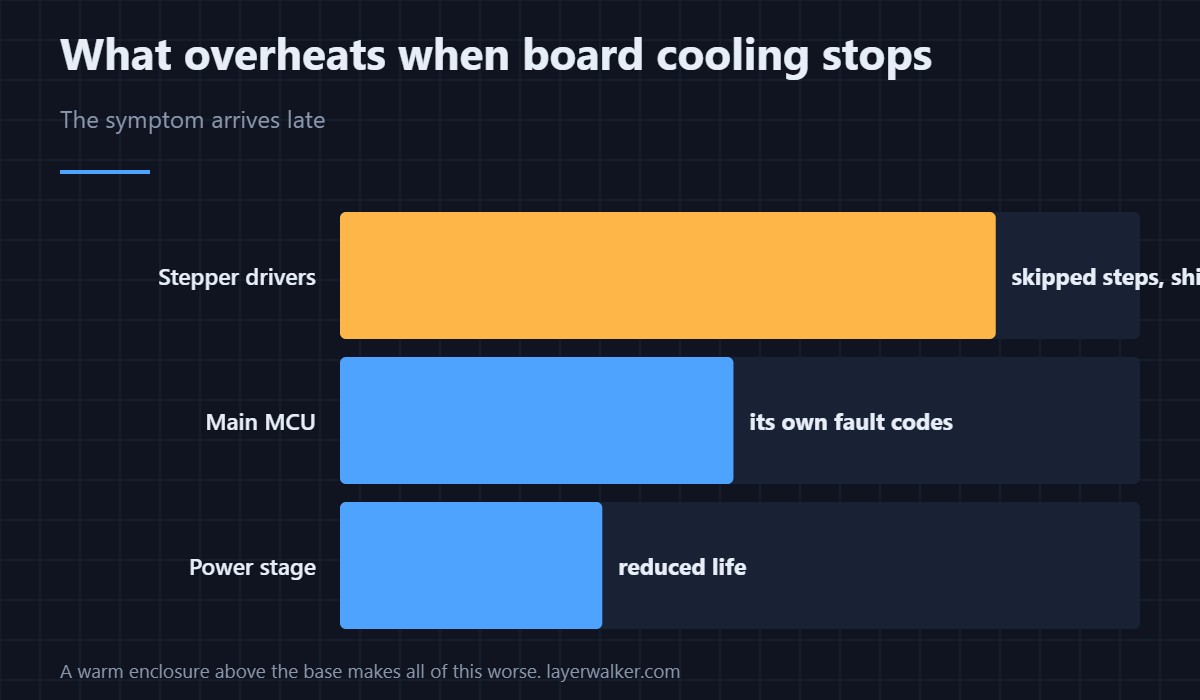
Stepper drivers throttle or skip when they overheat. The symptom is not an error message but a print that shifts sideways partway up, and it is maddening to diagnose if you have not connected it to the fan fault — the general failure mode is described in layer shifting, and driver behaviour in stepper motors.
Why Creality K1 error 502 gets ignored and should not be
Because the printer keeps working. People clear it, print for a week, and then spend an evening chasing mystery layer shifts. If you do nothing else, clean the fan and confirm it spins freely — sizes and replacements are in 3D printer cooling fans. The genuinely urgent fan fault is 501, which you should never defer.
Creality K1 Error 502 FAQ
Can I keep printing with this showing?
For a short supervised print, yes. For a long one in a warm room, you are inviting skipped steps.
Where is the mainboard fan on a K1?
In the base of the machine, underneath the print area, exhausting through the vents in the bottom housing. It is not the fan you see in the chamber.
Could this be caused by an enclosure that runs too hot?
It makes it worse rather than causes it. A chamber held at ABS temperatures warms everything below it, and a marginal fan fails sooner in that environment.
The fan spins but the error persists. Now what?
A slow fan still reports a fault. Clean it, and if it is still slow when clean, the bearing is worn and it needs replacing.
Drivers that lose their cooling eventually report for themselves. When they do, the code is Creality K1 error 2505, and overheating is the first of its three named causes.

LayerWalker
Print defect diagnosis, calibration procedures and parts that actually fit. Corrections welcome through the contact page.

