Creality K1 Error 2505: TMC Motor Driver Exception
LayerWalker is a participant in the Amazon Services LLC Associates Program. We may earn a commission when you buy through links on our site, at no extra cost to you.
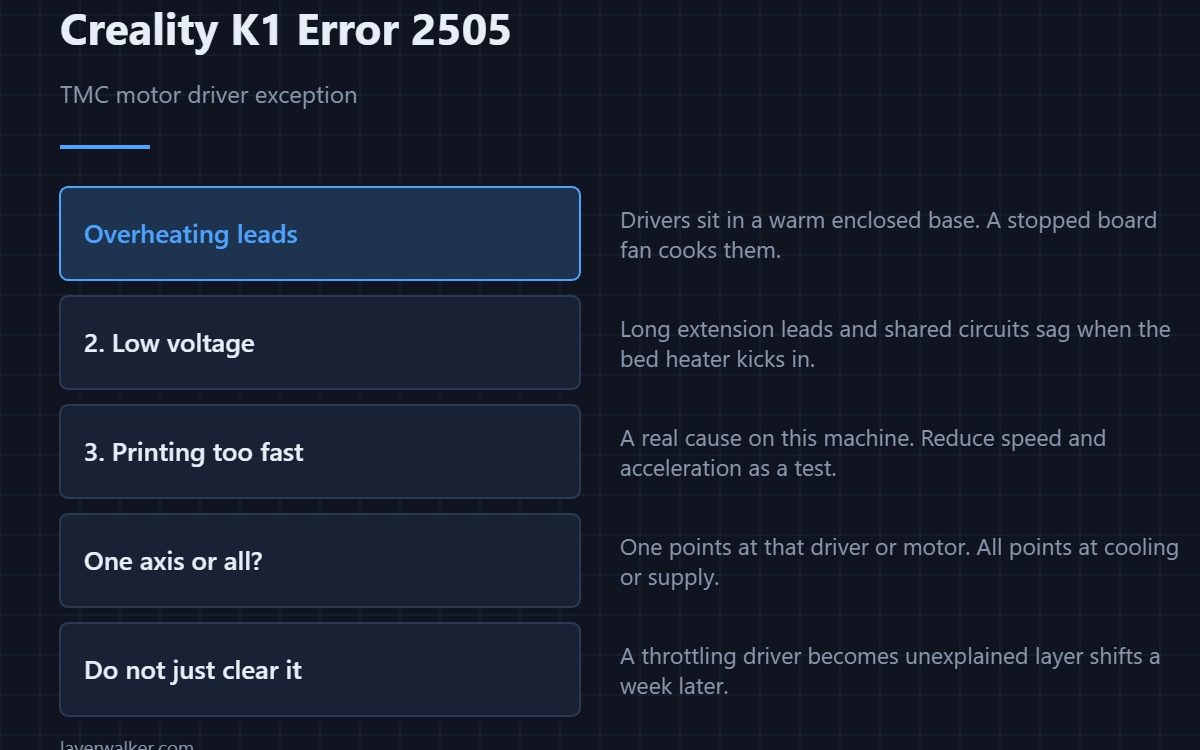
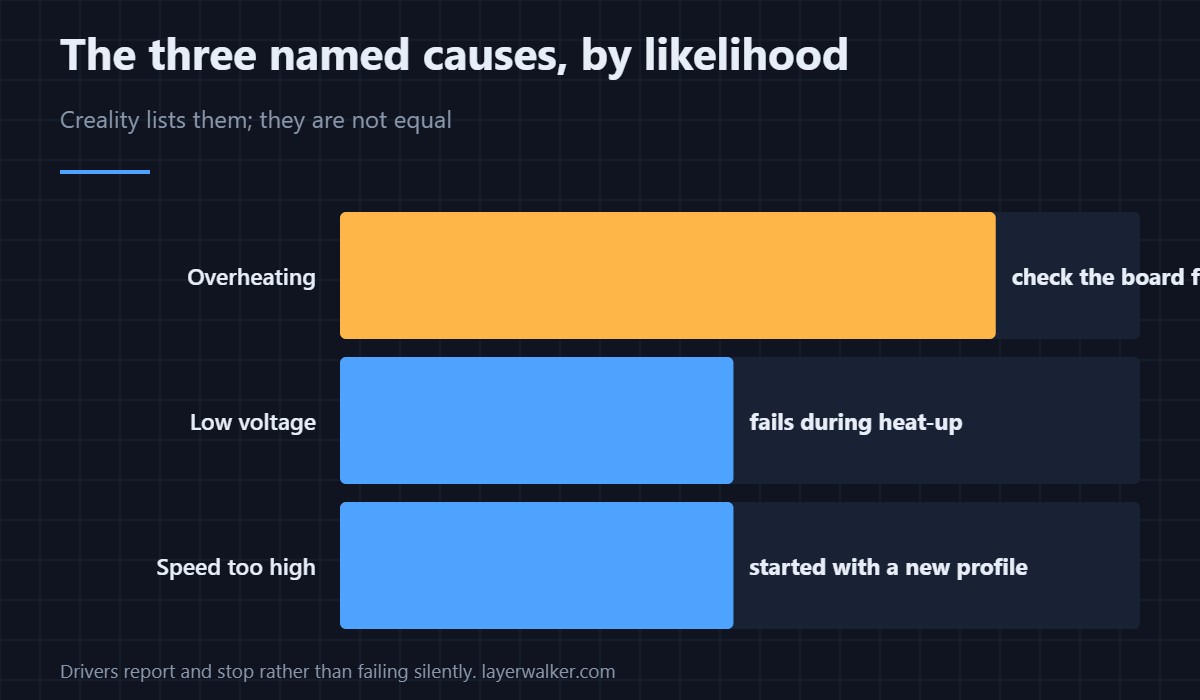
Creality K1 error 2505 is a TMC motor driver fault, and Creality names three causes: overheating, low voltage, and printing too fast. That ordering is useful. Overheating is by far the most common, it is usually caused by a mainboard fan that has stopped doing its job, and it is the cheapest of the three to fix.
TMC drivers report their own faults, so the printer is passing on what the chip said rather than guessing.
Where to buy


Overheating: check the board fan
The drivers sit on the mainboard in the base of the machine, under the print area, in an enclosure that runs warm by design. If the board fan has slowed or stopped, the drivers cook. Power off at the wall, open the base, and turn the fan by hand. Dust felted into the blades is the usual finding, and the printer may already have told you about it as 502.
Low voltage: check the supply, not the printer
A sagging mains supply, a long extension lead, or sharing a circuit with something that draws heavily all pull the rail down when the bed heater kicks in. The tell is a fault that appears during heat-up rather than mid-print. Plug the printer directly into a wall socket before suspecting the board.
Printing too fast: a real cause on this machine
The K1 is built for speed, and profiles pushed past what the drivers will sustain produce exactly this. If the fault started when you adopted an aggressive profile rather than after a hardware change, reduce acceleration and speed and see whether it goes away. That is a diagnosis, not a defeat.
What Creality K1 error 2505 becomes if you clear and carry on
Drivers that throttle or skip produce prints that shift sideways partway up, with no error to connect them to — the symptom set is in layer shifting. Clearing the message without addressing the cause turns a diagnosable fault into an unexplained one. How drivers behave under thermal stress is covered in stepper motors, and board cooling in cooling fans.
Creality K1 Error 2505 FAQ
Does this mean the mainboard is dead?
Rarely. Drivers protect themselves by reporting and stopping, which is the opposite of failing silently. Fix the cooling first.
It happens on one axis only. Meaningful?
Yes. A single axis points at that driver, its motor, or the wiring to it. All axes together points at cooling or supply.
Would extra heatsinks help?
They help at the margin, but airflow does the real work. A heatsink in still air is barely better than no heatsink.
Is running the printer with the base open a fix?
It is a useful test, not a fix. If the fault stops with the base open, you have confirmed cooling as the cause.
Drivers are not the only thing that runs out of headroom. When the controller itself misses its deadlines, the code is Creality K1 error 2090, and dense geometry causes most of them.

LayerWalker
Print defect diagnosis, calibration procedures and parts that actually fit. Corrections welcome through the contact page.

