Creality K1 Error 2504: Z Axis Homing Exception
LayerWalker is a participant in the Amazon Services LLC Associates Program. We may earn a commission when you buy through links on our site, at no extra cost to you.
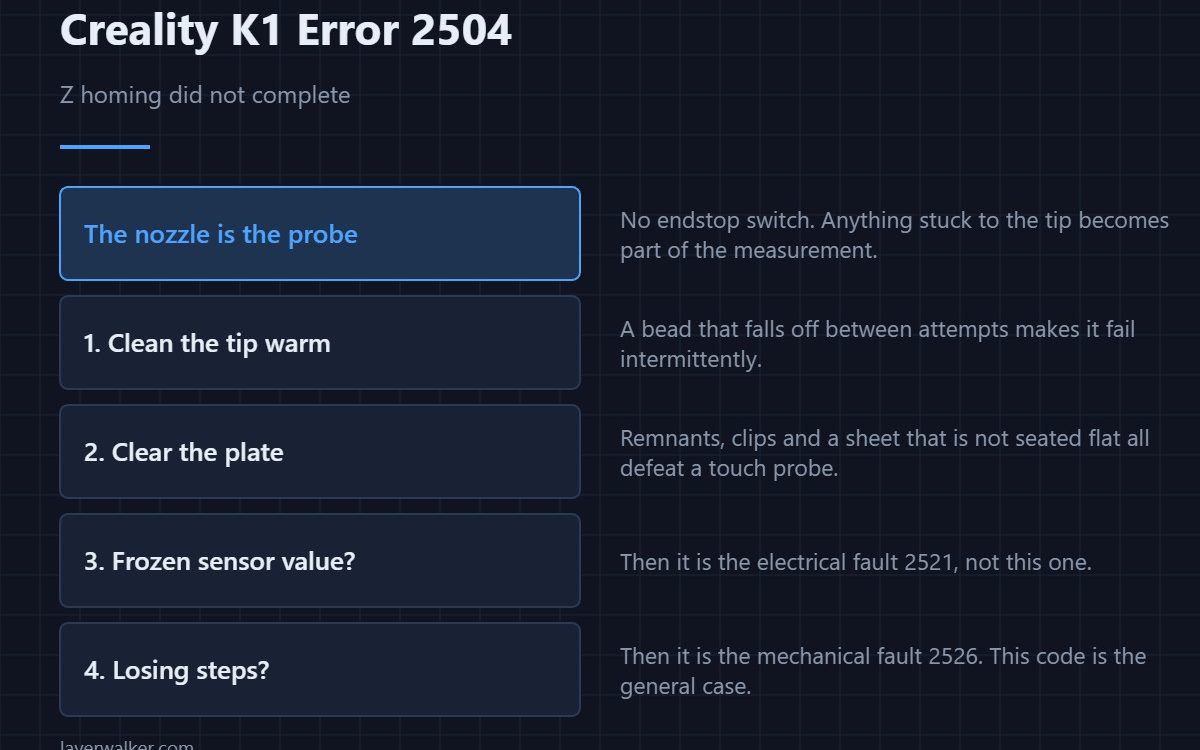
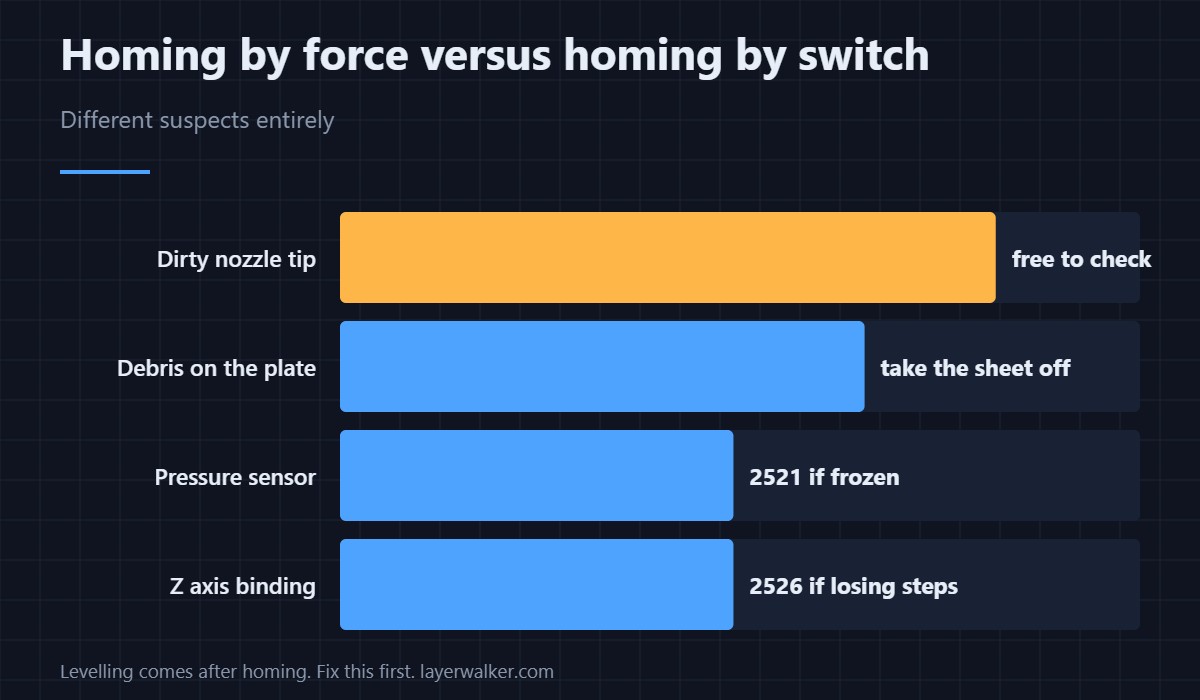
Creality K1 error 2504 means Z homing did not complete. The K1 finds Z by pressing the nozzle against the plate and watching the force rise, so there is no endstop switch to check. That makes the suspects a dirty nozzle tip, an obstruction on the plate, the pressure sensor, or a Z axis that will not move smoothly.
Because the nozzle is the probe, anything stuck to it becomes part of the measurement.
Where to buy


Clean the tip first, while it is warm
A blob of plastic on the nozzle means the printer touches down early and inconsistently, and a bead that falls off between attempts makes it fail intermittently. Heat the hotend, wipe the tip with a brass brush or a cloth you do not mind losing, and try again. This is first because it is free and it is often the whole story.
Then the plate
A remnant of the last print, a clip left on the sheet or a sheet that is not seated flat all defeat a touch probe. Take the sheet off, check underneath for debris, and refit it properly. A plate that has never been washed since it was new is worth doing at this point too.
Sensor or axis?
Two other K1 faults look like this one and are worth ruling out by their own symptoms. If the pressure reading is a fixed number rather than a changing one, that is 2521 and it is electrical. If the Z motor loses steps even after the printer slows down and retries, that is 2526 and it is mechanical. This code is the general failure that those two are specific cases of.
Why Creality K1 error 2504 is not a levelling problem
Levelling comes after homing. If the printer cannot establish Z zero, there is nothing to level against, so adjusting mesh settings or re-running calibration changes nothing. Do the homing fix first, then calibrate — the general sequence is in calibrating a 3D printer, and how force-based probing differs from a switch is covered in bed levelling sensors.
Creality K1 Error 2504 FAQ
There is no Z endstop to check?
Not in the conventional sense. The nozzle and the pressure sensor do that job, which is why nozzle cleanliness matters so much here.
It homes fine cold but fails hot. Why?
Residue on the tip softens and moves when hot, and thermal expansion shifts the touch point slightly. Both point at the nozzle rather than the sensor.
Can a new build plate cause this?
A plate of a different thickness can, if it sits outside the range the printer expects. Refit the original sheet as a test.
Does the machine need recalibrating afterwards?
Run calibration once homing is reliable again. Homing establishes the reference everything else is measured from.
Homing failures on the other two axes report through a more general message that names the axis it tried: Creality K1 error 2020.

LayerWalker
Print defect diagnosis, calibration procedures and parts that actually fit. Corrections welcome through the contact page.

