Creality K1 Error 2521: Levelling Sensor Chip Anomaly
LayerWalker is a participant in the Amazon Services LLC Associates Program. We may earn a commission when you buy through links on our site, at no extra cost to you.
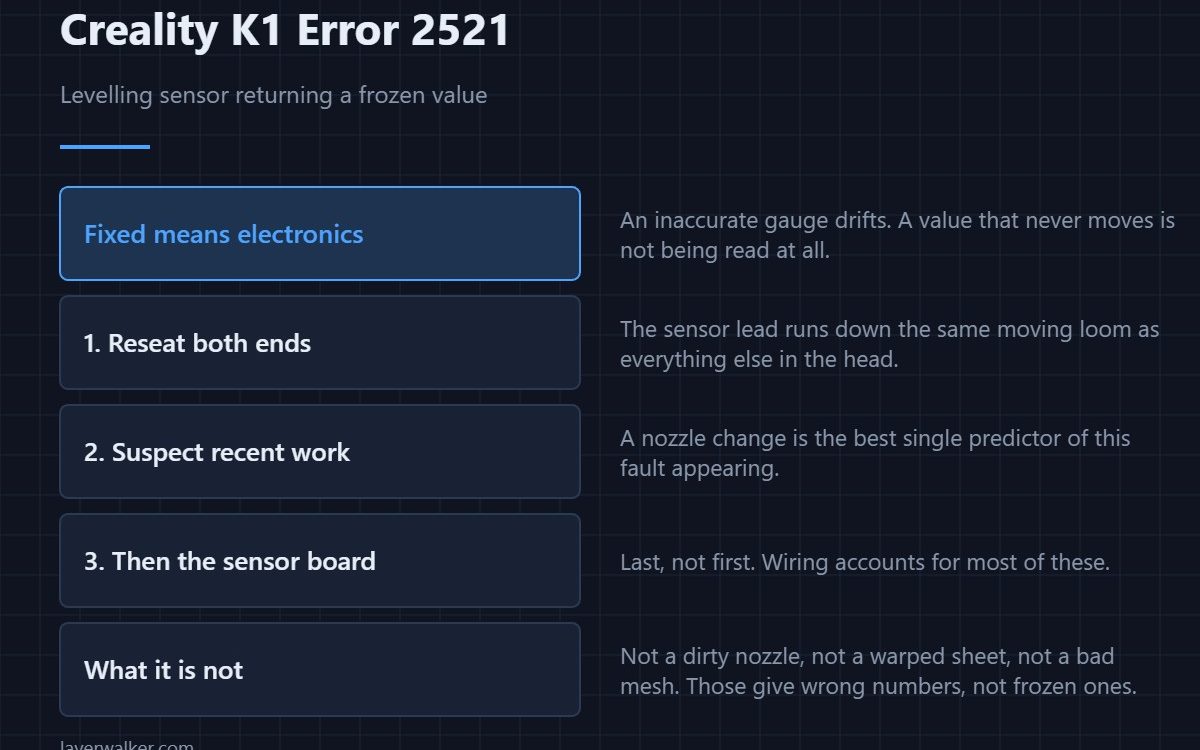
Creality K1 error 2521 means the levelling pressure sensor is returning a fixed value — often minus one — instead of a changing measurement. The K1 finds Z by pressing the nozzle against the plate and watching the force rise, so a frozen reading stops everything. A stuck value points at the sensor chip or its wiring, not at anything mechanical.
That distinction saves an evening. A value that never moves cannot be a levelling problem, a plate problem or a Z offset problem, because none of those would freeze the number.
Where to buy


Why a constant value means electronics
If the strain gauge were merely inaccurate you would get noisy or drifting numbers. A single unchanging figure means the amplifier is not reading the gauge at all: an open connection, a dead chip, or a data line that has lost contact. The printer is reporting a communication result, not a measurement.
Check the connections you can reach
The sensor lives in the toolhead and its lead runs down the same moving loom as everything else. Reseat both ends, inspect for a pinched conductor where the loom bends, and make sure any connector you disturbed during a recent nozzle change is fully latched. Recent maintenance is the single best predictor of this fault.
What it is not
It is not a dirty nozzle, a warped sheet or a bad mesh. Those produce poor levelling results, not frozen data. If the number is moving but the results are wrong, you have a different problem entirely, and the place to start is bed levelling sensors and then Z offset.
Where Creality K1 error 2521 sits among the levelling codes
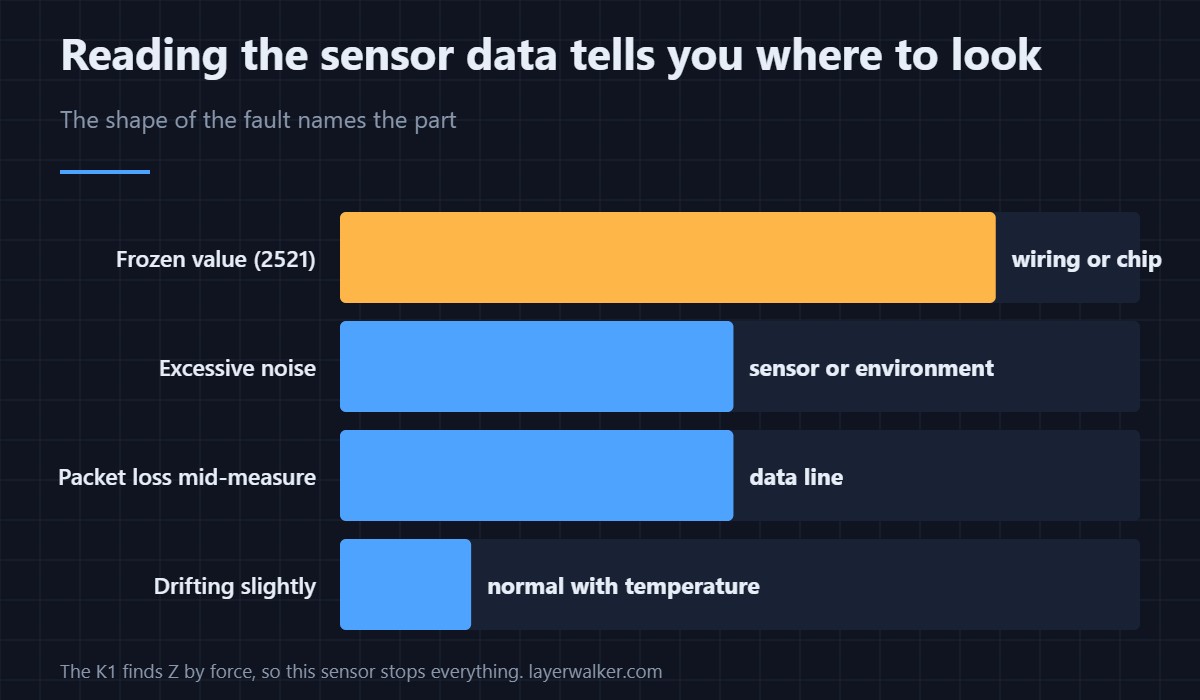
The K1 reports several distinct levelling faults and they are worth telling apart. A fixed value is this code. Excessive noise while the machine is stationary is a different one, and packet loss during measurement is a third. The one most often confused with it is 2526, where the sensor works fine but the Z axis loses steps while it measures.
If replacing the cable does not clear it, the sensor board is the next part, and that is the point at which running a full calibration afterwards matters — the general sequence is in calibrating a 3D printer.
Creality K1 Error 2521 FAQ
Can I level manually and carry on?
Not usefully. The K1 has no manual levelling path that bypasses this sensor, because the sensor is how it finds Z zero.
It appeared right after I changed the nozzle. Related?
Almost certainly. The sensor lead runs through the area you were working in and is easy to unseat or pinch.
Does temperature affect the reading?
A working sensor drifts slightly with temperature, which is why the printer measures at a set temperature. Drift is normal; a frozen value is not.
Is this the same as a broken strain gauge?
It can be, but a broken gauge is the last thing to suspect, not the first. Wiring and connectors account for most of these.
Not every wiring fault during levelling is the sensor. If the link between the two controllers drops instead, the code is Creality K1 error 2532 and the cable is a different one entirely.
A frozen reading and a noisy one are different faults. If the data moves but moves too much while the machine is standing still, that is Creality K1 error 2524, where the room itself is a suspect.

LayerWalker
Print defect diagnosis, calibration procedures and parts that actually fit. Corrections welcome through the contact page.

