Creality K1 Error 2526: Z Axis or Lead Screw Not Smooth
LayerWalker is a participant in the Amazon Services LLC Associates Program. We may earn a commission when you buy through links on our site, at no extra cost to you.
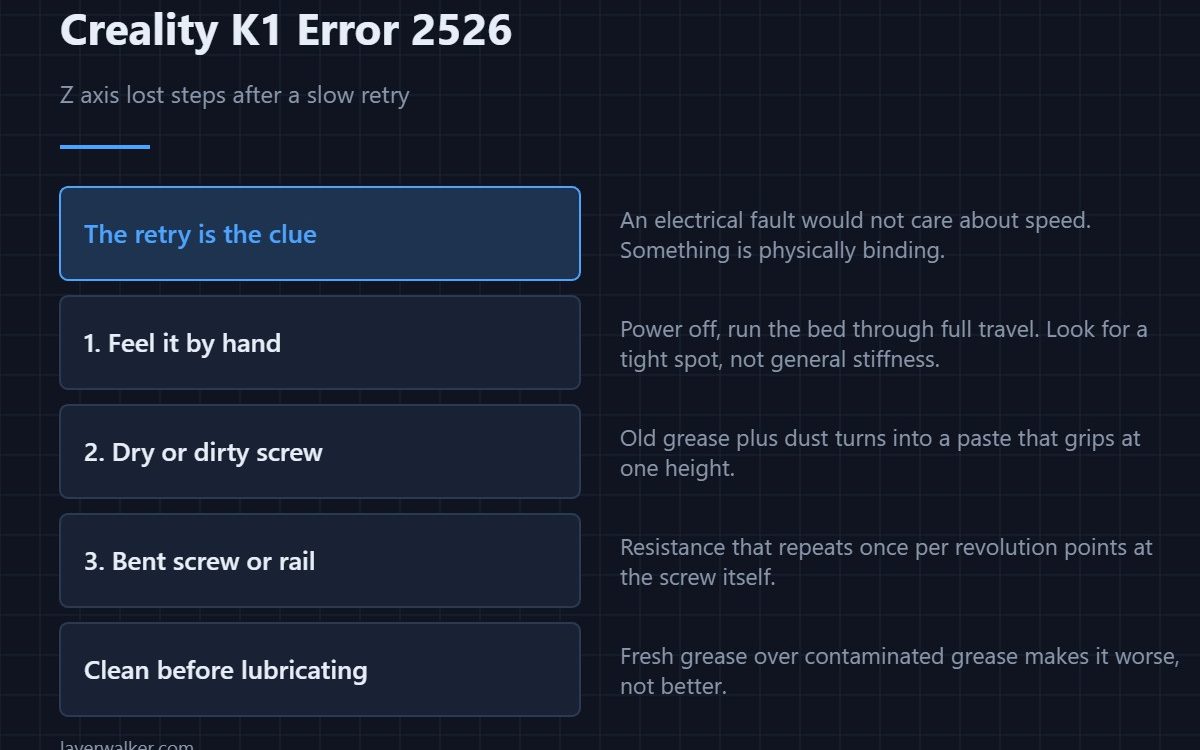
Creality K1 error 2526 means the Z motor lost steps during levelling, and kept losing them after the printer slowed down and tried again. That retry is the important detail: an electrical or timing fault would not care about speed. Something is physically binding, on the Z rails or the lead screw.
Because the machine has already ruled out the easy explanation for you, this code is unusually direct about where to look.
Where to buy


Feel it by hand
Power off, then move the bed up and down through its full travel by turning the lead screw. You are feeling for a tight spot rather than general stiffness. Resistance that appears at one height and clears at others is exactly what makes a motor lose steps in one place and not another.
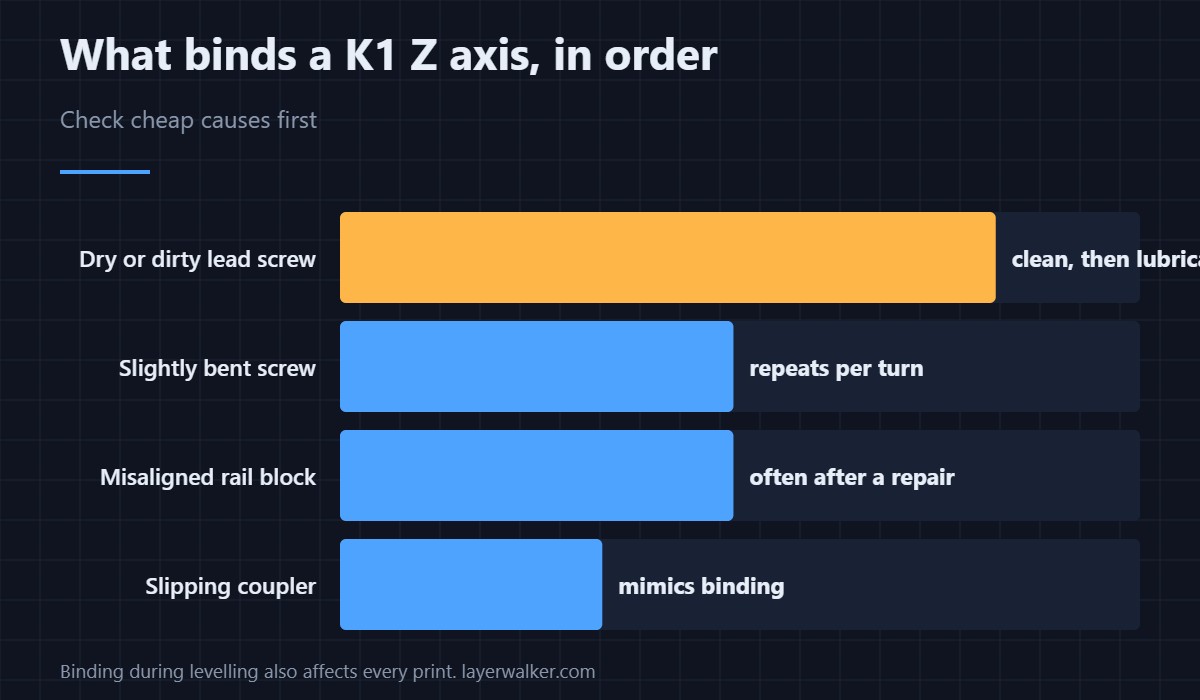
The usual causes in order
A dry or contaminated lead screw comes first: old grease that has collected dust turns into a paste that grips. Next is a screw that is slightly bent, which produces resistance that repeats once per revolution. Then a misaligned or over-tightened rail or bearing block, often the result of a recent repair. Last is the coupler between motor and screw, which can slip and mimic binding.
Clean before you lubricate
Adding fresh grease on top of old contaminated grease makes it worse. Wipe the screw down along its whole length, work the threads clean, then apply a thin film of the right lubricant. Too much attracts dust and puts you back here in three months.
Why Creality K1 error 2526 and the sensor codes get confused
Both appear during levelling, so both look like levelling faults. The difference is what failed: here the sensor worked and the axis did not move as commanded. If instead the sensor returns a frozen number, that is 2521 and no amount of cleaning the screw will help.
What it becomes if you ignore it
A Z axis that binds during levelling also binds during printing. The result is inconsistent layer heights, a banding pattern at the height where it sticks, and in the worst case a shift — the general symptom set is in layer shifting. If the axis is genuinely free and it still loses steps, then the driver or motor comes into question, which is covered in stepper motors.
Creality K1 Error 2526 FAQ
Could it be low motor current rather than binding?
Possible, but the slow retry makes it unlikely. Low current tends to fail at speed and succeed slowly, which is the opposite of what happened here.
What lubricant should I use on the lead screw?
A light grease intended for lead screws or linear motion. Avoid thin oils, which run off, and avoid anything that attracts dust.
Does this affect levelling only?
No. It is caught during levelling because that is when the printer watches the axis closely, but the same binding affects every print.
The bed drops on its own when powered off. Related?
That is normal for a screw-driven bed with no brake. It is not a sign of the fault, and it is not dangerous — see bed levelling sensors for how the printer re-establishes zero afterwards.
If homing fails outright rather than losing steps during levelling, the printer reports it separately as Creality K1 error 2504, where a dirty nozzle tip leads the suspect list.

LayerWalker
Print defect diagnosis, calibration procedures and parts that actually fit. Corrections welcome through the contact page.

