Layer shifting partway through a print
LayerWalker is a participant in the Amazon Services LLC Associates Program. We may earn a commission when you buy through links on our site, at no extra cost to you.
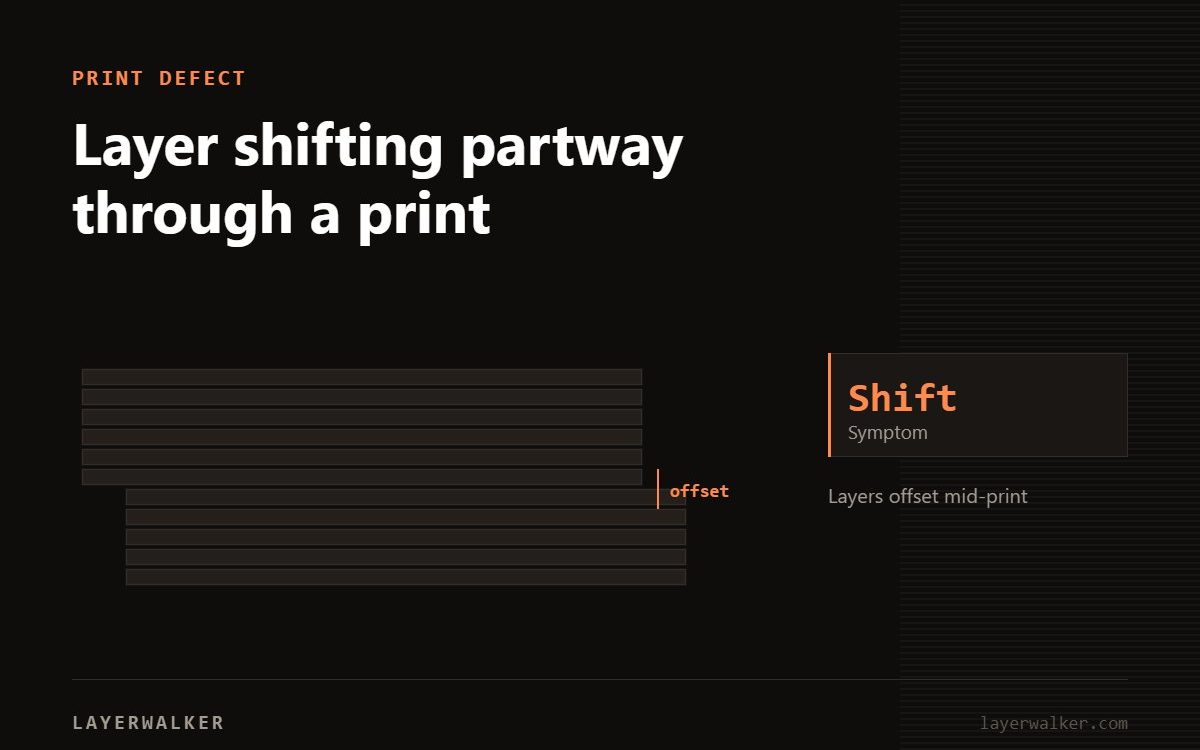
A layer shift means the toolhead lost steps or the belt skipped teeth. Check pulley grub screws first — they cost nothing to tighten and mimic every other cause exactly.
Difficulty easy
Time 20-30 min
Parts none
Tools Hex keys
The giveaway is direction. A shift on one axis only points at that axis. Shifts in both, or at random heights, point at speed or a collision rather than a mechanical fault.
Print is offset above a certain layer, sometimes repeatedly
Lost steps from belt slip, a loose pulley, or excessive acceleration
- Power off and check the pulley grub screws on the affected axis. Tighten onto the flat of the motor shaft.
- Check belt tension. It should thud, not ring, when plucked.
- Move the axis by hand through its full travel, feeling for stiff spots.
- Look for a collision cause: a curled corner sticking up, or supports the nozzle caught on.
- Reduce print speed and acceleration by 20 percent and reprint the same file.
- Check the stepper driver is not overheating. Shifts that appear late in long prints often mean thermal throttling.
Where to buy


3D print layer shift: the curled corner problem
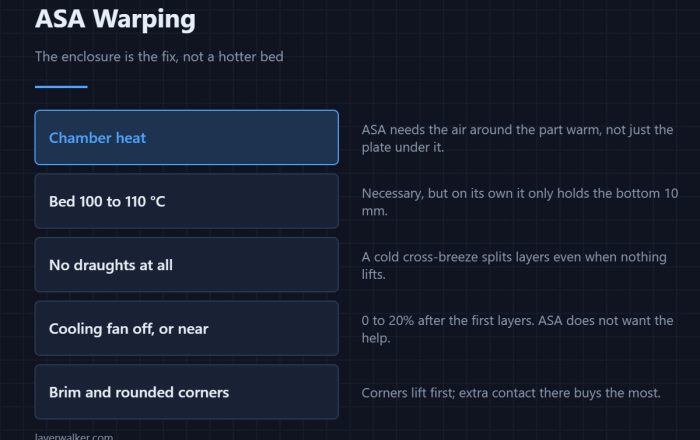
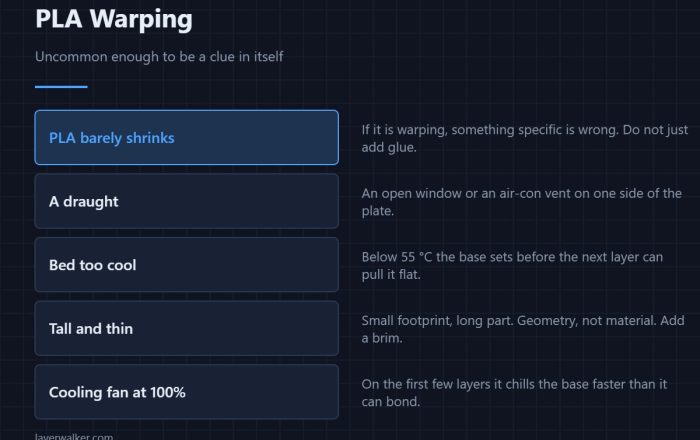
A part that has warped slightly sticks up above the current layer. The nozzle hits it on the next pass, and if it hits hard enough the belt skips. This is why warping and layer shifting often show up in the same print — fix the warp and the shift disappears.
On a CORE One, shifts that appear after a mid-print re-home trace back to error 31102, precise homing failed — worth ruling out before you touch acceleration.
On a Prusa the same root causes surface as homing errors first: 13304 on X and 13305 on Y. Fixing those removes the shifts too.
Speed
Every machine has a speed above which it cannot hold position reliably, and marketing figures are optimistic. If shifts started after you raised speeds or switched to a faster profile, that is the change to undo.
Printers that sense crashes turn a would-be layer shift into a message. If homing itself then fails, see Prusa error 13812 for narrowing it to one axis.

LayerWalker
Print defect diagnosis, calibration procedures and parts that actually fit. Corrections welcome through the contact page.