Prusa Error 13812: Unable to Home the Printer
LayerWalker is a participant in the Amazon Services LLC Associates Program. We may earn a commission when you buy through links on our site, at no extra cost to you.
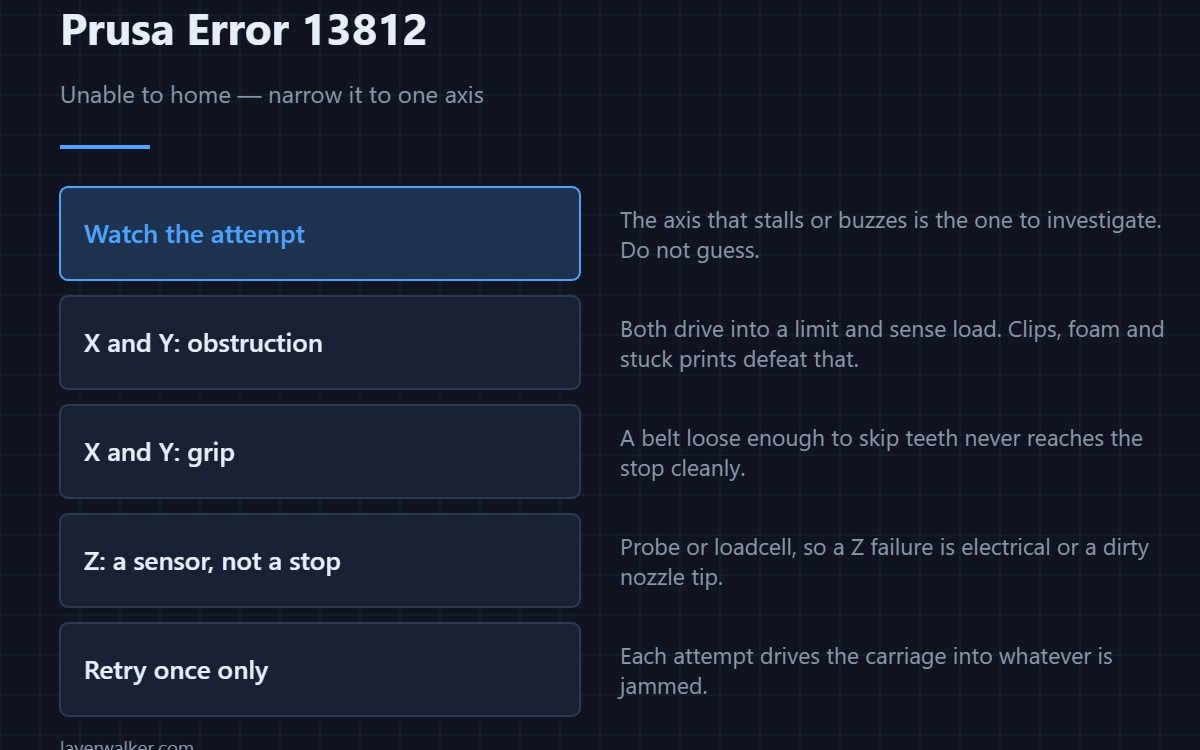
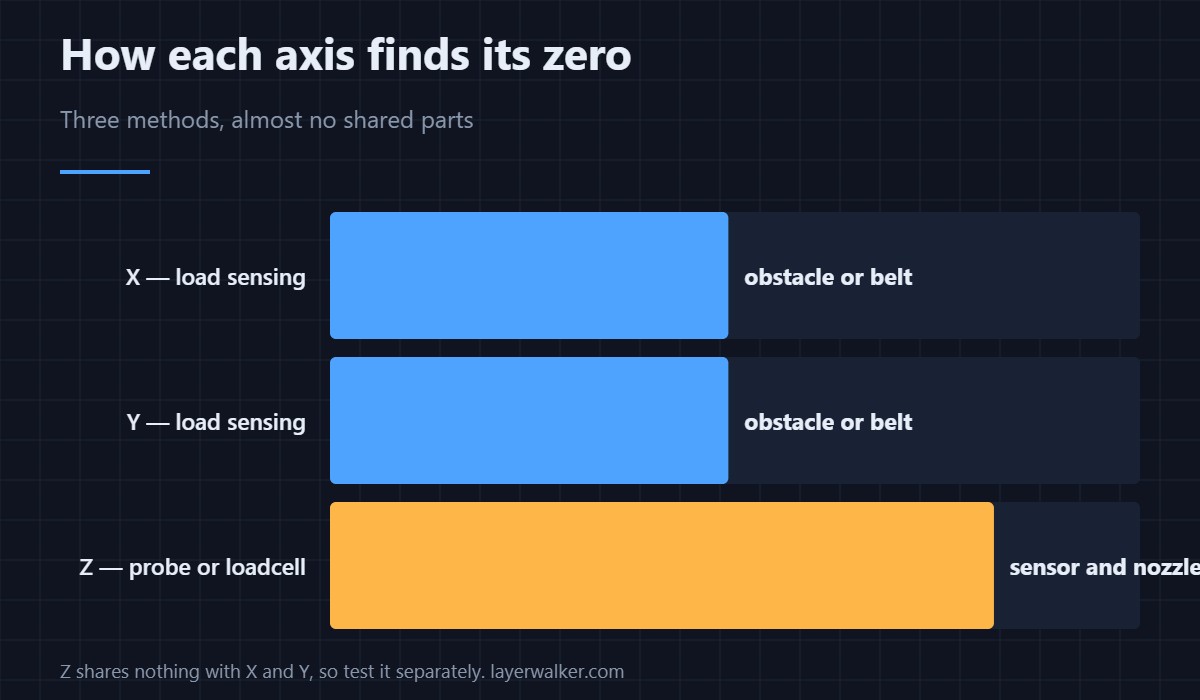
Prusa error 13812 means the printer could not home and is offering to try again. Homing is the machine finding its own zero, so nothing else can proceed until it works. The fastest route is to watch which axis fails, because X, Y and Z are sensed in three different ways and share almost no parts.
Retrying once is reasonable. Retrying five times is not: each failed attempt drives the carriage into a hard stop, and that is how a crash becomes a bent part.
Where to buy

Watch the attempt, do not guess
Stand in front of the machine and trigger homing. The axis that stalls, buzzes, or moves the wrong way is the one to investigate. If the head never moves at all, the fault is upstream of any individual axis — power, a disconnected loom, or firmware that did not finish loading.
X and Y: obstruction or grip
These two home by driving gently into their limits and sensing motor load. An obstacle is the usual cause: packing foam left in, a clip on the frame, a cable tie fouling the carriage, or a print still stuck to the sheet. After that comes grip — a belt loose enough to skip teeth never reaches the stop cleanly. Details per axis are in 13304 for X and 13305 for Y.
Z: a different sensor entirely
Z is not found by driving into a stop. Depending on the model it uses a probe or a loadcell in the print head, so a Z homing failure points at the sensor and its wiring rather than at anything mechanical. A nozzle with a blob of plastic on it also defeats Z homing, because the printer is trying to touch a clean tip to a clean sheet.
Why Prusa error 13812 follows a crash
If you saw 13811 repeated collisions before this appeared, treat them as one event. A crash knocks the geometry out, homing then fails, and fixing the collision usually fixes the homing. Clearing the homing error alone leaves the original obstacle in place.
Persistent homing trouble also shows up later as layer shifts, because the same slop that stops a clean home produces missed steps mid-print.
The code reads 12812 on MINI, 17812 on XL, 23812 on MK3.5 and 31812 on CORE One.
Prusa Error 13812 FAQ
How many times should I retry?
Once. If the second attempt fails the same way, stop and look, because each retry adds force to whatever is jammed.
The head moves but stops short. What is that?
Almost always an obstruction at the point it stops, or a belt that is slipping under the load of the approach. Move the axis by hand with the printer off and feel for the resistance.
Homing works cold but fails when hot. Why?
Thermal expansion plus a nozzle carrying residue. Wipe the tip while it is warm, then home. If it only ever fails on Z, the sensor is the suspect rather than the mechanics.
Can a firmware update cause this?
Indirectly. A mismatched build can drive the wrong sensing routine, which looks exactly like a hardware failure. Confirm the firmware matches the machine before dismantling anything.

LayerWalker
Print defect diagnosis, calibration procedures and parts that actually fit. Corrections welcome through the contact page.

