Prusa Error 13304: Homing Error on the X Axis
LayerWalker is a participant in the Amazon Services LLC Associates Program. We may earn a commission when you buy through links on our site, at no extra cost to you.
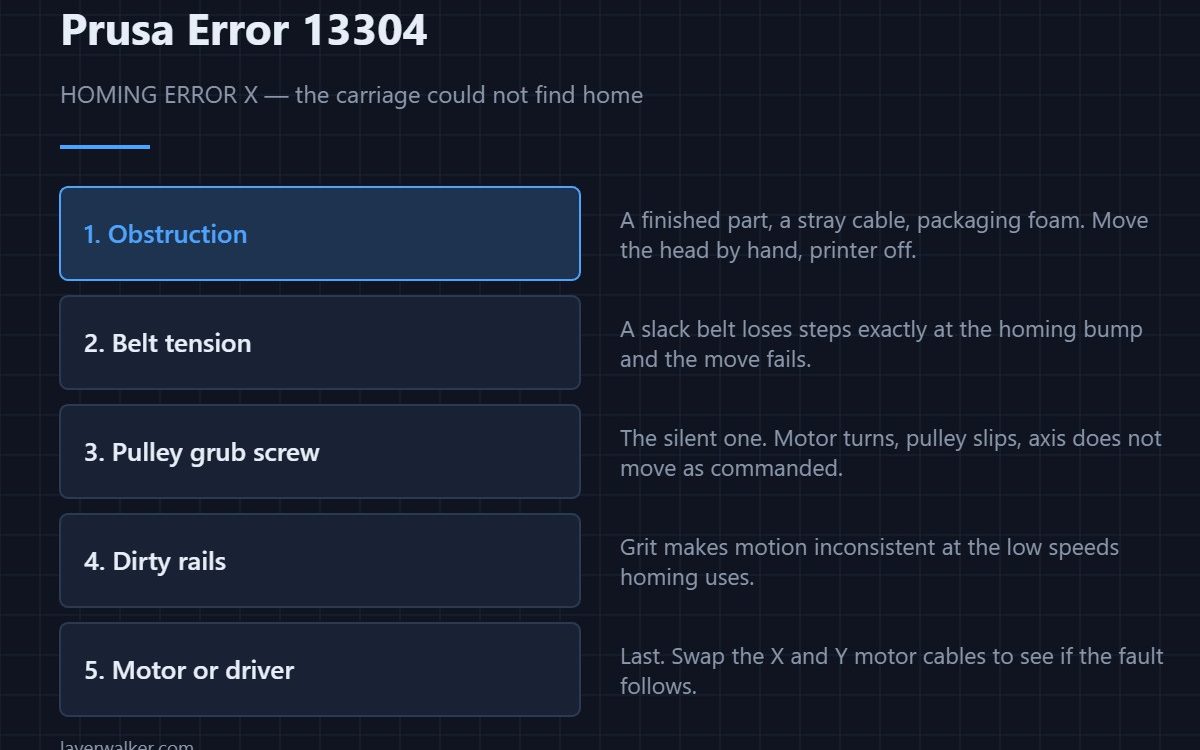
Prusa error 13304 is a homing failure on the X axis: the printer tried to find the end of travel and could not. Prusa’s own text says to make sure there is no obstacle on the X axis, and that really is the first thing to check. After that it is belt tension, then a pulley grub screw that has worked loose on its shaft.
Homing is a deliberately slow, low-torque move. That makes it the first thing to fail when anything adds friction or loses steps — which is useful, because it means a homing error is an early warning rather than a mysterious one.
Where to buy


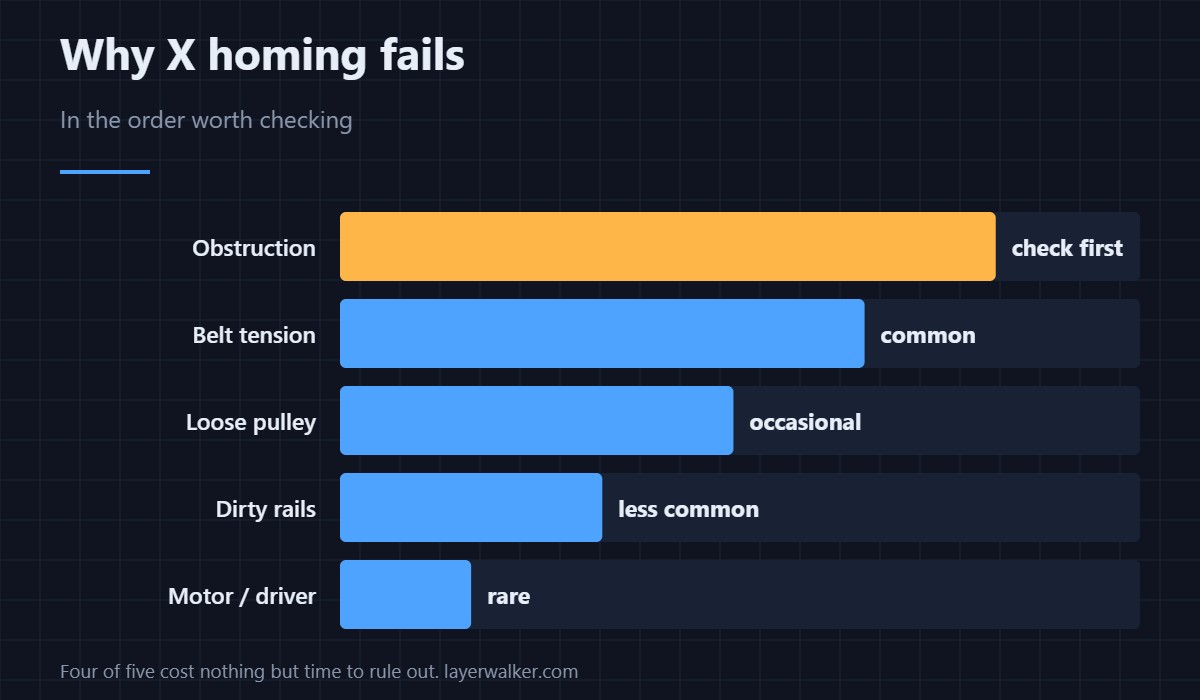
Check in this order
- Obstruction. Power off and move the head by hand through its full X travel. A finished part left on the bed, a cable that has escaped its clip, or packaging foam missed at setup will all do it.
- Belt tension. A slack belt loses steps at the homing bump specifically. Tension it to the machine’s own specification rather than by feel.
- Pulley grub screw. The silent fault: the motor turns, the pulley slips on the shaft, and the axis does not move as commanded. Check each grub screw sits on the flat of the shaft.
- Rails and bearings. Grit or dried lubricant makes motion inconsistent at exactly the low speeds homing uses — the same cause behind ringing on vertical surfaces.
- Motor or driver. Last. Swapping the X and Y motor cables tells you whether the fault follows the motor or stays with the axis.
Why this matters beyond the error
Everything on this list also causes layer shifting mid-print. A printer that homes unreliably will eventually shift a layer instead, which is harder to diagnose because the print keeps going. Fixing 13304 properly removes both.
The same error on other models
12304 on MINI, 31304 on CORE One, 35304 on CORE One L, 16304 on iX and 23304 on MK3.5. On a CoreXY machine such as the CORE One, X and Y share both motors, so an X homing fault can have a Y-side cause — see 13305. The Z axis works differently again and is covered in 13301.
The other two axes fail differently: 13305 on Y, where a bed-slinger moves the whole heatbed, and 13301 on Z, which is a loadcell fault rather than an endstop one.
Prusa Error 13304 FAQ
Can I just retry homing?
You can, and if it succeeds the second time you still have a fault. An intermittent homing failure is a belt or pulley problem that will become a layer shift.
How tight should the X belt be?
To the printer’s published figure, using its own tension routine where one exists. Tightening by feel almost always ends up too tight, which wears bearings and motor shafts.
Does a dirty rail really stop homing?
It can. Homing uses low torque deliberately, so added friction that you would not notice during a print is enough to lose the step.
Is 13304 the same on a CORE One?
The code reads 31304 and the causes overlap, but the CORE One is CoreXY: both motors drive both axes, so check belts and pulleys on both sides.

LayerWalker
Print defect diagnosis, calibration procedures and parts that actually fit. Corrections welcome through the contact page.