Ringing and ghosting on vertical surfaces
LayerWalker is a participant in the Amazon Services LLC Associates Program. We may earn a commission when you buy through links on our site, at no extra cost to you.
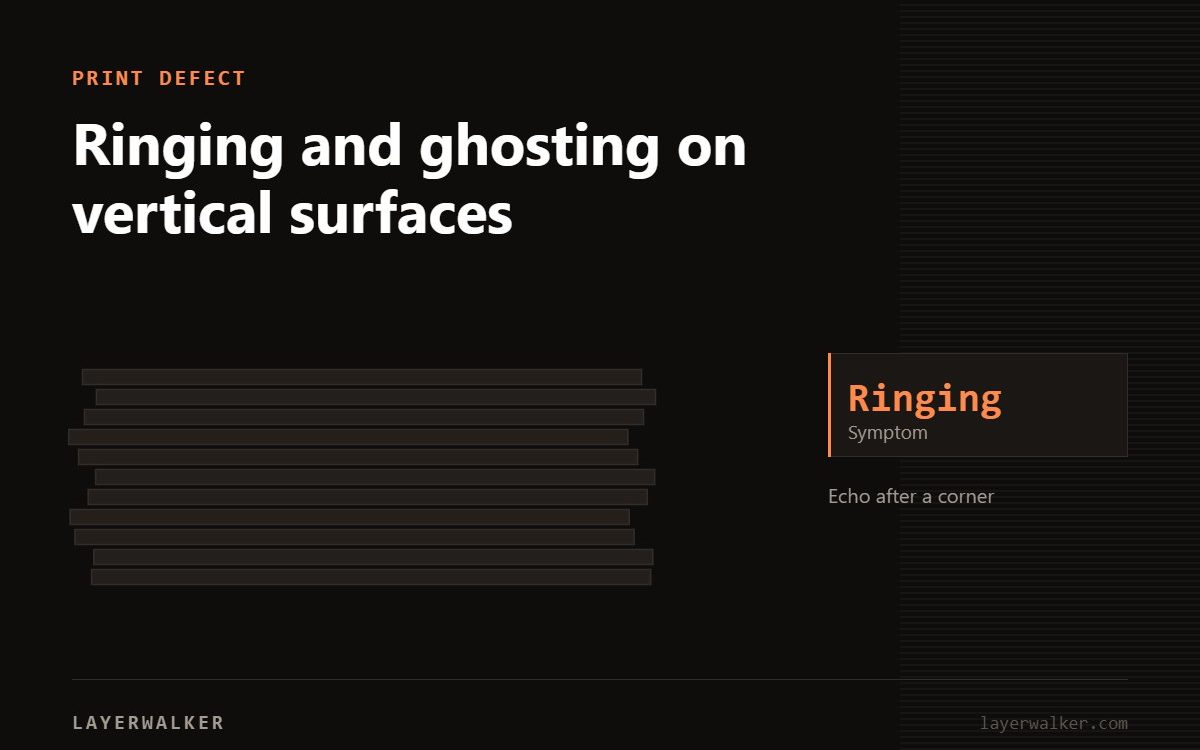
Ringing is vibration. The toolhead changes direction, the frame rings like a bell, and the nozzle traces that oscillation into the wall. Reduce acceleration and run input shaper calibration.
Look at a printed part with a sharp corner. If you see a repeating wave in the surface for a centimetre or two after the corner, fading as it goes, that is ringing.
Repeating ripples after corners on vertical faces
Frame or gantry vibration after direction changes
- Run input shaper or resonance compensation calibration if the machine has it. This is the single most effective fix.
- Reduce acceleration in 25 percent steps and reprint the same test.
- Check belt tension. Both too loose and too tight make ringing worse.
- Put the printer on a solid surface. A flexing table or a shelf amplifies everything.
- Check the gantry is square and the frame bolts are tight.
- Reduce the weight on the toolhead if you have added anything to it.
Halve acceleration first, then work back up once the shaper is calibrated.
3D print ringing: where speed actually costs you
You do not have to slow the whole print. Ringing only shows on outer walls, so slow the outer wall and leave infill and travel fast. The time cost is small and the quality difference is visible.

LayerWalker
Print defect diagnosis, calibration procedures and parts that actually fit. Corrections welcome through the contact page.