Z banding: repeating horizontal lines up the print
LayerWalker is a participant in the Amazon Services LLC Associates Program. We may earn a commission when you buy through links on our site, at no extra cost to you.
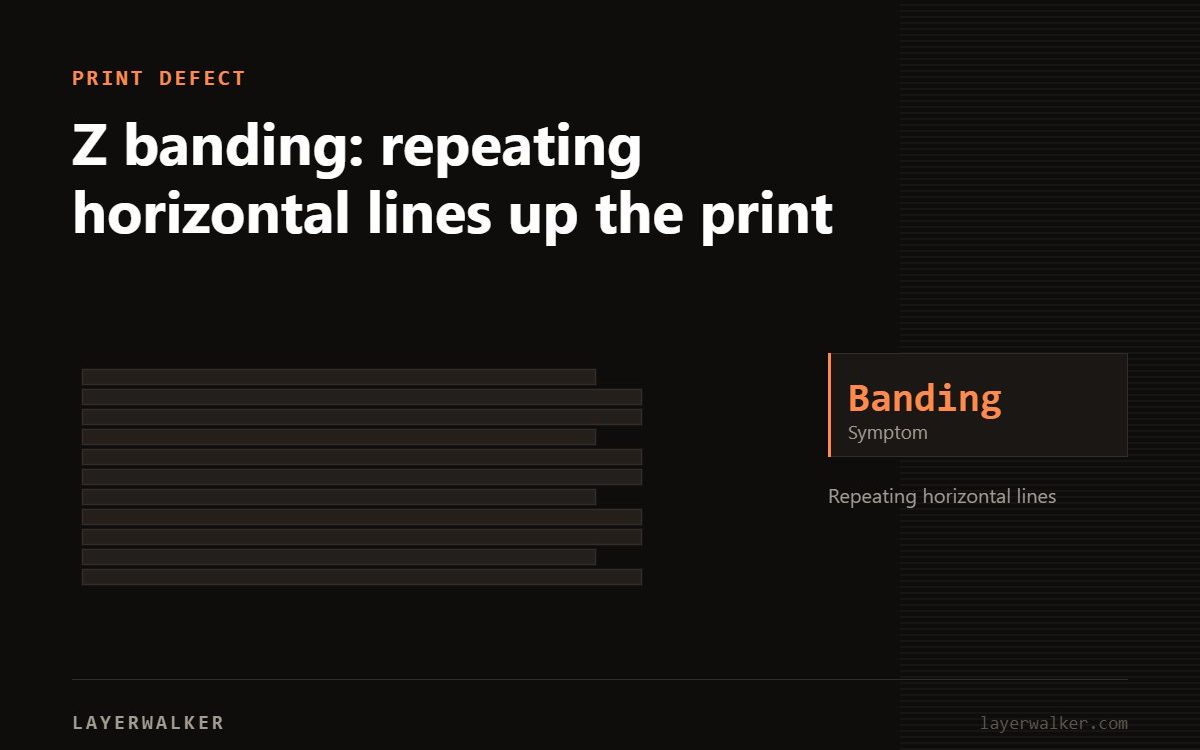
Measure the distance between bands. If it matches your leadscrew pitch, the Z motion is at fault. If it matches nothing mechanical, look at temperature swing instead.
Z banding is diagnosed by measurement, not by eye. The pitch of the bands points directly at the cause, and that saves a lot of guessing.
Where to buy

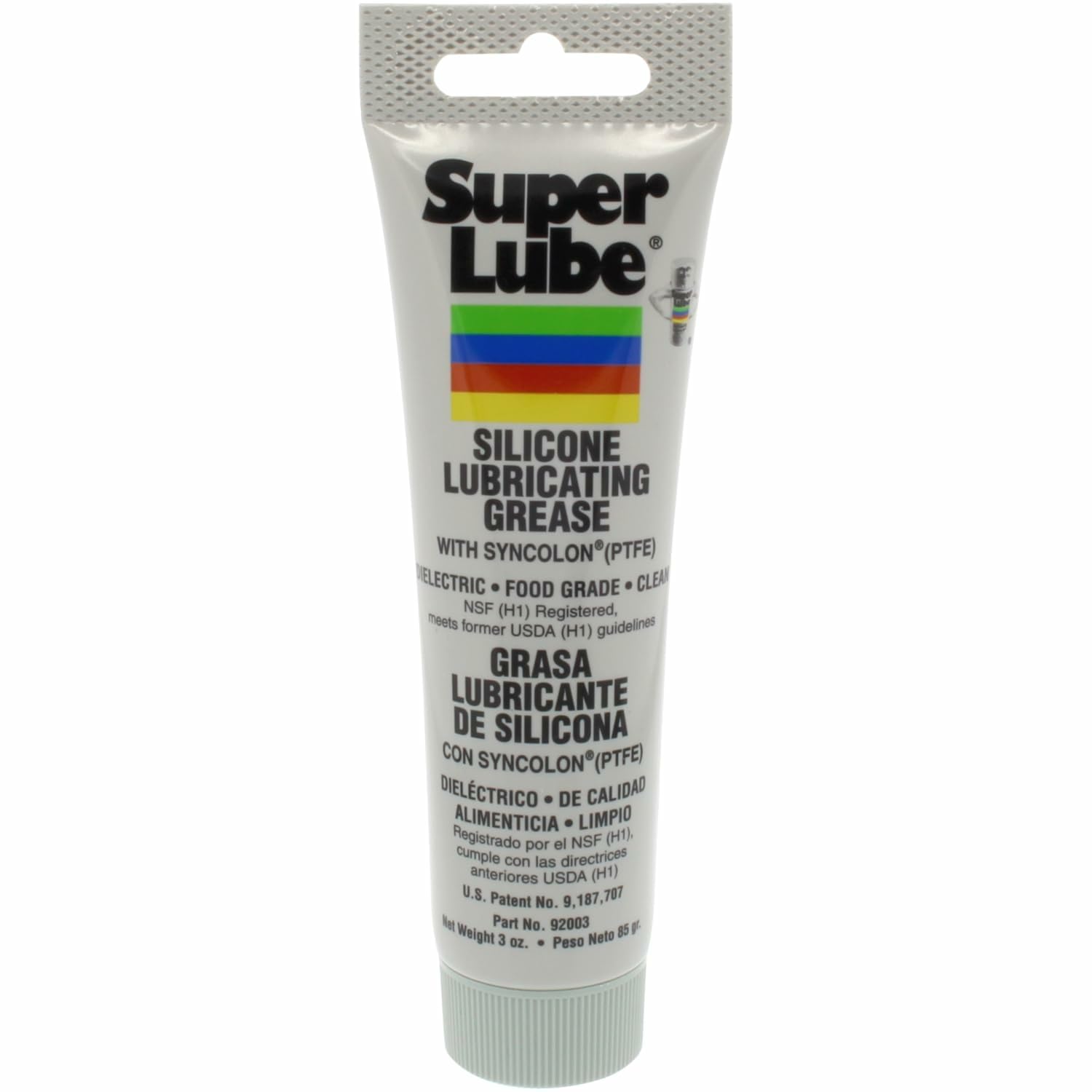
Super Lube 92003 Silicone Lubricating Grease with PTFE, 3 oz Tube, Translucent White

Z banding 3D print: measure the pitch first
| Property | Value |
|---|---|
| Matches leadscrew pitch (often 2 or 4 mm) | Z leadscrew or nut |
| Matches Z motor step pattern | binding or a bent screw |
| Irregular, no fixed pitch | temperature fluctuation or flow inconsistency |
| Matches layer height exactly | slicer or Z resolution setting |
Regular horizontal bands repeating up the side of the print
Inconsistent Z movement, or extrusion that varies with temperature
- Measure band spacing with calipers over several bands and divide.
- If it matches the leadscrew pitch, clean and re-grease the screw and check the nut for play.
- Check the leadscrew is not bent. Spin it by hand with the motor decoupled and watch for wobble.
- Check the Z screw is not over-constrained. It should drive the nut, not also locate it.
- If the pitch is irregular, watch the hotend temperature during a print. Swings beyond about 2 degC show up as flow variation.
- Run a PID tune on the hotend to tighten temperature control.
The over-constrained leadscrew
A leadscrew held rigidly at both ends fights the linear rails for control of position. Any tiny misalignment then translates into horizontal movement of the gantry once per revolution. That is textbook Z banding at exactly the leadscrew pitch, and no amount of greasing fixes it — the screw needs to be free to float.

LayerWalker
Print defect diagnosis, calibration procedures and parts that actually fit. Corrections welcome through the contact page.