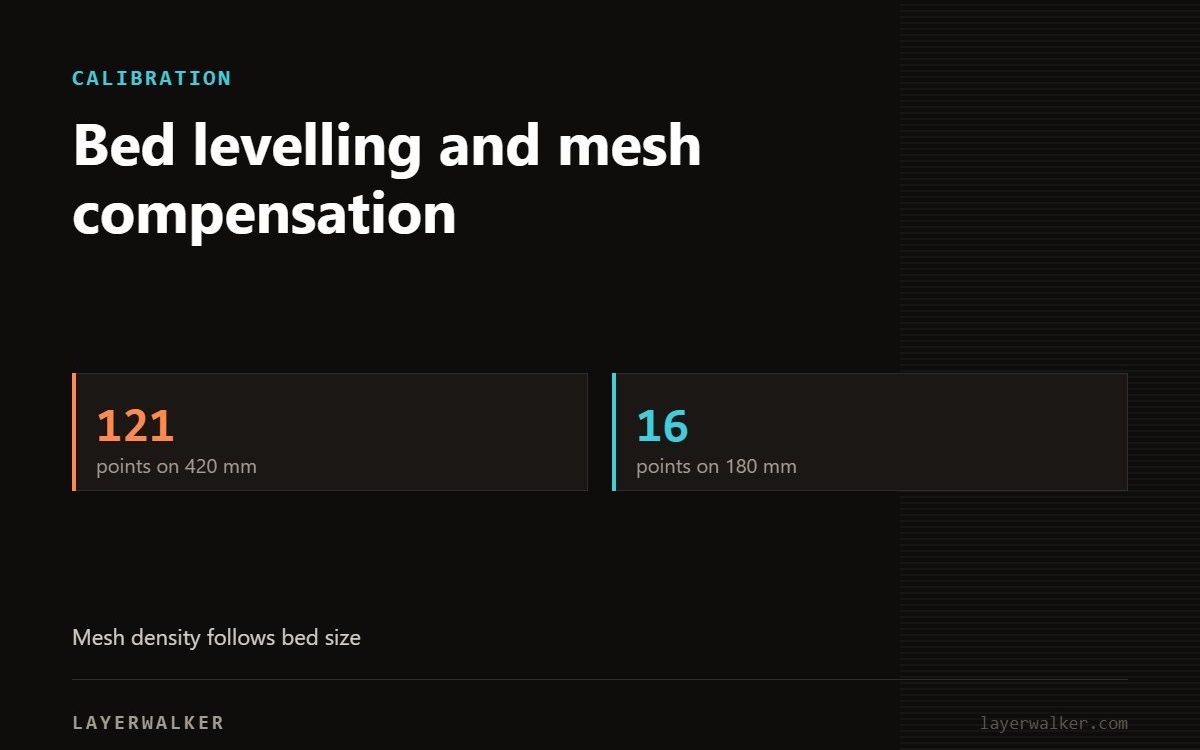
Bed levelling and mesh compensation
LayerWalker is a participant in the Amazon Services LLC Associates Program. We may earn a commission when you buy through links on our site, at no extra cost to you.
Automatic bed levelling builds a height map and adjusts Z as the head moves. It compensates for a plate that is not perfectly flat — it does not compensate for debris on the nozzle, which corrupts the map itself.
Machines that probe with the nozzle tip are only as accurate as that tip is clean. This is the most common reason a levelling routine produces a mesh that makes the first layer worse instead of better.
Where to buy


3D printer bed leveling: before every levelling run
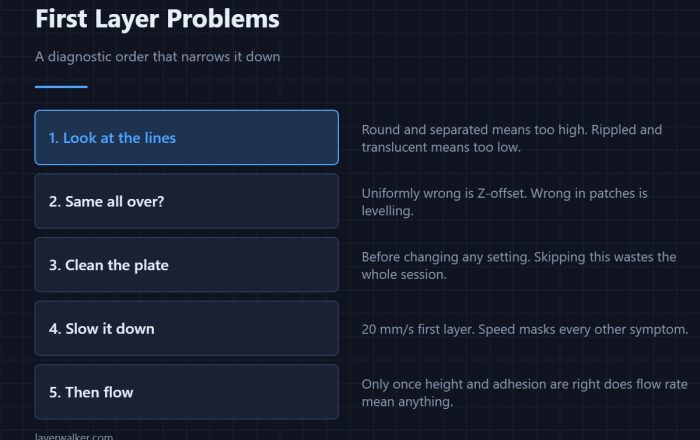
Mesh looks uneven, or the first layer is inconsistent after levelling
Contaminated nozzle or plate corrupting the probe readings
- Heat the nozzle to printing temperature and wipe the tip clean with a lint-free cloth.
- For baked-on residue use a brass brush with the nozzle hot.
- Clean the plate with dish soap and hot water, then handle it by the edges.
- Check nothing is trapped under the plate. A fragment under one corner tilts the whole sheet.
- Let bed and nozzle soak at temperature for five minutes before probing. Metal expands and a cold probe measures a different machine.
- Run the levelling routine and look at the resulting mesh.
Reading the mesh
| Property | Value |
|---|---|
| Even variation under 0.1 mm | normal, nothing to do |
| One corner high or low | plate seating, or something trapped underneath |
| Centre dished or domed | plate deformation, common on thin spring steel |
| Random spikes between neighbouring points | dirty nozzle or an intermittent probe |
| Changes every run | nozzle contamination, not a plate problem |
How often
Levelling before every print costs time and wears the probe. Level after changing the plate, after changing the nozzle, after moving the machine, and if the first layer starts to drift. Otherwise a stored mesh is fine.
Mesh does not fix a damaged plate
Compensation has limits. A sheet with a raised dent from a metal scraper produces a local high spot the mesh cannot fully correct, because the nozzle has to physically clear it. That sheet is consumable.

LayerWalker
Print defect diagnosis, calibration procedures and parts that actually fit. Corrections welcome through the contact page.