Prusa Error 31102: Precise Homing Failed on the CORE One
LayerWalker is a participant in the Amazon Services LLC Associates Program. We may earn a commission when you buy through links on our site, at no extra cost to you.
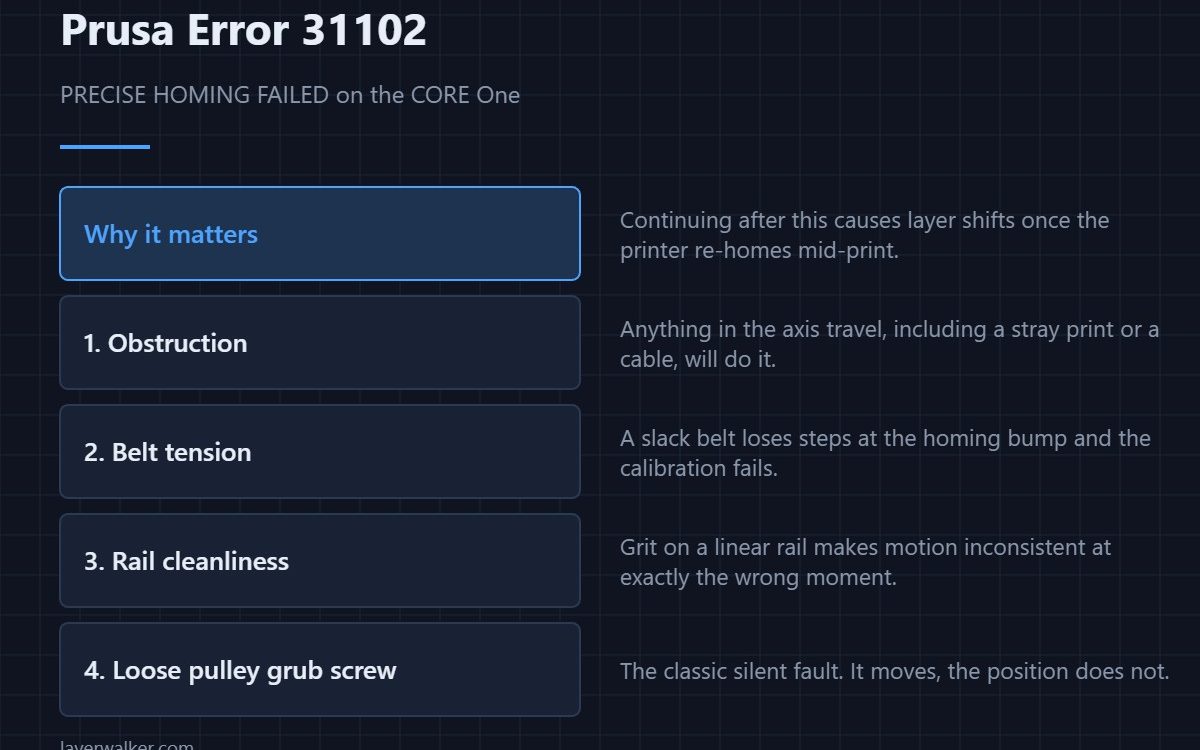
Prusa error 31102 is a precise homing calibration failure on the CORE One. Prusa’s own warning is explicit: continuing can cause layer shifts after the printer re-homes mid-print. So this is not a message to dismiss. Check for obstructions in the axis travel, then belt tension, then rail cleanliness, then the pulley grub screws.
Precise homing works by finding the axis end repeatably rather than just bumping into it once. If the result is not repeatable, the firmware cannot trust the origin — and an untrustworthy origin is what turns into a visible step halfway up a print.
Where to buy


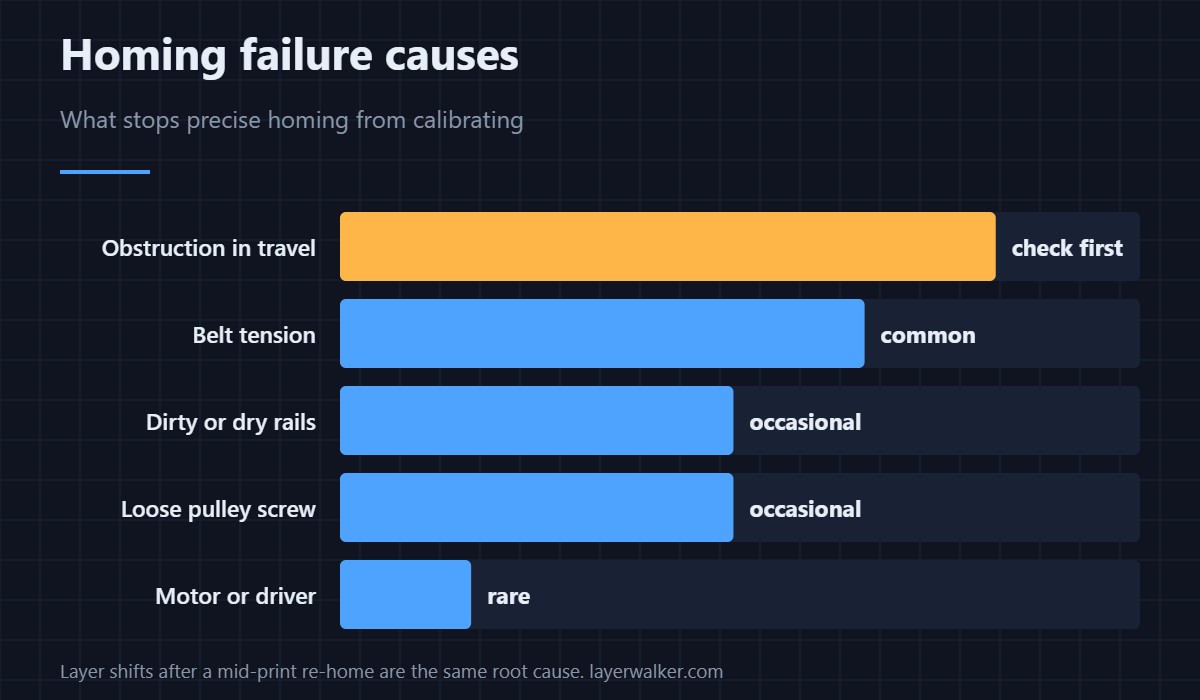
Check in this order
- Obstruction. Anything in the travel: a finished part left on the bed, a cable that has escaped its clip, packaging foam missed at setup. Move the head by hand through its full range with the printer off.
- Belt tension. A slack belt loses steps at the homing bump. Tension it to the machine’s spec rather than by feel.
- Rails. Grit or dried lubricant makes motion inconsistent exactly when precision matters. Clean, then lubricate lightly.
- Pulley grub screws. The classic silent fault: the pulley turns on the shaft, so the motor moves and the axis does not quite follow. Check each one is tight on its flat.
Why this matters more than it looks
If you clear the error and print anyway, the printer may re-home during the job. If the new origin differs from the old one, everything above that point shifts — which looks exactly like layer shifting and gets misdiagnosed as a speed or acceleration problem for weeks.
After fixing it
Re-run the homing calibration from the Calibrations menu rather than assuming the error going away means it passed. Then print something tall and square and check the sides are flush — a calibration cube is the quickest way to see it.
On other models this error reads 16102 (iX), 35102 (CORE One L), 36102 (CORE One INDX) or 37102 (CORE One L INDX). General maintenance tools are in accessories, and what is worth upgrading in upgrade order.
Prusa Error 31102 FAQ
Can I just continue past error 31102?
You can, and Prusa warn you not to. The risk is layer shifts after a mid-print re-home, which wastes the whole job rather than a few minutes.
How tight should the belts be?
To the machine’s published specification, checked with the printer’s own tension routine where available. Tightening by feel usually ends up too tight, which wears bearings.
Does this cause layer shifts on its own?
Indirectly. The failed calibration means homing is not repeatable; the shift appears when the printer actually re-homes during a print.
What lubricant should I use on the rails?
A light machine grease intended for linear motion, applied sparingly. Too much collects dust and causes the same problem again within weeks.

LayerWalker
Print defect diagnosis, calibration procedures and parts that actually fit. Corrections welcome through the contact page.