The Calibration Cube: What It Actually Measures, and in What Order
LayerWalker is a participant in the Amazon Services LLC Associates Program. We may earn a commission when you buy through links on our site, at no extra cost to you.
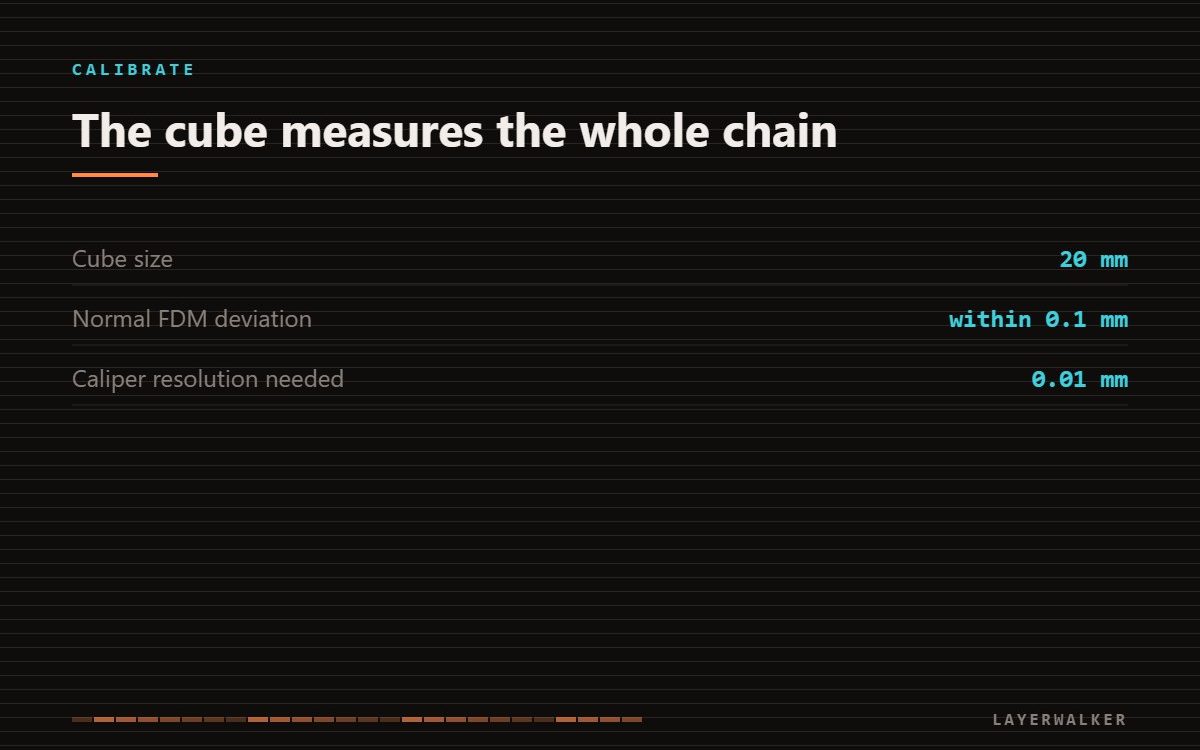
A 20 mm calibration cube is a measurement, not a fix. It reads the whole chain at once: extrusion width, material shrinkage and motion accuracy all land in the same number. Calibrate in order, then use the cube to confirm, rather than using it to diagnose from scratch.
Where to buy

Clockwise Tools IP54 Grade Digital Caliper, DCLR-0605 0-6" /150mm, Inch/Metric/Fractions Conversion, Stainless Steel, Large LCD Screen


What to look for
The cube itself is a free model; what you need to buy is the instrument. A digital caliper reading to 0.01 mm is the minimum useful tool, because the deviations you are chasing are two hundredths of a millimetre. Buying a cheap caliper that reads to 0.1 mm makes the whole exercise pointless.
Why the cube alone cannot tell you what is wrong
Suppose your cube measures 20.3 mm across X. That could be over-extrusion widening every perimeter, shrinkage compensated incorrectly, or a motion system overshooting. The cube cannot separate them because it contains all three. This is why chasing dimensional accuracy by adjusting shrinkage compensation first usually ends with a machine that is wrong in a new way.
The order that makes the number meaningful
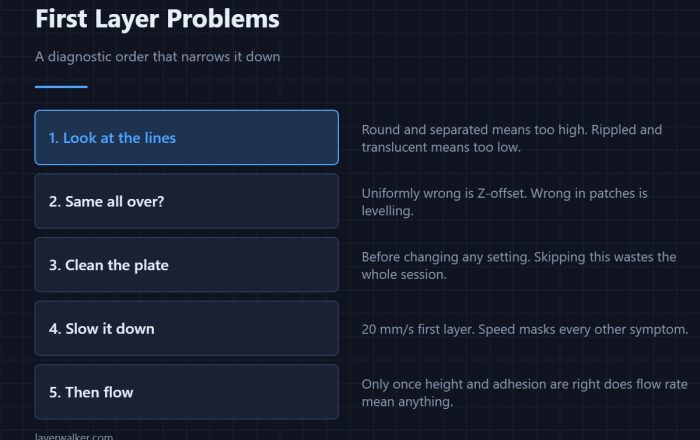
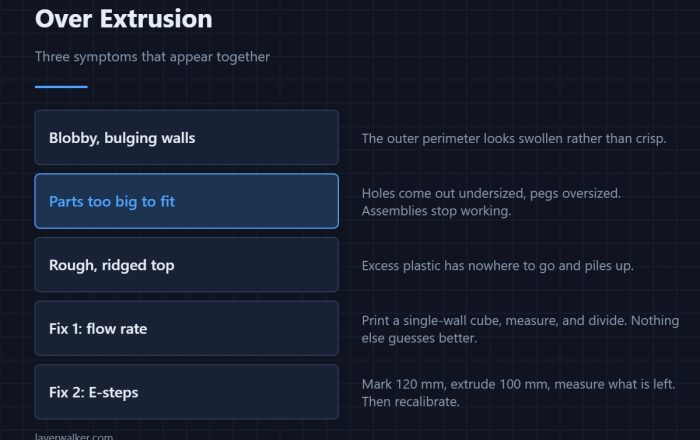
Work outwards from the mechanics. Set first layer squish so the base is not spreading. Then set extrusion with a single-wall flow test, which isolates extrusion width from everything else. Then deal with motion: resonance and input shaping affect corner accuracy on fast machines. Only after all three should you print a cube and apply dimensional compensation to whatever is left.
Measure it properly
Measure across the flat faces, not the corners, and avoid the bottom two millimetres where elephant foot widens the base. Take three readings per axis and use the middle one. A caliper squeezed too hard on a printed part will deform it and read low, which is a surprisingly common source of phantom error.
Calibration cube for 3D printer FAQ
How much deviation is acceptable?
Within about 0.1 mm on a 20 mm cube is normal for FDM. Chasing beyond that usually costs more than it returns.
Does the cube need to be 20 mm?
A larger cube shows shrinkage more clearly but takes longer. 20 mm is a reasonable compromise.
Should I recalibrate per filament?
Flow and shrinkage are material properties, so yes when you change brand or type. Motion calibration is per machine.

LayerWalker
Print defect diagnosis, calibration procedures and parts that actually fit. Corrections welcome through the contact page.