3D Printer Layer Height: The Nozzle Sets the Ceiling
LayerWalker is a participant in the Amazon Services LLC Associates Program. We may earn a commission when you buy through links on our site, at no extra cost to you.
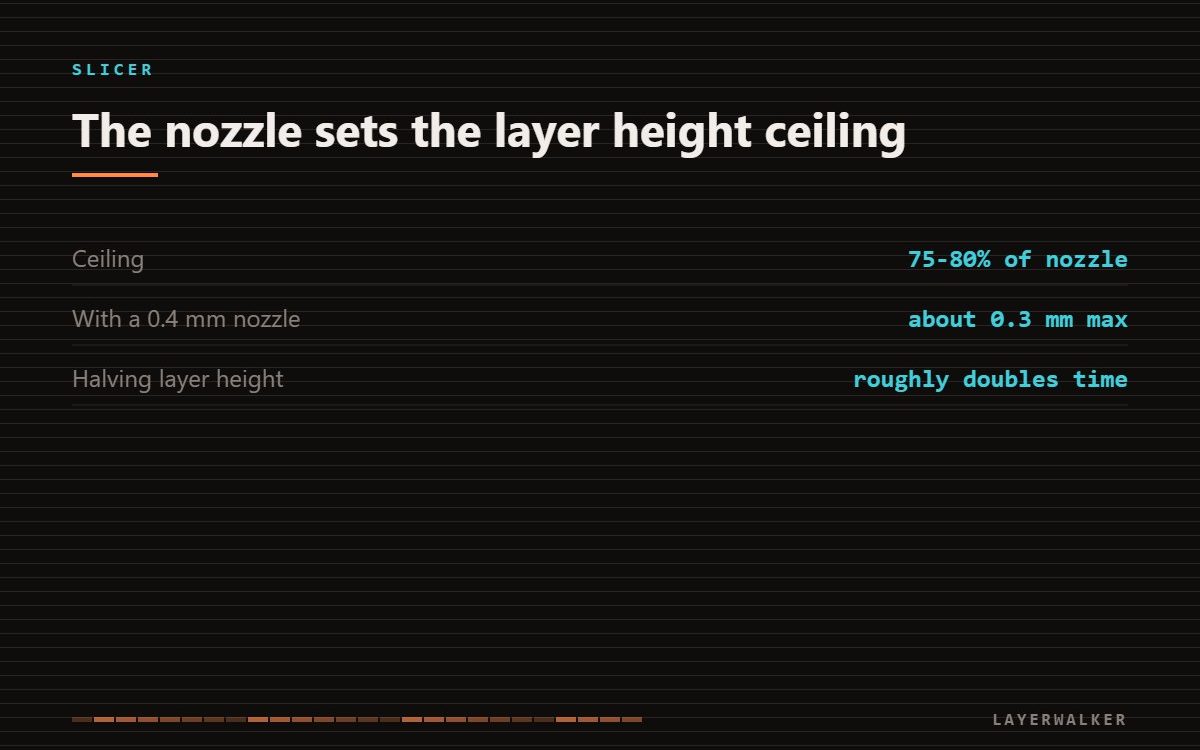
Layer height is not a free quality dial. It is capped at roughly 75 to 80 percent of the nozzle diameter, because a bead taller than that cannot spread far enough to bond properly to the layer below. With a 0.4 mm nozzle that puts the practical ceiling near 0.3 mm.
Where to buy


What to look for
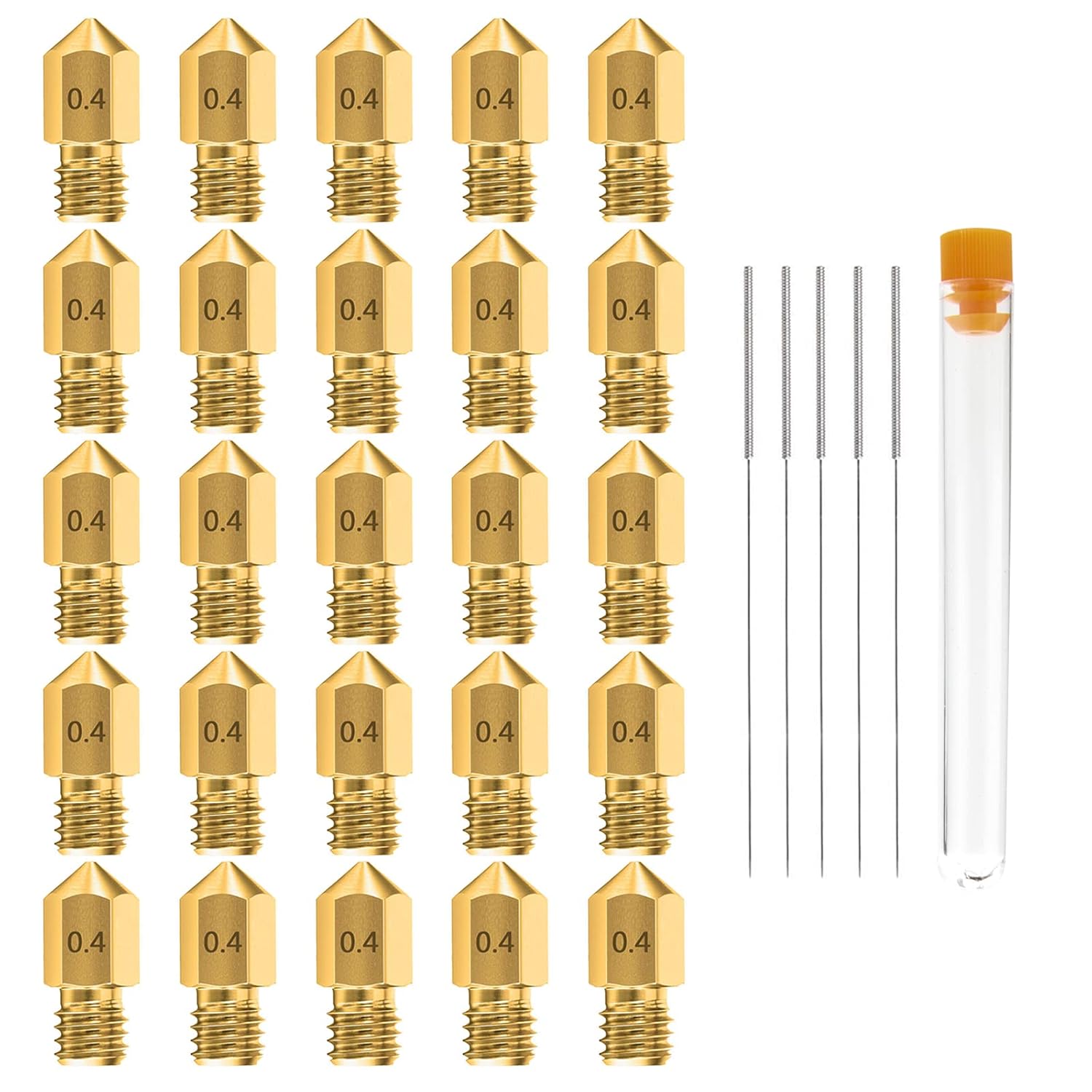
If you want a different layer height range, you buy a nozzle rather than change a setting. A 0.6 mm nozzle raises the ceiling to roughly 0.45 mm and is the cheapest way to shorten long prints; a 0.2 mm nozzle lowers the floor for small detail. Multi-diameter packs are the sensible purchase because you will want to move between them.
Why the ceiling exists
Each layer bonds by being pressed into the one beneath it while still molten. If the bead is too tall relative to its width, the contact area shrinks and the weld between layers gets thinner. The part still looks fine and fails along the layer lines under load. This is why pushing layer height for speed costs strength in a way that raising print speed does not.
What finer layers actually buy
Finer layers improve curved and sloped surfaces, where the stair-stepping is visible. They do almost nothing for vertical walls, which look the same at 0.1 and 0.3 mm because the wall is a stack of identical beads either way. Halving layer height roughly doubles print time, so spending it on a part with no sloped surfaces is pure waste.
Layer height and the first layer are different settings
The first layer is usually thicker than the rest on purpose, because it has to tolerate bed imperfection. Changing your general layer height does not change how the base sits; that is governed by first layer squish, and the two are tuned separately.
Where it interacts with strength
If a part is failing under load, layer height is rarely the first lever. Wall count and infill move strength far more per unit of print time. Reach for finer layers when the problem is how a curve looks, not how a bracket survives.
3D printer layer height FAQ
Is 0.2 mm a good default?
With a 0.4 mm nozzle, yes. It sits comfortably inside the bonding limit and prints in reasonable time.
Does adaptive layer height help?
On models with a mix of flat and curved regions, yes. On mostly vertical parts it changes very little.
Can I go above 80 percent of nozzle diameter?
It will print, but inter-layer bonding degrades and the part becomes noticeably weaker along Z.

LayerWalker
Print defect diagnosis, calibration procedures and parts that actually fit. Corrections welcome through the contact page.