Prusa Error 13109: Steel Sheet Not Detected
LayerWalker is a participant in the Amazon Services LLC Associates Program. We may earn a commission when you buy through links on our site, at no extra cost to you.
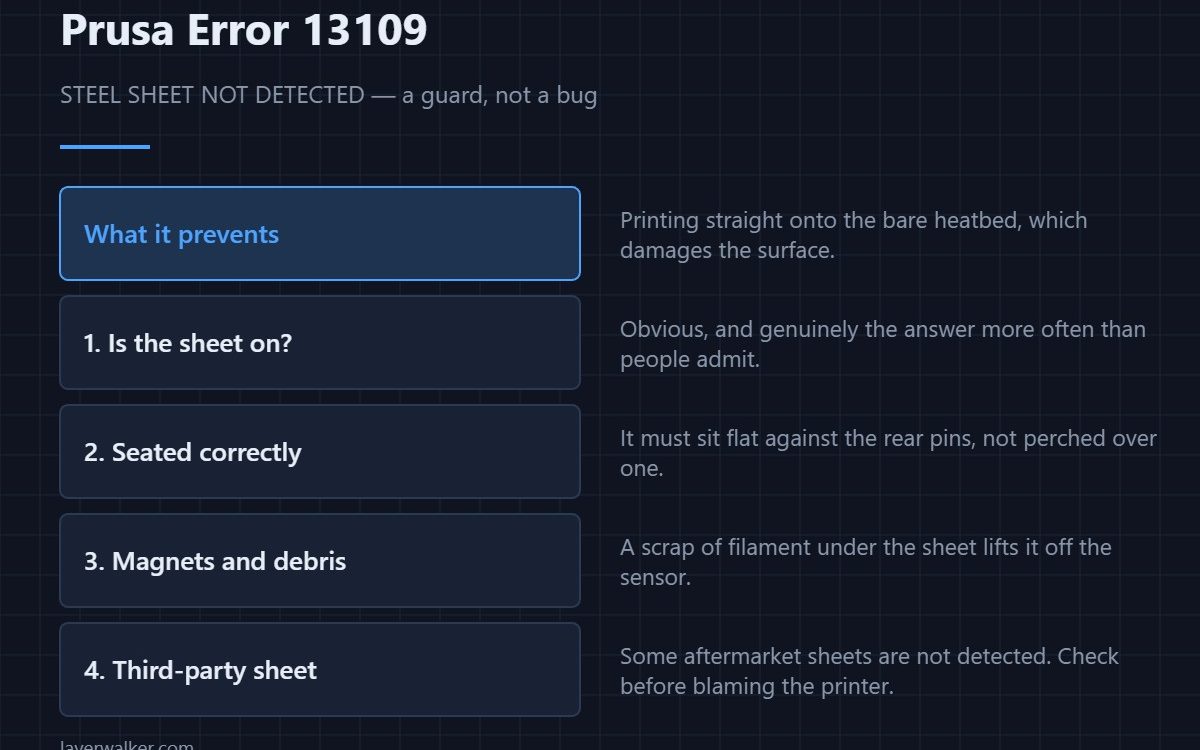
Prusa error 13109 means the printer cannot detect the spring steel sheet on the heatbed. It is a guard that stops the nozzle printing onto the bare bed, which would damage the surface. Check the obvious things first: that the sheet is actually fitted, that it sits flat against the rear locating pins, and that no debris is trapped underneath it.
This is one of the few error codes where the first thing to check really is the obvious one. The sheet gets removed to release a part and then not replaced, or replaced crooked, far more often than the sensor fails.
Where to buy


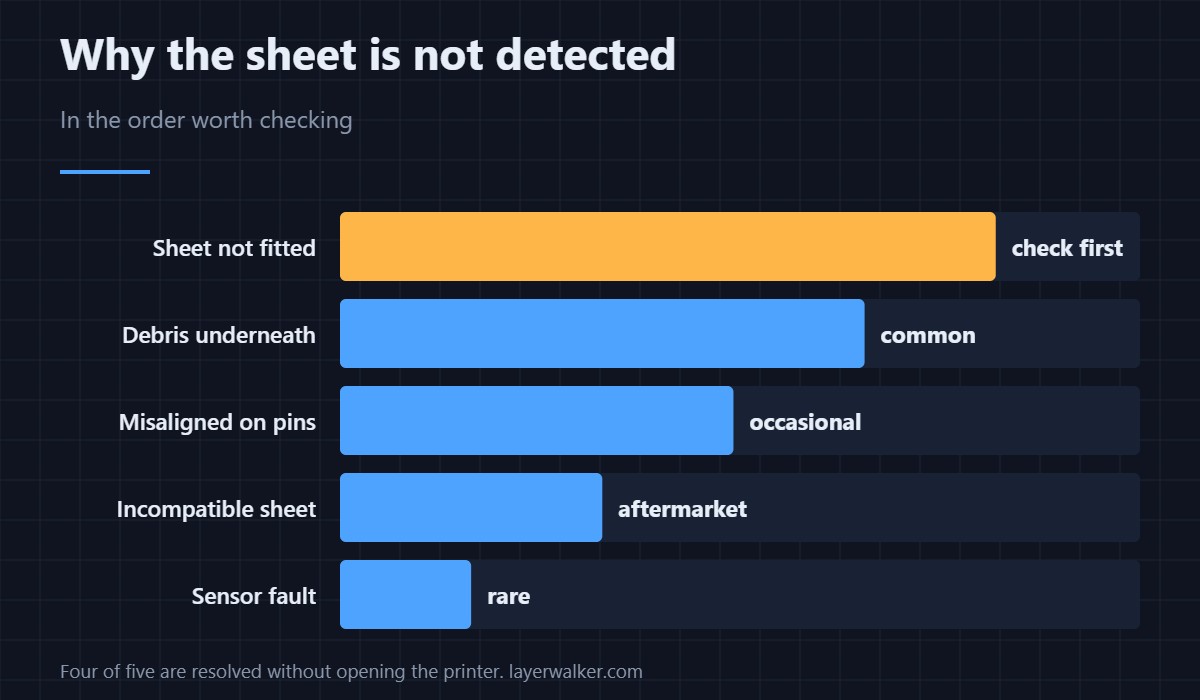
Check in this order
- Is the sheet on the bed? Genuinely the answer more often than people admit, particularly after removing a stubborn part.
- Is it seated? The sheet must sit flat and register against the rear pins, not perched over one of them.
- Anything underneath? A scrap of filament or a blob of purge between sheet and bed lifts it off the sensor. Lift the sheet and wipe the bed — the same routine that fixes adhesion problems.
- Is it a third-party sheet? Some aftermarket sheets are not reliably detected. Test with the original before concluding the printer is faulty — the surface options are compared in PEI build plates.
- Sensor fault. Last, and rare.
Why the printer refuses to continue
Printing directly onto a heatbed rather than onto a removable sheet scores the bed surface and can push the nozzle into it. Replacing a heatbed costs considerably more than the inconvenience of this message, which is why there is no override.
If it appears mid-print
A sheet that was detected at the start and is not detected later has usually shifted, or something has worked its way underneath it. Both are worth investigating rather than clearing and continuing — a lifted sheet also produces first layer problems across part of the bed.
On other models this error reads 16109 (iX), 31109 (CORE One), 35109 (CORE One L) or 36109 (CORE One INDX).
Prusa Error 13109 FAQ
Why does my sheet stop being detected after cleaning?
Usually because it was put back slightly off the rear pins, or because moisture is still trapped underneath. Dry the bed and reseat it squarely — the cleaning routine itself is in bed cleaning.
Do third-party sheets work?
Many do, some are not detected reliably. If the error appeared when you switched sheets, test with the original to isolate it.
Can I override error 13109?
No, deliberately. The alternative is printing onto the bare heatbed and damaging it.
Is it the sensor if everything looks right?
Possibly, but check underneath the sheet first. Debris you cannot see from above is a far more common cause than a failed sensor.

LayerWalker
Print defect diagnosis, calibration procedures and parts that actually fit. Corrections welcome through the contact page.