Prusa Error 13113: Filament Sensor Troubleshooting
LayerWalker is a participant in the Amazon Services LLC Associates Program. We may earn a commission when you buy through links on our site, at no extra cost to you.
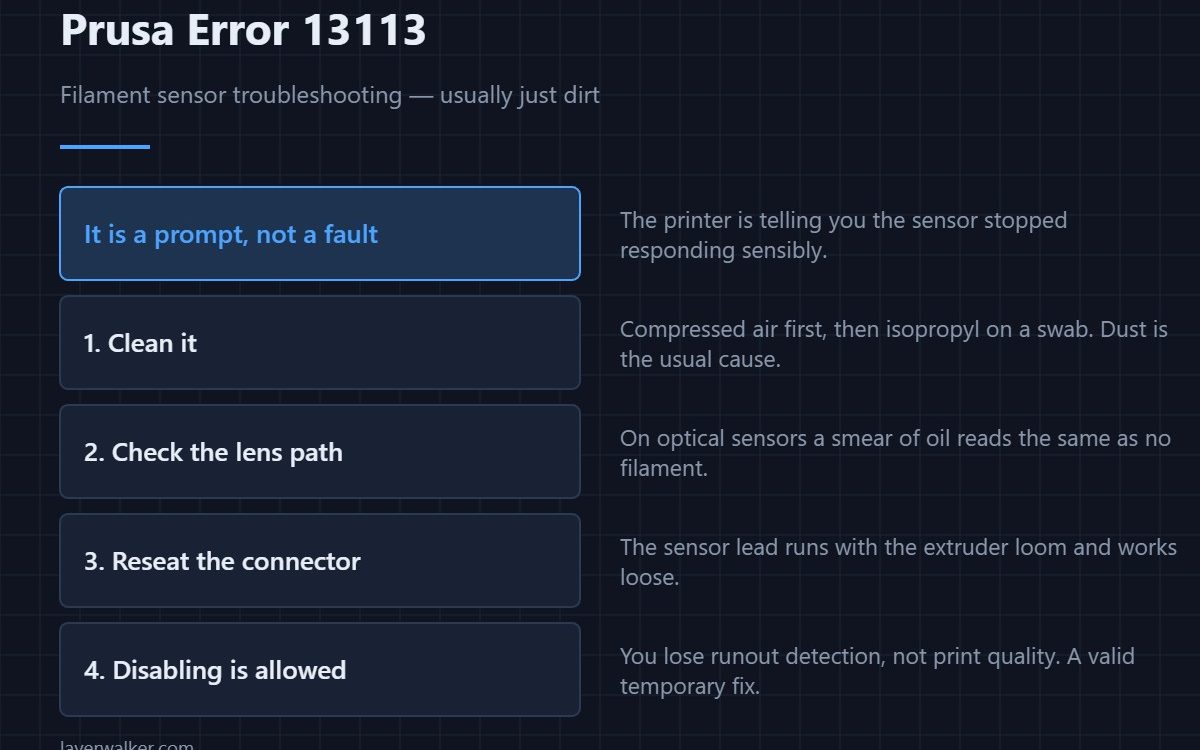
Prusa error 13113 is the printer telling you the filament sensor has stopped responding sensibly, and asking you to clean it or disable it. Dust is the usual cause. Blow it out with compressed air, wipe the optical path with isopropyl on a swab, and reseat the connector. Disabling the sensor is a legitimate temporary fix: you lose runout detection, not print quality.
Unlike most codes in this category, 13113 is a prompt rather than a hard fault. The printer can keep working without the sensor, which is why Prusa offer disabling as an option in the dialog itself.
Where to buy



Clean it properly
- Compressed air first. Dust and ground filament are the commonest cause, and air removes them without touching anything.
- Isopropyl on a swab. For oil or residue on the optical path. Let it dry fully before powering back on.
- Reseat the connector. The sensor lead runs with the extruder loom and works loose over time.
- Flex the cable. Watch the sensor state in the menu while you do. A reading that flickers locates a break. If the extruder is also jamming, treat it as a clog first.
When disabling is the right call
If you are mid-project, feed from a full spool and are present while it prints, disabling the sensor costs you very little. What you lose is the automatic pause when filament runs out or snaps. That matters most on long unattended prints, which is exactly when you should re-enable it.
Why it gets dirty in the first place
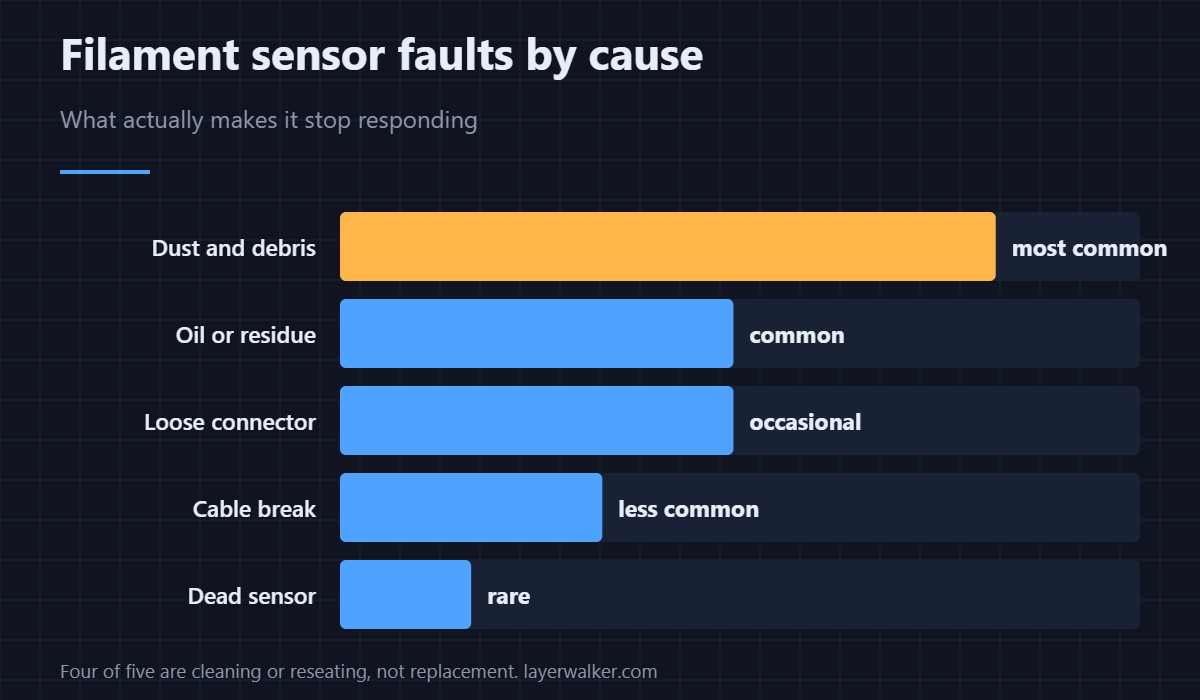
Ground filament dust comes from the drive gear, and there is more of it when the filament is brittle or the gear is slipping. If you are cleaning the sensor often, look at why the extruder is shedding material — wet or old filament is a frequent answer, and storage fixes it. Repeated jamming alongside it points at 13101 territory instead.
Related codes and models
On other Prusa machines the same prompt reads 23113 (MK3.5), 31113 (CORE One), 35113 (CORE One L), 17113 (XL) or 16113 (iX). The tools worth having for this kind of maintenance are in 3D printer accessories.
Prusa Error 13113 FAQ
Is it safe to disable the filament sensor?
Yes, with one trade-off: no automatic pause if filament runs out or breaks. Fine for supervised printing, worth re-enabling for long unattended jobs.
What should I clean the sensor with?
Compressed air first, then isopropyl alcohol on a cotton swab if residue remains. Avoid anything abrasive and let it dry before powering on.
Why does this keep coming back?
Because something upstream is producing dust — usually a slipping drive gear or brittle filament. Fix the source rather than cleaning weekly.
Does a dirty sensor affect print quality?
No. It affects detection only. Quality problems appearing at the same time have a different cause.

LayerWalker
Print defect diagnosis, calibration procedures and parts that actually fit. Corrections welcome through the contact page.