Prusa Error 13101: Stuck Filament Detected on the Nextruder
LayerWalker is a participant in the Amazon Services LLC Associates Program. We may earn a commission when you buy through links on our site, at no extra cost to you.
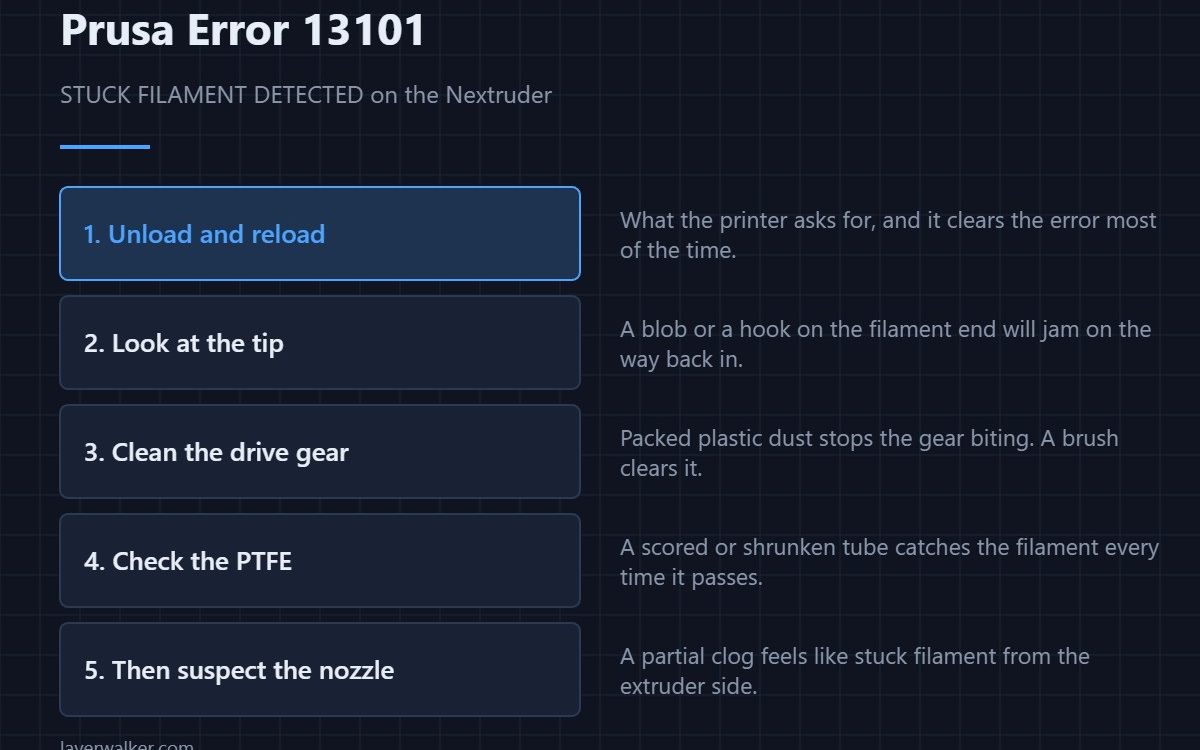
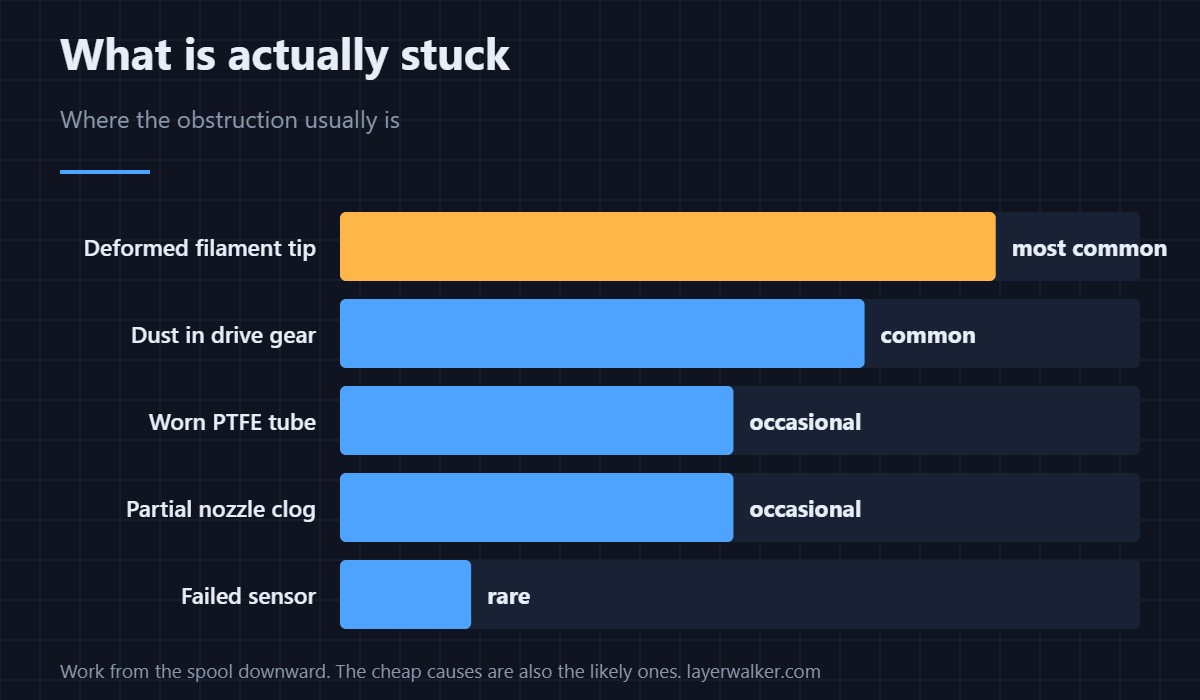
Prusa error 13101 means the Nextruder cannot move filament and has concluded it is stuck. The printer asks you to unload and reload, and that genuinely clears it most of the time. If it comes back, work down the path in order: the filament tip, the drive gear, the PTFE, then the nozzle.
The error is about force rather than temperature. The extruder measured more resistance than it expects and stopped rather than grinding a flat spot into the filament, which is what older designs did silently.
Where to buy


Work down the path
- Unload and reload. What the printer asks for. Do it before anything else.
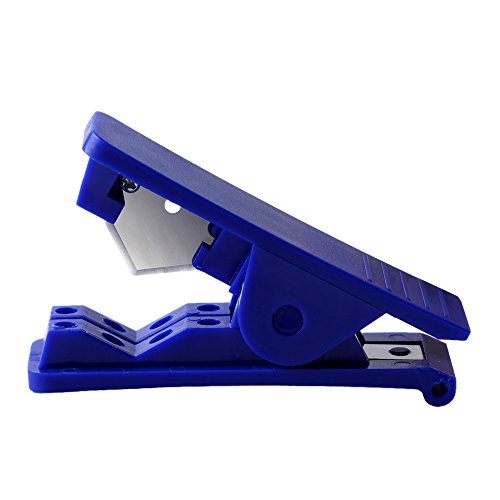
- Look at the filament tip. A blob, a hook or a flattened section will catch on the way back in. Snip 50 mm off and cut the end at an angle.
- Clean the drive gear. Packed plastic dust stops the teeth biting. A stiff brush clears it in a minute.
- Check the PTFE. Scored, shrunken or browned tube catches filament every pass. Replace it if the bore is not smooth.
- Then suspect the nozzle. A partial clog feels exactly like stuck filament from the extruder side — see partial and complete blockages.
If it keeps coming back
Repeated 13101 on the same spool usually means the filament, not the printer. Wet filament swells and bubbles; a spool that has tangled under itself pulls hard enough to look like a jam. A roller holder removes the second cause entirely, and drying the first.
What it is not
It is not a temperature error. If the hotend were failing to heat you would see 13202 instead. And it is not the filament sensor, which reports itself through 13113.
On other Prusa models this error reads 31101 (CORE One), 35101 (CORE One L) or 16101 (iX).
If the printer instead reports an electrical fault at the head, that is 13308 nozzle heater overcurrent — a wiring problem rather than a jam.
Prusa Error 13101 FAQ
Why does unloading and reloading fix it?
Because the commonest cause is a deformed filament tip, and unloading pulls that tip out of the path. Cutting the end cleanly before reloading makes the fix stick.
Can wet filament cause 13101?
Yes. Moisture makes filament bubble and swell in the hotend, which raises the force the extruder needs. Dry the spool if the error follows one particular filament.
Is the sensor faulty if the filament moves freely?
Occasionally, but check the drive gear and PTFE first — both produce intermittent resistance that you will not feel by hand.
Should I raise the extruder force to push through it?
No. The limit exists to stop the gear chewing the filament into dust, which turns a small jam into a strip-down.

LayerWalker
Print defect diagnosis, calibration procedures and parts that actually fit. Corrections welcome through the contact page.