Prusa Error 13115: Filament Sensors Disabled
LayerWalker is a participant in the Amazon Services LLC Associates Program. We may earn a commission when you buy through links on our site, at no extra cost to you.
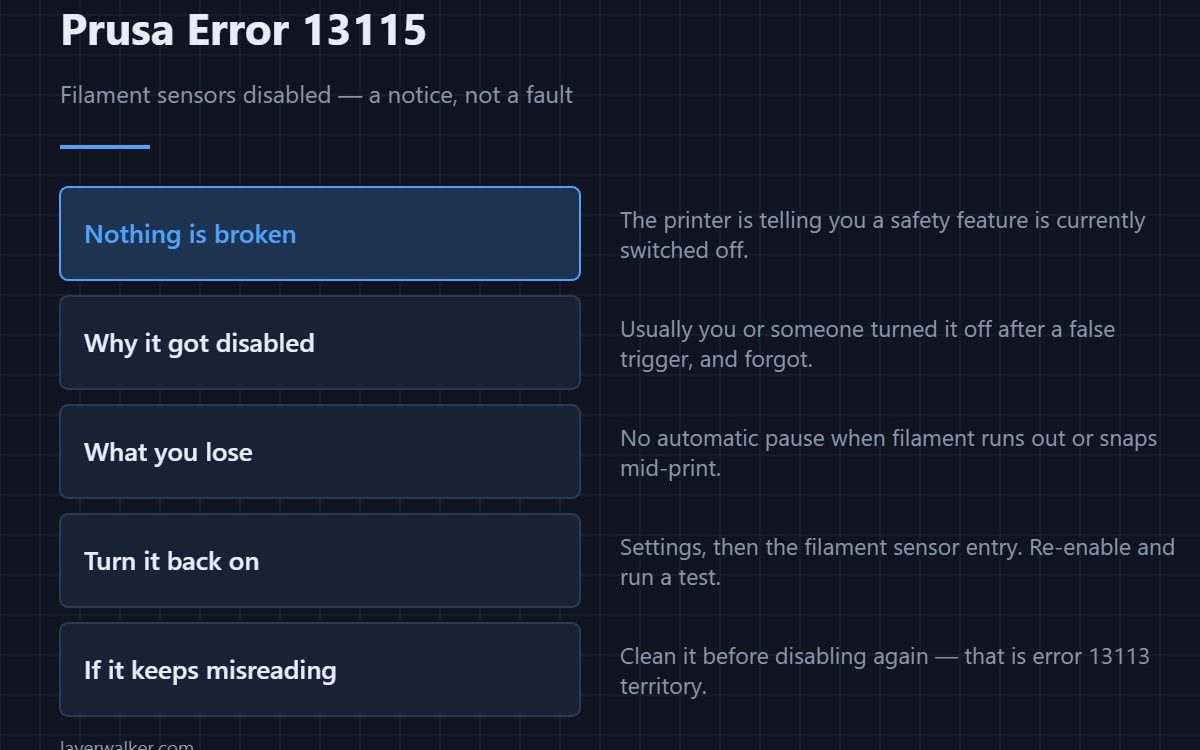
Prusa error 13115 is not a fault. It is the printer telling you the filament sensors are currently switched off and asking you to re-enable them manually. Nothing is broken. What you lose is the automatic pause when filament runs out or snaps, which matters most on long unattended prints.
Almost every printer showing this was disabled deliberately, usually after the sensor produced a false trigger and somebody turned it off to get a print finished. The notice exists because it is easy to forget afterwards.
Where to buy



Why it was probably disabled
A dirty sensor gives false runout triggers, the print pauses for no reason, and the quickest way past it is to switch the sensor off. That is a reasonable short-term decision and a bad long-term one. The underlying problem is a cleaning job — see 13113.
Turning it back on
Settings, then the filament sensor entry, then enable. Run a short print and deliberately check it detects filament present. If it immediately misreads again, clean it rather than disabling it a second time.
What you are risking meanwhile
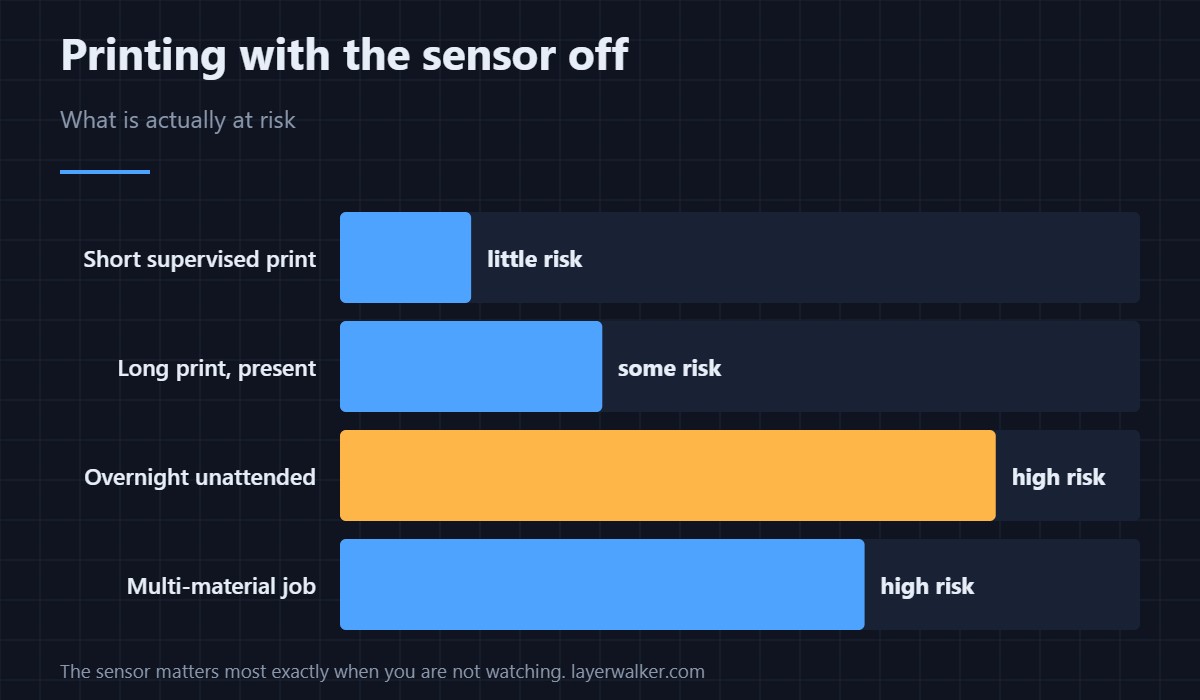
On a supervised half-hour print, very little. On a twelve-hour overnight job, a spool that runs out at hour nine produces an air-printed remainder and a wasted plate. That is the whole value of the sensor: it is insurance for the times you are not in the room.
The related failure it cannot catch
A filament sensor detects absence, not jams. If the filament is present but not moving, the printer reports 13101 stuck filament instead, which is a different sensor and a different fix. Brittle filament that snaps in the path is usually a storage problem rather than a sensor one.
This notice reads 31115 on CORE One, 35115 on CORE One L, 17115 on XL and 23115 on MK3.5.
Prusa Error 13115 FAQ
Is 13115 a fault?
No. It is a status notice that a safety feature is switched off, shown so you do not forget.
Is it safe to print with the sensors disabled?
For short supervised prints, yes. For long or unattended ones it removes the only automatic protection against running out of filament.
Why do my sensors keep giving false triggers?
Dust or residue on the sensor, nearly always. Clean it rather than disabling it — the routine is in 13113.
Where do I re-enable them?
In Settings, under the filament sensor entry. Test with a short print afterwards rather than assuming it took.

LayerWalker
Print defect diagnosis, calibration procedures and parts that actually fit. Corrections welcome through the contact page.