Prusa Error 13609: Firmware and Printer Mismatch
LayerWalker is a participant in the Amazon Services LLC Associates Program. We may earn a commission when you buy through links on our site, at no extra cost to you.
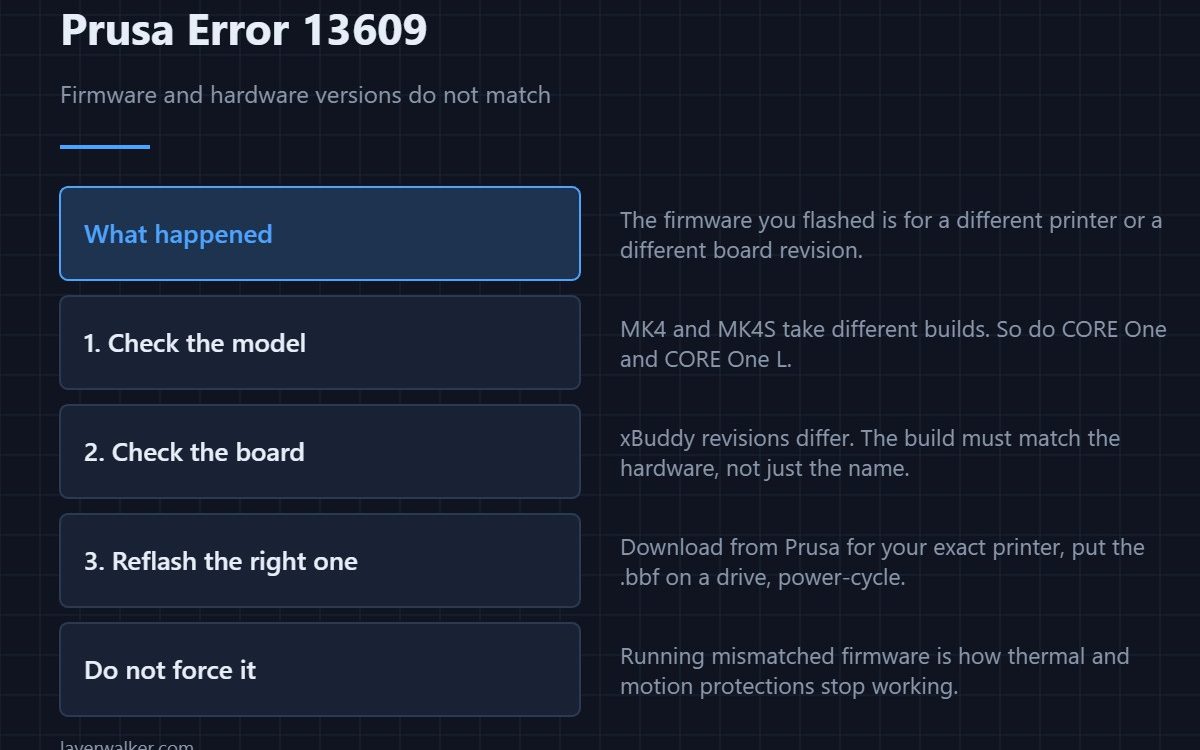
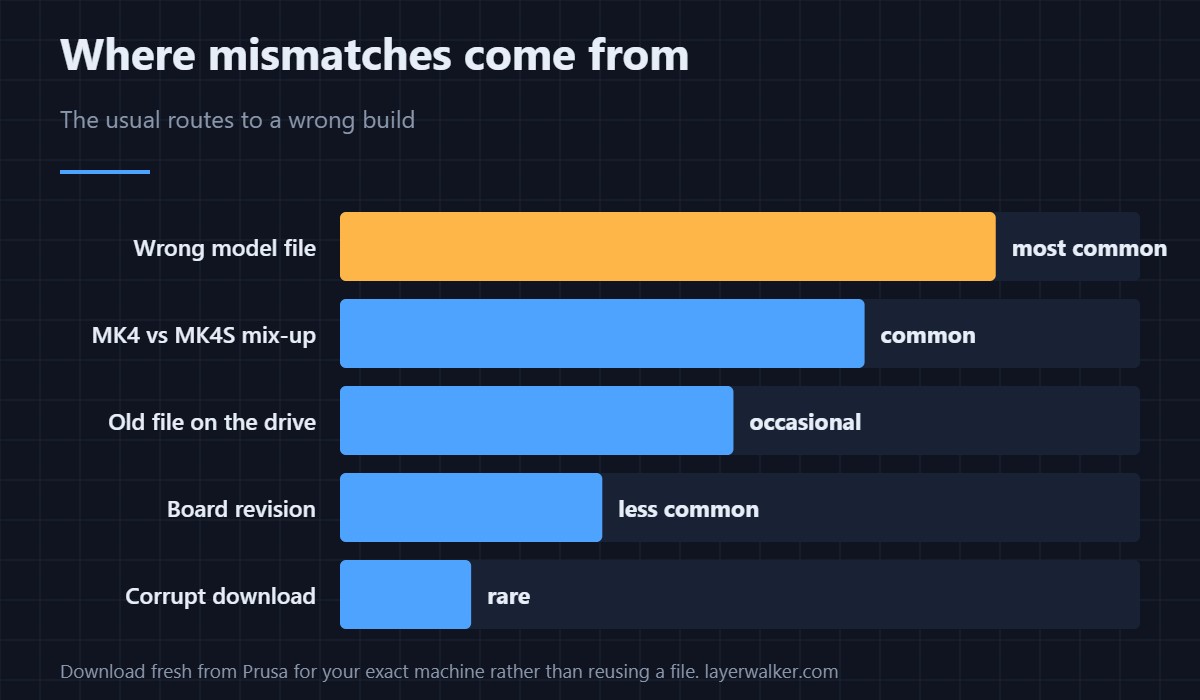
Prusa error 13609 means the firmware you flashed does not match the hardware it is running on. Prusa’s own text asks you to make sure the versions correspond. The commonest cause is downloading for the wrong model — MK4 and MK4S take different builds, as do CORE One and CORE One L. Reflash with the correct file; do not try to force past it.
Prusa firmware ships as a .bbf file that identifies which printer and board revision it targets. The bootloader checks that before running it, which is why you get a clean refusal rather than a bricked machine.
Where to buy


Get back to a working printer
- Identify the exact model. Not just “MK4” — MK4 and MK4S are different, and so are MK3.9 and MK3.5. The printer reports its own model in the menu.
- Download fresh from Prusa. For that exact machine. Do not reuse a file from another printer or an old download.
- Put it on a clean drive. One .bbf file, nothing else. Multiple firmware files on one drive cause exactly this confusion.
- Power-cycle with the drive inserted and follow the prompt.
Why not override it
Firmware carries the thermal protection limits, motion parameters and sensor configuration for a specific board. Running a build meant for different hardware is how those protections stop matching reality — which is the same argument as for not bypassing thermal runaway.
After a successful flash
Expect to redo calibrations. A firmware change frequently asks for homing calibration and sometimes for a fresh first-layer setup. Those prompts are normal rather than a sign something went wrong.
Context
Prusa run their own Buddy firmware rather than Marlin, though the concepts overlap — what reflashing involves generally is in Marlin firmware, and the architectural comparison in Klipper vs Marlin. Display oddities after an update are usually 13324 rather than a mismatch.
This error reads 31609 on CORE One, 35609 on CORE One L, 17609 on XL and 23609 on MK3.5.
Prusa Error 13609 FAQ
Have I bricked my printer?
No. The bootloader refused to run a mismatched build, which is the protection working. Flash the correct file and it will boot.
Is MK4 firmware the same as MK4S?
No. They are different builds. Using one on the other is the most common cause of this error.
Can I downgrade firmware?
Usually yes, using the older .bbf for your exact model. Check Prusa’s notes first, since some versions change configuration formats.
Do I need to recalibrate after flashing?
Often, yes. Homing calibration and first-layer calibration are the usual prompts, and they are quick.

LayerWalker
Print defect diagnosis, calibration procedures and parts that actually fit. Corrections welcome through the contact page.

