Prusa Error 31118: Homing Calibration Needed
LayerWalker is a participant in the Amazon Services LLC Associates Program. We may earn a commission when you buy through links on our site, at no extra cost to you.
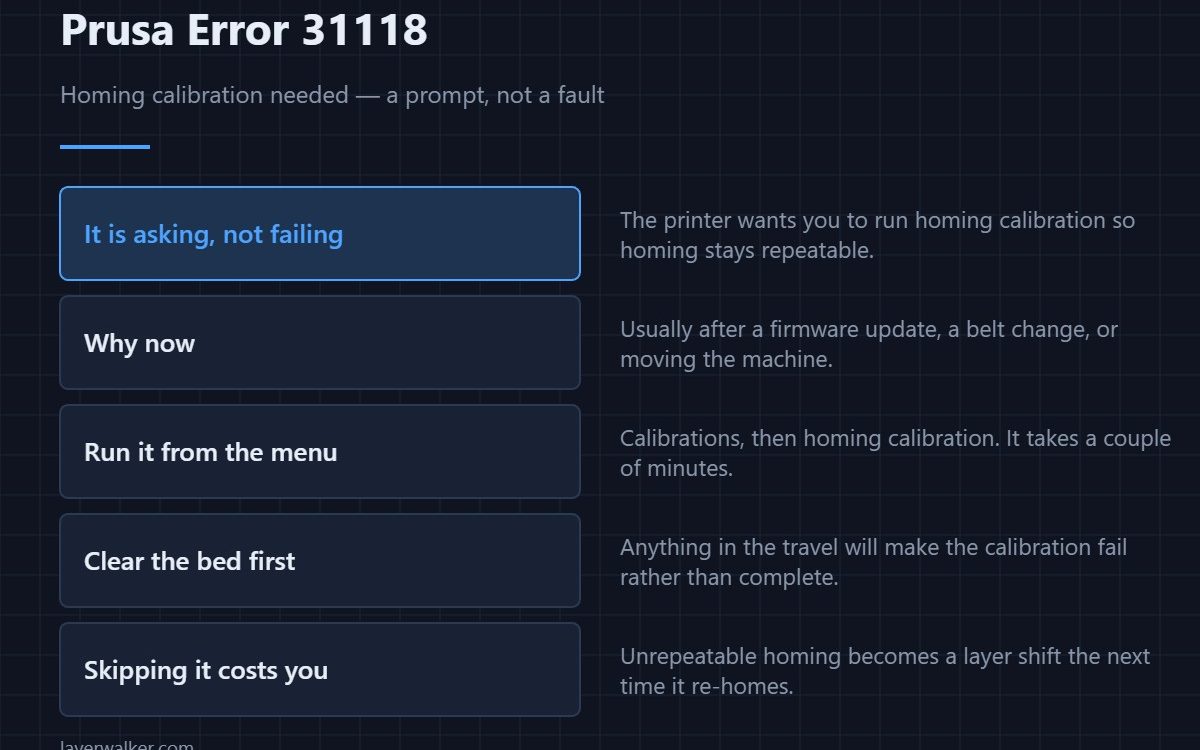
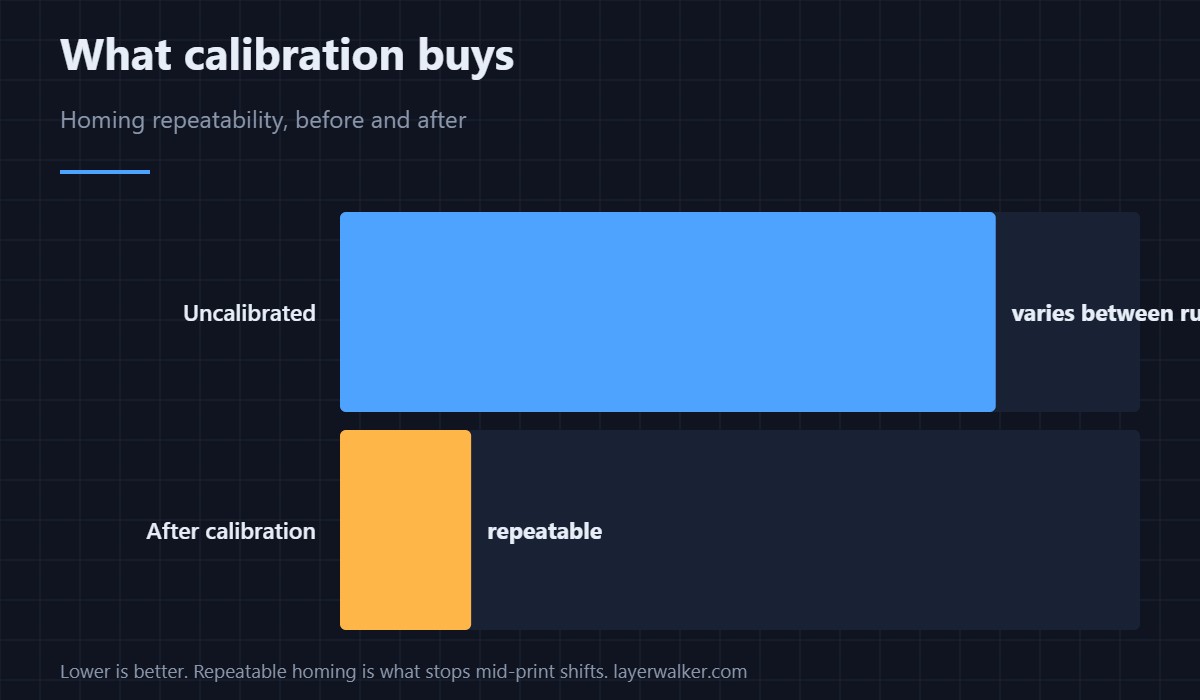
Prusa error 31118 is a prompt rather than a fault: the printer wants you to run homing calibration so that homing stays repeatable. It usually appears after a firmware update, a belt change, or moving the machine. Clear the bed, run it from the Calibrations menu, and it takes a couple of minutes. Skipping it risks layer shifts later.
Precise homing works by finding the axis end consistently rather than bumping into it once. Calibration is what teaches the printer what “consistent” looks like on your particular machine, which is why it needs redoing after anything mechanical changes.
Where to buy


Running it
- Clear the bed completely. Anything in the travel makes the calibration fail rather than finish, and you end up at 31102 instead.
- Check belt tension first if you have recently worked on the machine. Calibrating around a slack belt bakes in a bad result, and belt work sits early in the maintenance order.
- Run it from Calibrations. Not from a print — it needs the axes free.
- Do not interrupt it. A partial run leaves the stored values worse than before.
Why the prompt appears when it does
Firmware updates can invalidate stored calibration data. So can changing a belt, a motor or a pulley, and so can transporting the printer — vibration in a car is enough to shift a pulley on its shaft. None of those are faults; they just mean the stored numbers no longer describe the machine.
What skipping it costs
Unrepeatable homing does not always fail visibly. What it does instead is shift the origin slightly when the printer re-homes mid-print, and everything above that point moves with it. That is layer shifting, and it is routinely misdiagnosed as an acceleration or speed problem for weeks. The X-axis version of the underlying fault is in 13304.
This prompt reads 16118 on iX, 35118 on CORE One L and 36118 on CORE One INDX.
Prusa Error 31118 FAQ
Is 31118 a fault?
No. It is the printer asking for a maintenance routine, not reporting a failure.
How long does homing calibration take?
A couple of minutes. Clear the bed first so it completes rather than aborting.
Can I dismiss it and keep printing?
You can, and the risk is layer shifts when the printer next re-homes. On a long print that costs far more than the two minutes.
Why did it appear after I moved the printer?
Transport vibration can shift pulleys and belts slightly. The stored calibration no longer matches the machine, so it asks to be redone.

LayerWalker
Print defect diagnosis, calibration procedures and parts that actually fit. Corrections welcome through the contact page.

