Prusa Error 13324: Display Problem Detected
LayerWalker is a participant in the Amazon Services LLC Associates Program. We may earn a commission when you buy through links on our site, at no extra cost to you.
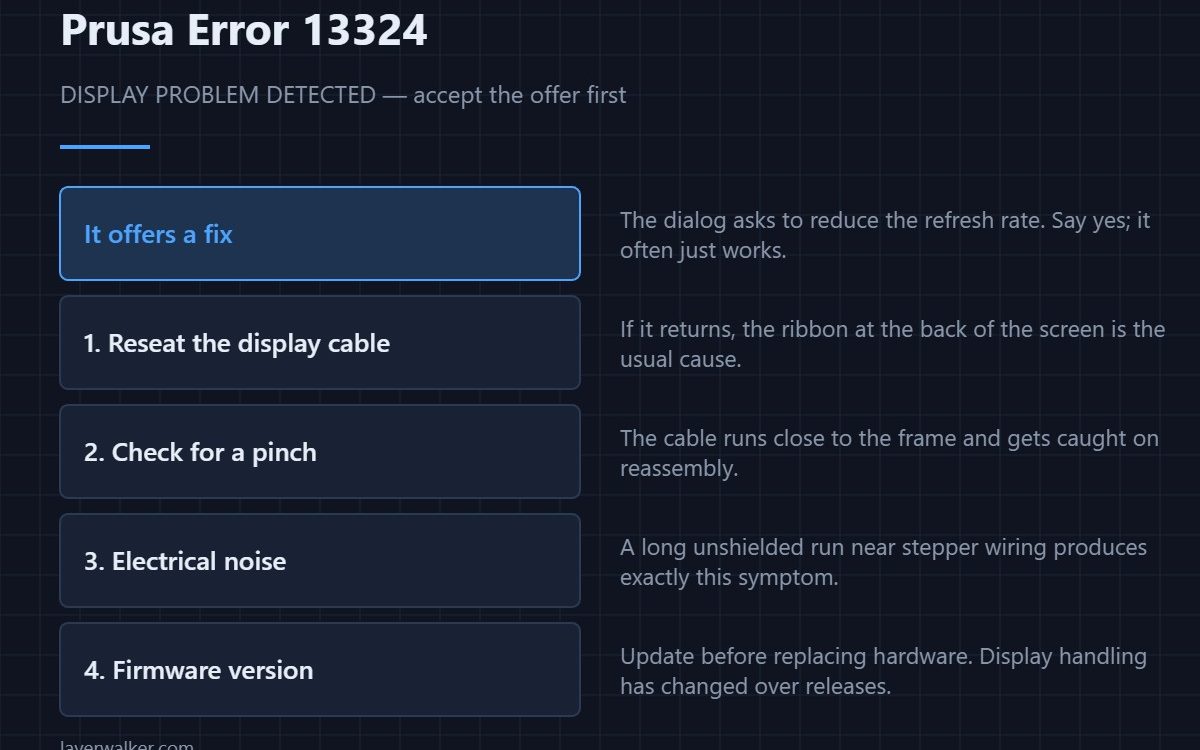
Prusa error 13324 means the printer detected problems driving the display and is offering to reduce the refresh rate to work around them. Accept the offer — it often resolves it outright. If the message keeps returning, the display ribbon cable is the usual cause: reseat it, and check it has not been pinched during reassembly.
This is unusual among the error codes in that the dialog itself contains a fix. Most codes tell you something is wrong; this one proposes a change and asks permission.
Where to buy


What lowering the refresh rate does
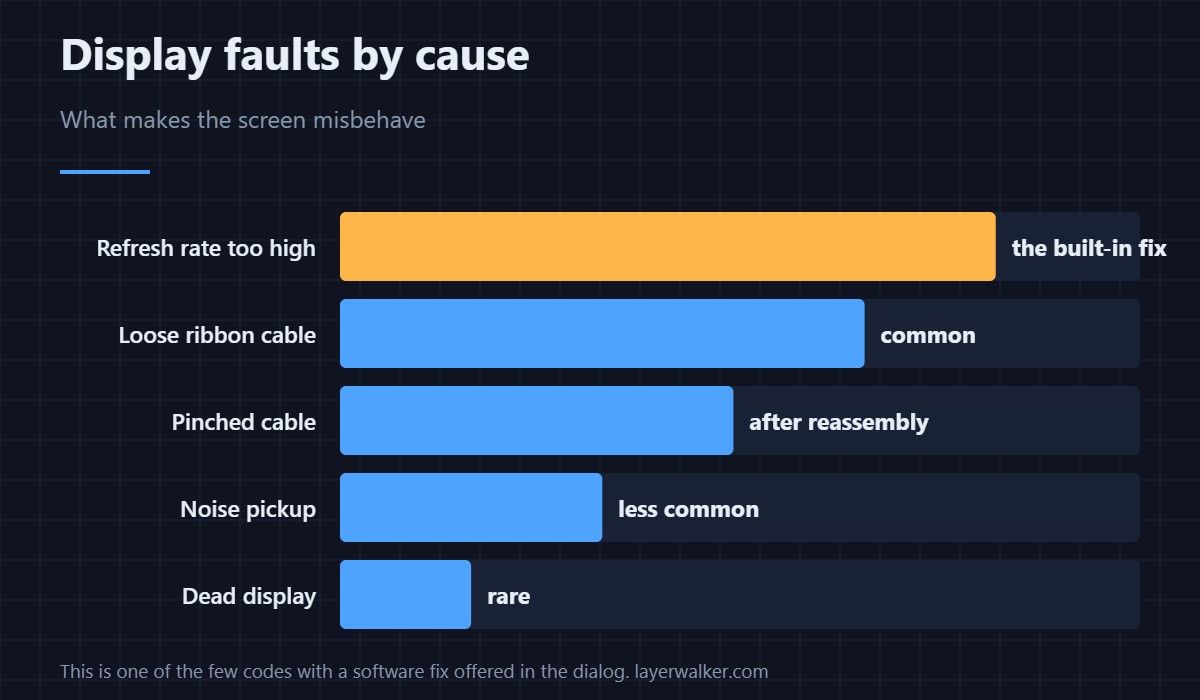
It reduces how fast data is pushed to the screen, which makes the link tolerant of a marginal connection or of electrical noise picked up along the cable. You lose a little smoothness in the interface and nothing else. For a printer that is otherwise working, accepting is the right first move.
If it keeps coming back
- Reseat the display ribbon. At both ends. These connectors are easy to seat almost-but-not-quite, which produces exactly this symptom.
- Check for a pinch. The cable runs close to the frame and is easy to trap when closing a cover after maintenance.
- Look at cable routing. A long unshielded run beside stepper wiring picks up noise; rerouting away from motor cables can fix it, and the same noise can disturb temperature readings.
- Update firmware. Display handling has changed across releases. Update before ordering a replacement screen. Firmware behaviour generally is covered in what a reflash involves, though Prusa run their own Buddy firmware rather than Marlin.
What it is not
It is not a sign the board is failing, and it does not affect print quality. If the printer is also reporting overcurrent or power panic faults, treat those as the more serious problem and this as a symptom of the same underlying electrical trouble.
The same error reads 31324 on CORE One, 17324 on XL, 35324 on CORE One L and 23324 on MK3.5.
Prusa Error 13324 FAQ
Should I accept the refresh rate change?
Yes. It costs a slightly less smooth interface and frequently resolves the problem completely.
Does 13324 affect print quality?
No. It concerns the user interface only. Prints already running are unaffected.
Why did it start after I opened the printer?
Because the display ribbon is easy to pinch or half-seat during reassembly. Reseat it and check the routing before suspecting the screen.
Do I need a new display?
Rarely. Cable seating, routing and firmware account for most cases. Replace the screen only after those are ruled out.

LayerWalker
Print defect diagnosis, calibration procedures and parts that actually fit. Corrections welcome through the contact page.