Creality K1 Error 2564: Nozzle Not Heating as Expected
LayerWalker is a participant in the Amazon Services LLC Associates Program. We may earn a commission when you buy through links on our site, at no extra cost to you.
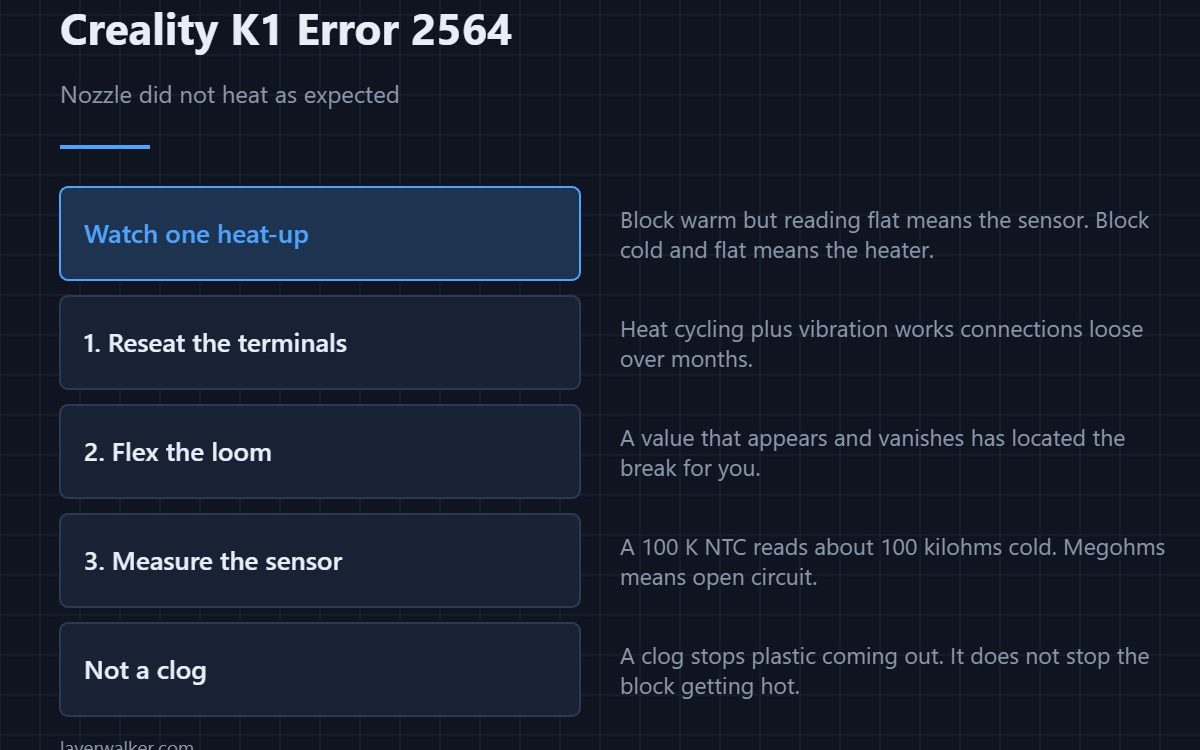
Creality K1 error 2564 means the printer switched the hotend heater on and the temperature did not rise as it should have. Creality points at the ceramic heating block and the thermal wiring, and that is the right place: either the heater is not producing heat, or the sensor is not reporting it, or the connection between them and the board has failed.
This is a safety cutout, and it is doing its job. A heater that runs uncontrolled is the failure mode it exists to prevent.
Where to buy
Heater fault or sensor fault?
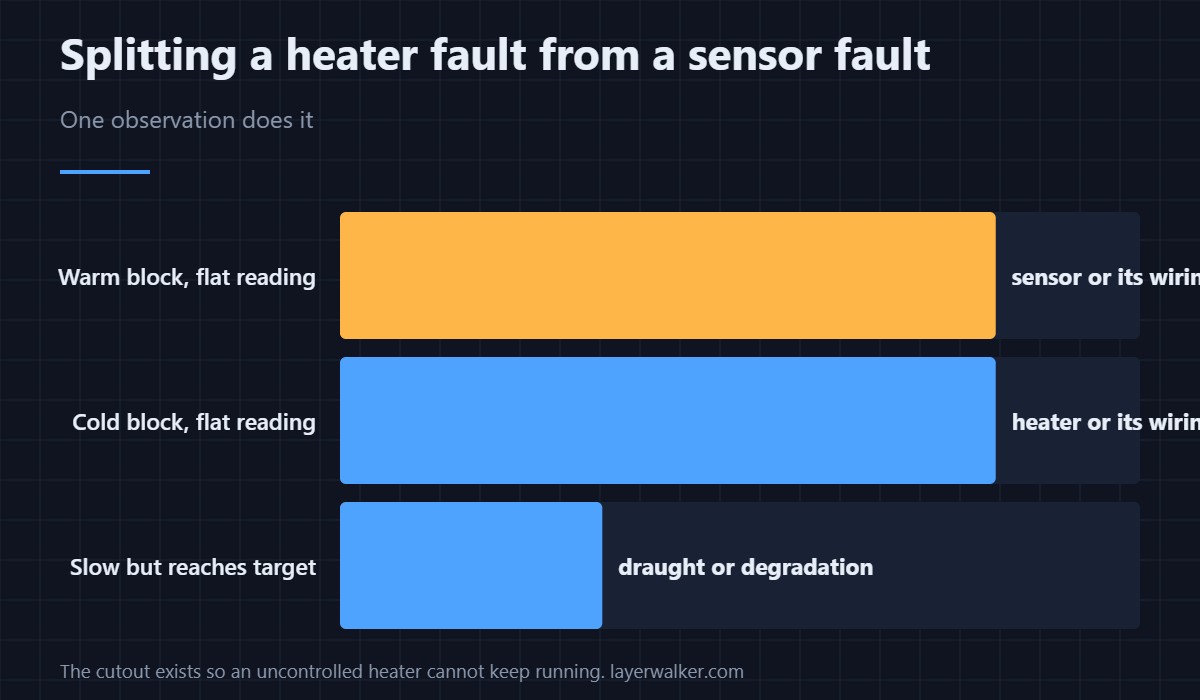
Touch nothing and watch the reported temperature during a heat-up attempt. A number that stays at room temperature while the block is visibly getting warm means the sensor has failed. A number that stays flat while the block stays cold means the heater has failed. That single observation halves the work.
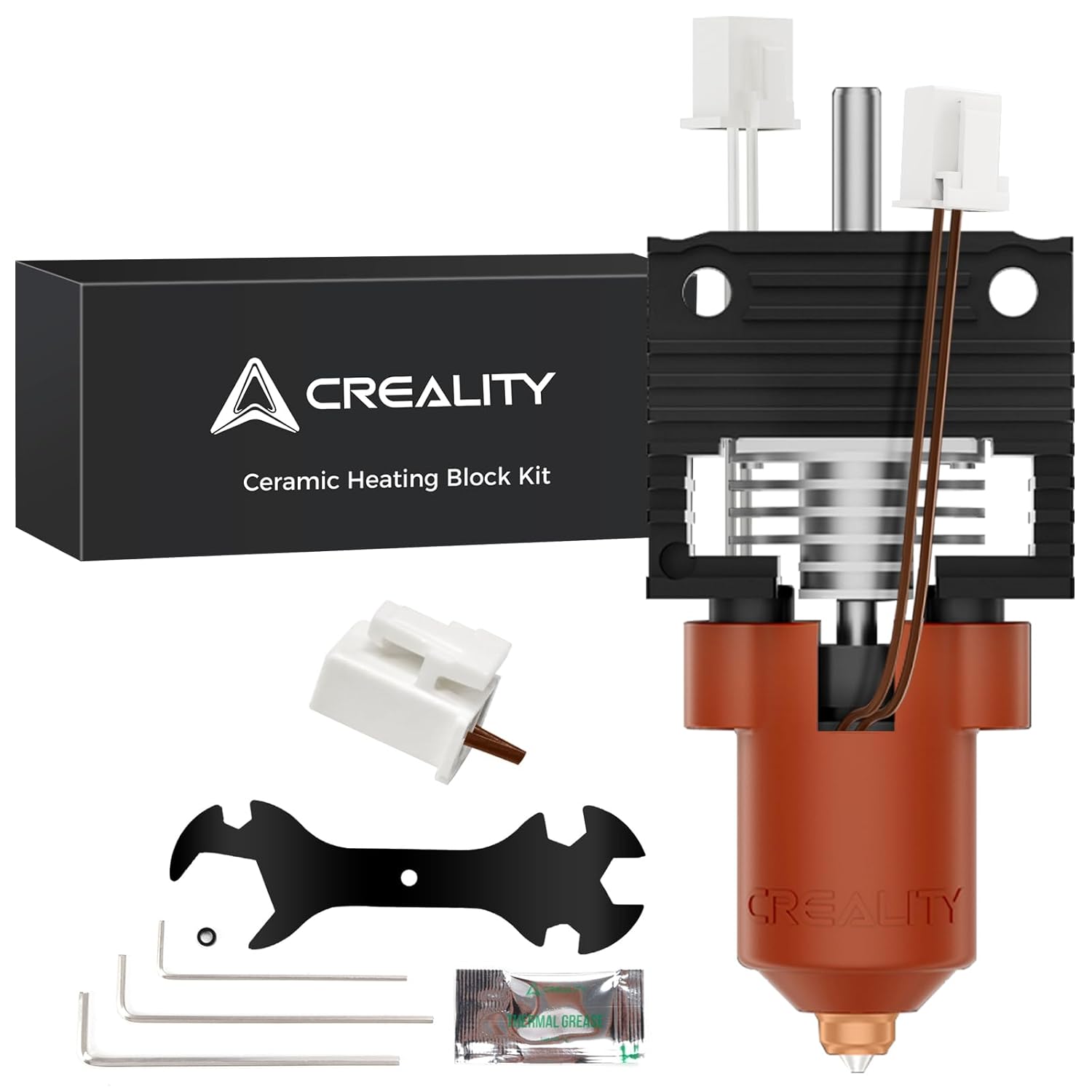
The ceramic heater on a K1
The K1 uses a ceramic heating element rather than the cartridge style found on older machines, and it heats fast enough that a genuine failure is obvious: nothing happens at all. Check the terminals where it connects, because the combination of heat cycling and vibration works connections loose over time.
The wiring is the most likely culprit
Every signal into the K1 toolhead runs through a loom that flexes on every layer of every print. Reseat the terminals at both ends, then flex the loom gently while watching the readout. A value that appears and vanishes as you move the cable has located your break better than any meter will.
Measuring the sensor
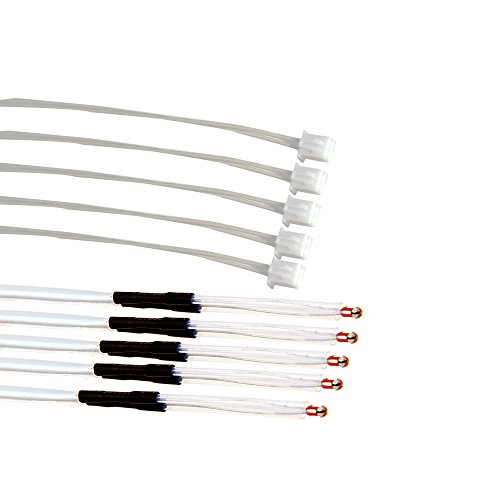
With the printer off and the connector unplugged, a healthy 100 K NTC thermistor reads roughly 100 kilohms at room temperature. Megohms or an open circuit means a broken element or a broken wire; near zero means a short. Background on types and where each sits is in 3D printer thermistors, and how the parts fit together is in the hotend explainer.
What Creality K1 error 2564 rules out
It is not a clog, not a filament problem and not a slicer setting. Those stop plastic coming out; they do not stop the block getting hot. If heating works and extrusion does not, you are looking at a clogged nozzle instead. The equivalent fault on the bed side is 2565, and the two share a diagnostic approach even though they share no parts.
Creality K1 Error 2564 FAQ
Can I raise the timeout and carry on?
No, and you should not want to. The check exists so a heater that is not under sensor control cannot keep running.
It heats slowly but does get there eventually. Same fault?
That is usually a draught, an open door, or a partly failed heater. It trips the same check, but the cause is degradation rather than a break.
The hotend fan is also reporting a fault. Which first?
Fix the heating fault first, then the fan — but do not print in between, because 501 on its own is enough to jam the extruder.
Does this affect all K1 variants?
Yes. K1, K1C, K1 SE and K1 Max share the heating architecture, so the diagnosis is identical across the family.
If the codes keep changing but they are all print-head related, stop chasing each one: the loom is the single cause, and the printer names it as Creality K1 error 2506.

LayerWalker
Print defect diagnosis, calibration procedures and parts that actually fit. Corrections welcome through the contact page.

