Creality K1 Error 501: Heat Break Fan Exception
LayerWalker is a participant in the Amazon Services LLC Associates Program. We may earn a commission when you buy through links on our site, at no extra cost to you.
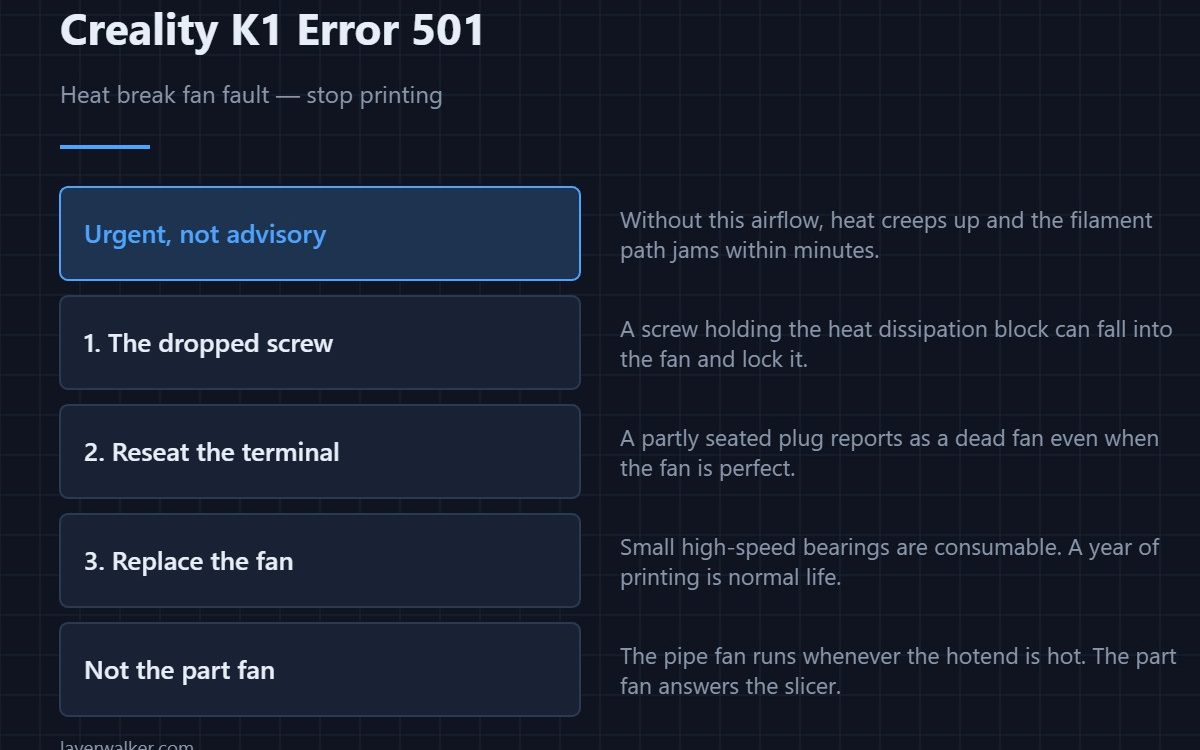
Creality K1 error 501 means the pipe fan — the one cooling the heat break above the nozzle — is not reporting the speed it should. Stop and fix it. Without that airflow, heat travels up into the cold side, filament softens early and the extruder jams. Creality lists three causes, and one of them is oddly specific for a reason.
That specific cause is a screw. On K1 hotends, a screw holding the heat dissipation block can work loose and drop straight into the fan, locking it solid.
Where to buy


Start with the dropped screw
Remove the hotend cover and the nozzle plate and look into the fan housing. If a screw is sitting in the blades, that is your answer: fish it out and retighten the screws that hold the heat dissipation block, because a second one is usually on its way loose too. This is the first check because it costs nothing and it is common enough to be documented.
Then the terminal
Reseat the pipe fan connector. Like every print-head connection it lives on a loom that moves constantly, and a partially seated terminal reports as a dead fan even when the fan is perfect. Push it home firmly rather than trusting how it looks.
Then replace the fan
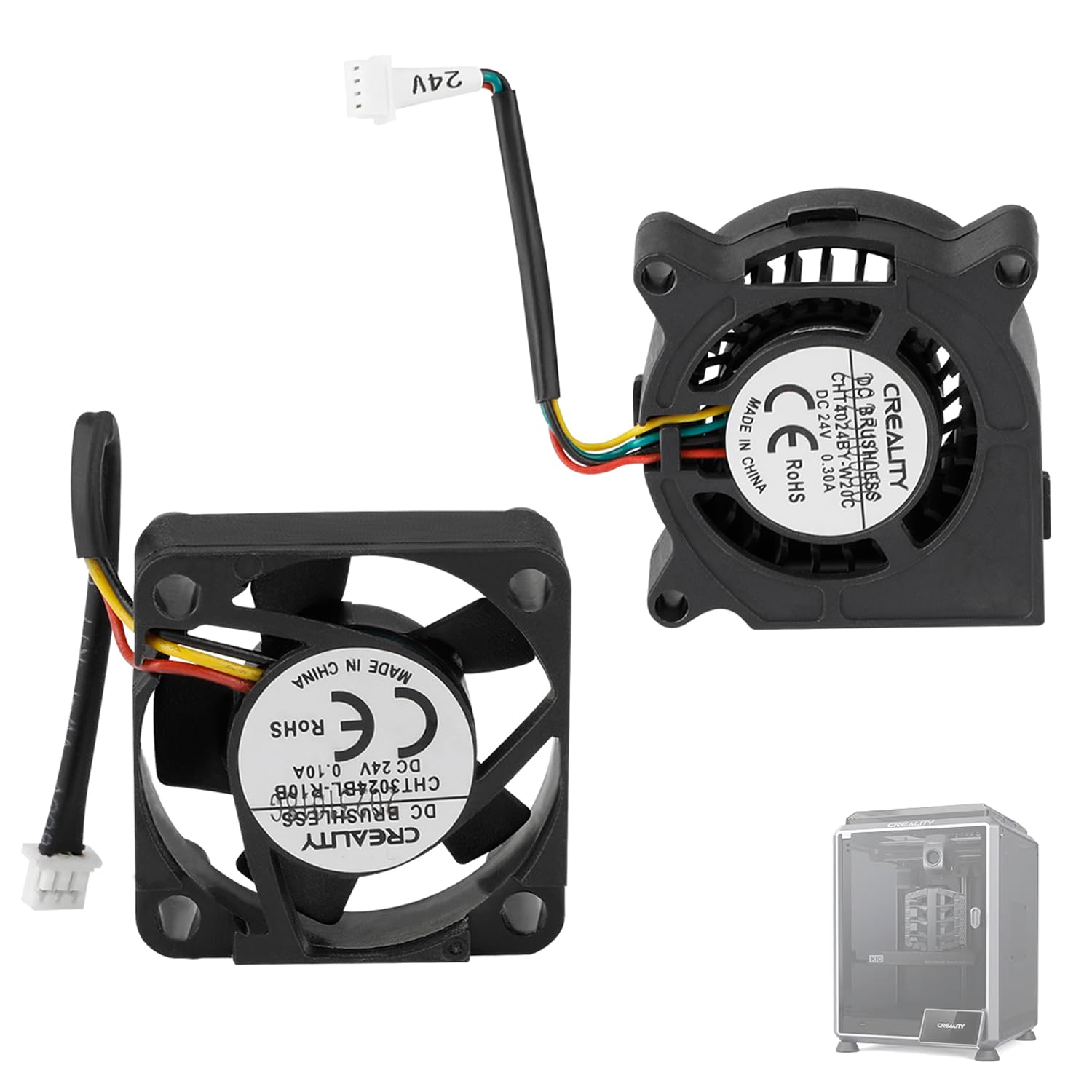
If it is clear and properly connected and still reports the fault, the fan has failed. These are small high-speed parts with a finite bearing life, and a K1 that has printed for a year is well within normal replacement territory. The general sizing and connector background is in 3D printer cooling fans.
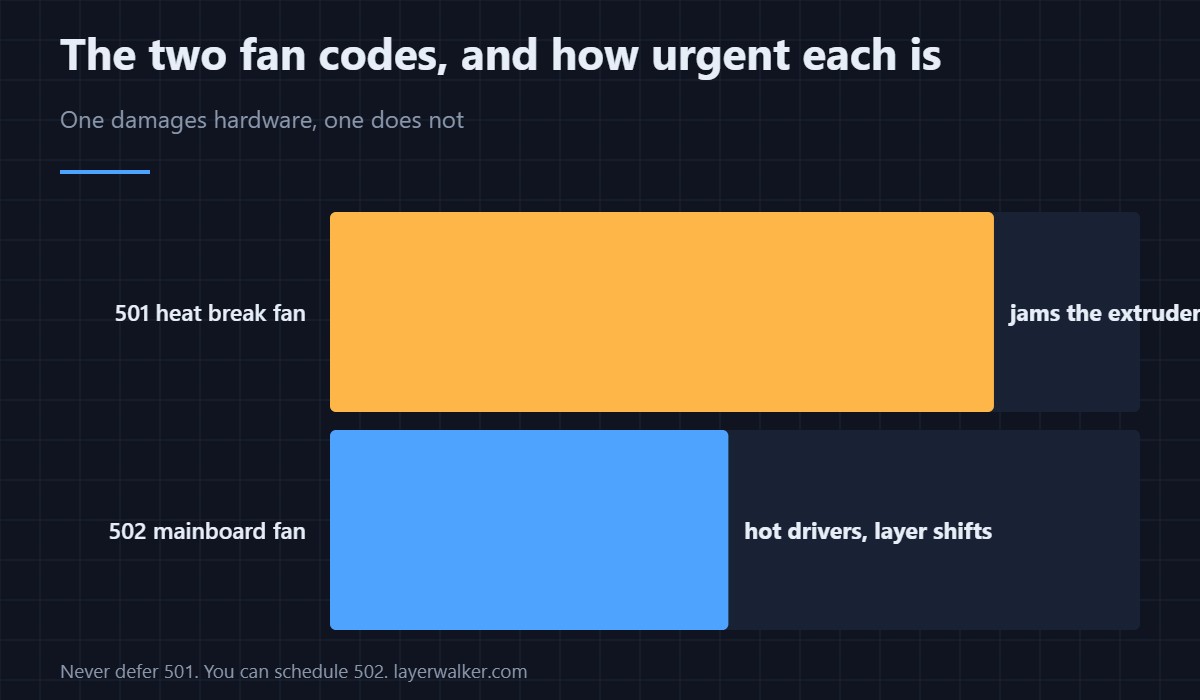
Why Creality K1 error 501 is urgent and 502 is not
This fan protects the filament path. Losing it produces heat creep within minutes, and heat creep produces a jam that requires dismantling the hotend to clear — see clearing a clogged nozzle for what that involves. The mainboard fan fault, 502, is about electronics temperature and gives you far more time.
How the heat break, heatsink and heater block relate to each other is set out in the hotend explainer, which is worth reading once before you take a K1 head apart.
Creality K1 Error 501 FAQ
Can I finish the current print?
No. The printer stops for good reason, and carrying on trades one failed print for a stripped filament path.
Is the pipe fan the same as the part cooling fan?
No. The pipe fan cools the heat break and runs whenever the hotend is hot. The part cooling fan blows at your model and is controlled by the slicer.
It span up again after I reseated the plug. Is that a real fix?
Yes, if it holds. A loose terminal is a genuine and common cause. If the fault returns within a few prints, replace the connector or the fan.
Which K1 models does this apply to?
The K1 family shares the hotend design, so K1, K1C, K1 SE and K1 Max all report this the same way. The screw-in-the-fan failure is common to all of them.
The same toolhead loom carries the temperature signals. A sensor returning an impossible value rather than a fan fault reports as Creality K1 error 2509.

LayerWalker
Print defect diagnosis, calibration procedures and parts that actually fit. Corrections welcome through the contact page.

