Creality K1 Error 109: Fan Feedback Exception
LayerWalker is a participant in the Amazon Services LLC Associates Program. We may earn a commission when you buy through links on our site, at no extra cost to you.
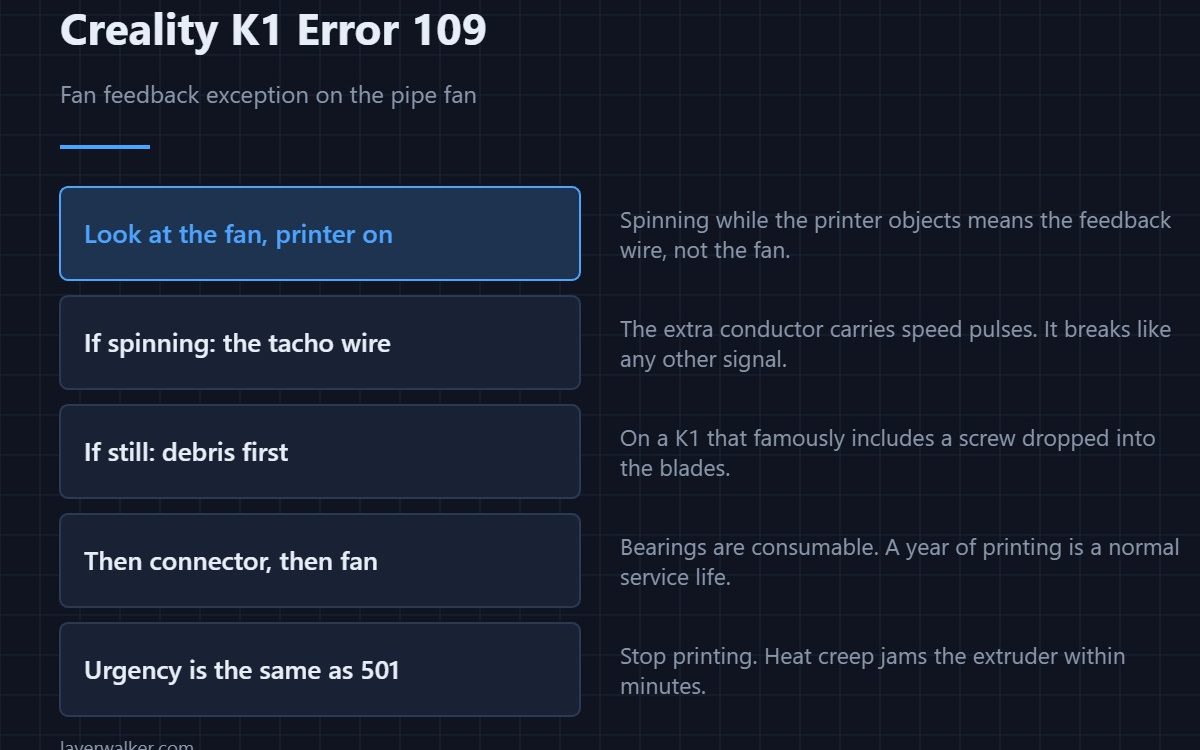
Creality K1 error 109 is a fan feedback exception on the pipe fan, and the printer stops. The fan has a tachometer wire that reports its speed back to the board, and this code means that signal is wrong or absent. The fan may be dead, or it may be spinning perfectly while only the feedback wire has failed.
That second case is what makes this different from simply being told a fan has stopped, and it changes what you check.
Where to buy


Look at the fan while the printer is on
This is the one check that splits the two cases in seconds. A fan that is visibly spinning while the printer insists it is faulty has a feedback problem, not a fan problem. A fan that is still has stopped and needs the usual treatment.
If it is spinning: the tacho wire
Fans on this machine have more than two wires for exactly this reason. The extra conductor carries pulses back to the board, and it is as prone to breaking in the moving loom as any other signal. Reseat the connector, then flex the loom while watching whether the error comes and goes.
If it is still: the usual order
Debris first. On a K1 that famously includes a screw dropped from the heat dissipation block, which jams the blades solid. Then the connector. Then the fan itself, because bearings are consumable. The full routine is in 501, which covers the same physical part.
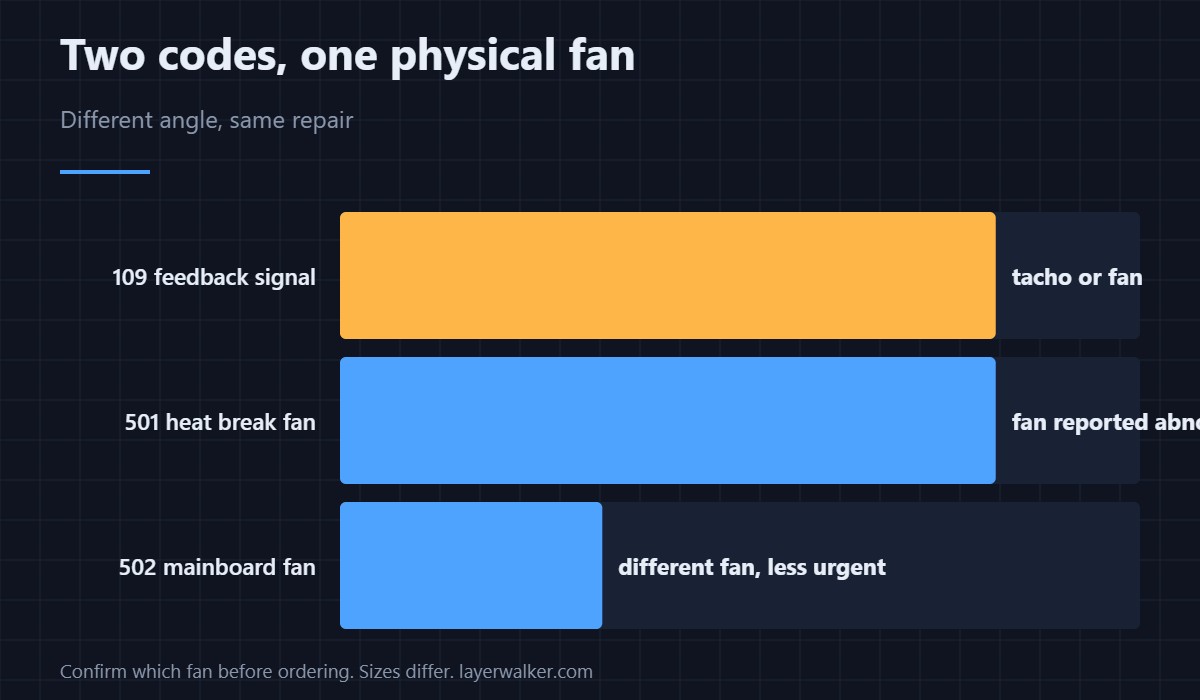
Why Creality K1 error 109 and 501 both exist
They describe the same fan from different angles: one is the feedback channel failing, the other is the heat break fan being reported as abnormal. In practice the repair is the same and the urgency is identical — stop printing, because heat creep jams the extruder within minutes and the cleanup is a clogged nozzle at its worst. If you have seen both, treat them as one fault.
Not the board fan
The mainboard fan has its own code, 502, and far less urgency. Confirm which fan the printer means before ordering anything, because sizes and connectors differ — the selection guide is in 3D printer cooling fans.
Creality K1 Error 109 FAQ
Can I finish the print?
No. Without heat break cooling, filament softens above the heatbreak and sets there, and clearing that means dismantling the hotend.
The fan looks fine. Is the error wrong?
The error is right about the signal. The fan being fine means the feedback wire or connector is at fault, which still needs fixing.
Can I bypass the feedback check?
You would be removing the only thing that tells the printer the fan has stopped. That is the protection, not the problem.
Does this affect all K1 models?
The family shares the hotend design, so K1, K1C, K1 SE and K1 Max report it the same way. Part numbers differ by variant.

LayerWalker
Print defect diagnosis, calibration procedures and parts that actually fit. Corrections welcome through the contact page.

