Creality K1 Error 2563: Host to MCU Communication Abnormal
LayerWalker is a participant in the Amazon Services LLC Associates Program. We may earn a commission when you buy through links on our site, at no extra cost to you.
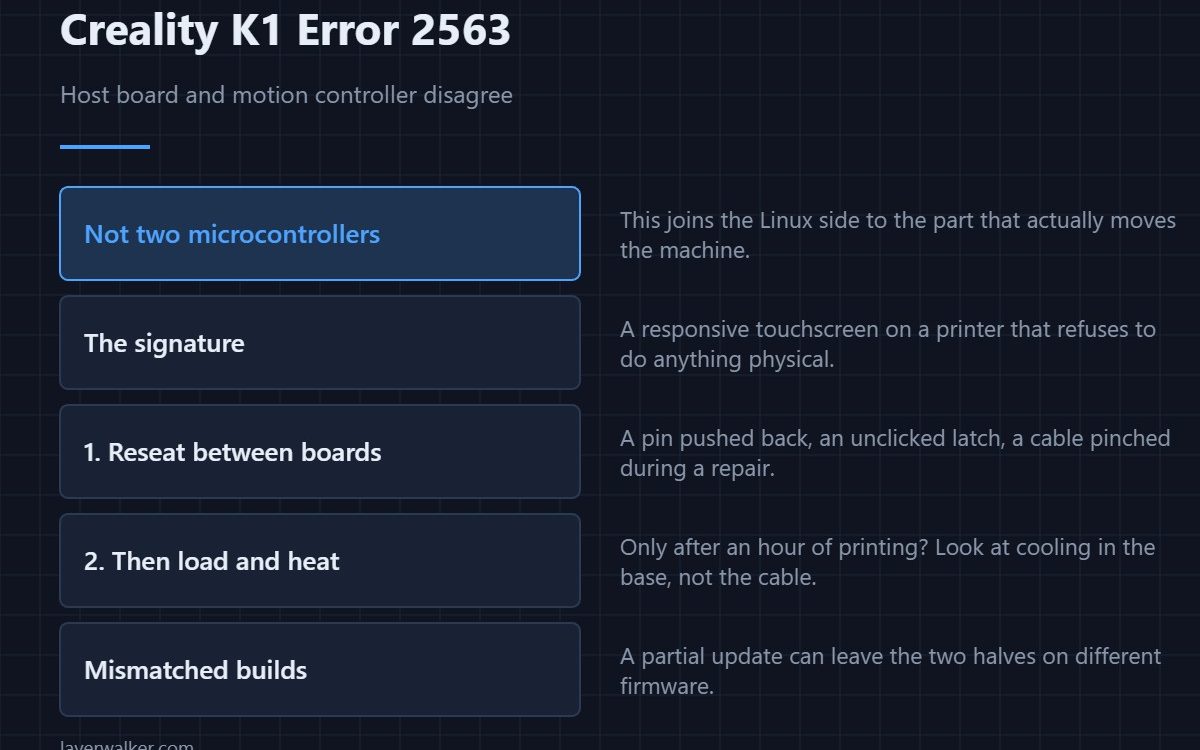
Creality K1 error 2563 means communication between the host board and the motion controller is abnormal. This is the one internal link that is not between two microcontrollers: it joins the Linux side — the part running the screen, the camera and the network — to the part that actually moves the machine. Creality’s advice is the same: check the wiring and restart.
Knowing which two halves have stopped talking changes where you look and what you expect to see.
Where to buy


What each half does
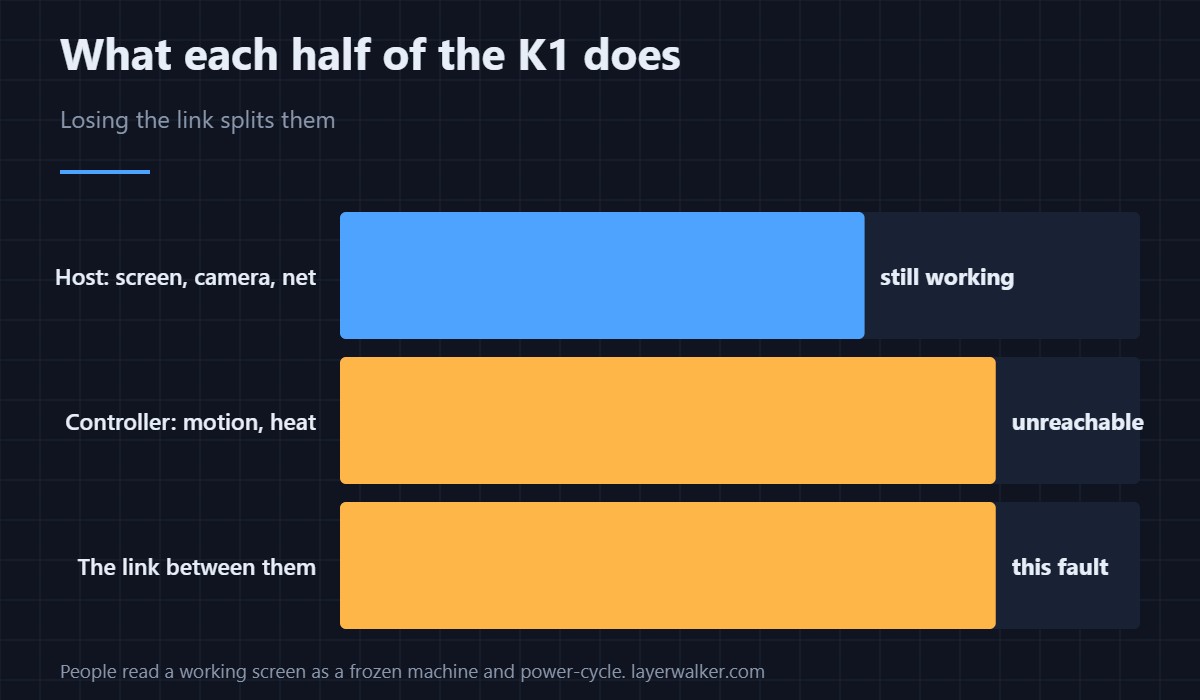
The host board runs the interface, the camera, the network and file storage. The motion controller runs steppers, heaters and sensors in real time. Losing the link between them leaves a printer that may still show a working screen while being unable to move.
That asymmetry is the clue
If the touchscreen responds normally and the machine refuses to do anything physical, this link is the suspect rather than a dead printer. People misread that as a frozen machine and power-cycle repeatedly.
Connections, as instructed
With the machine unplugged at the wall, reseat the connectors between the host board and the controller. Look for a pin pushed back, an unclicked latch, or a cable pinched during assembly or a previous repair.
Then load and heat
A host board that is busy or hot can fall behind, and a controller that is throttling can too. If the fault appears only after an hour of printing rather than at startup, look at cooling in the base rather than at the cable.
How Creality K1 error 2563 differs from the others
Silence from the main controller for over five seconds is 2560. A connection never established is 2002. A request that never came back is 2294. This one names the host link specifically, which is the most useful detail in the message.
Creality K1 Error 2563 FAQ
Why does the screen still work?
Because the screen is driven by the host board, which is fine. It is the link onward to the controller that failed.
Will a restart fix it?
It recovers the session. If the cause is a loose connector or heat, it comes back.
Can a firmware update cause this?
A partial update can leave the two halves on mismatched builds. If it began after an update, say so when asking for help.
Is the host board likely at fault?
Rarely. Connections and cooling account for most of these, and both cost nothing to check — board temperature has its own code, 2512.

LayerWalker
Print defect diagnosis, calibration procedures and parts that actually fit. Corrections welcome through the contact page.