Creality K1 Error 2294: Response Timeout
LayerWalker is a participant in the Amazon Services LLC Associates Program. We may earn a commission when you buy through links on our site, at no extra cost to you.
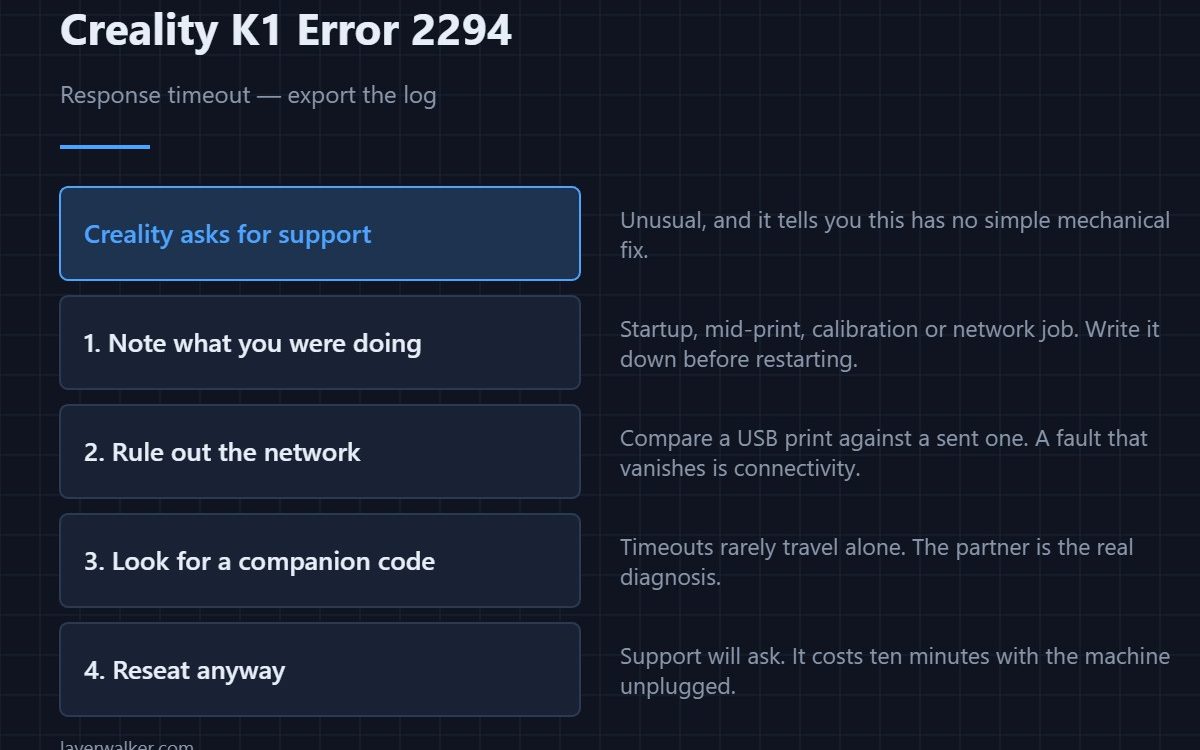
Creality K1 error 2294 is a response timeout: something the printer asked for never came back. Creality’s own instruction is to export the log and contact support, which is unusual and tells you this is not a fault with a simple mechanical fix. There is still useful work to do before you send that email.
A timeout is a symptom of something slower or quieter than expected, and narrowing what was waiting is most of the value.
Where to buy


Note what you were doing
At startup, mid-print, during a calibration, or while sending a job over the network are four different situations. Support will ask, and the answer often identifies the subsystem on its own. Write it down before you restart and lose the context.
Rule out the network if it was network work
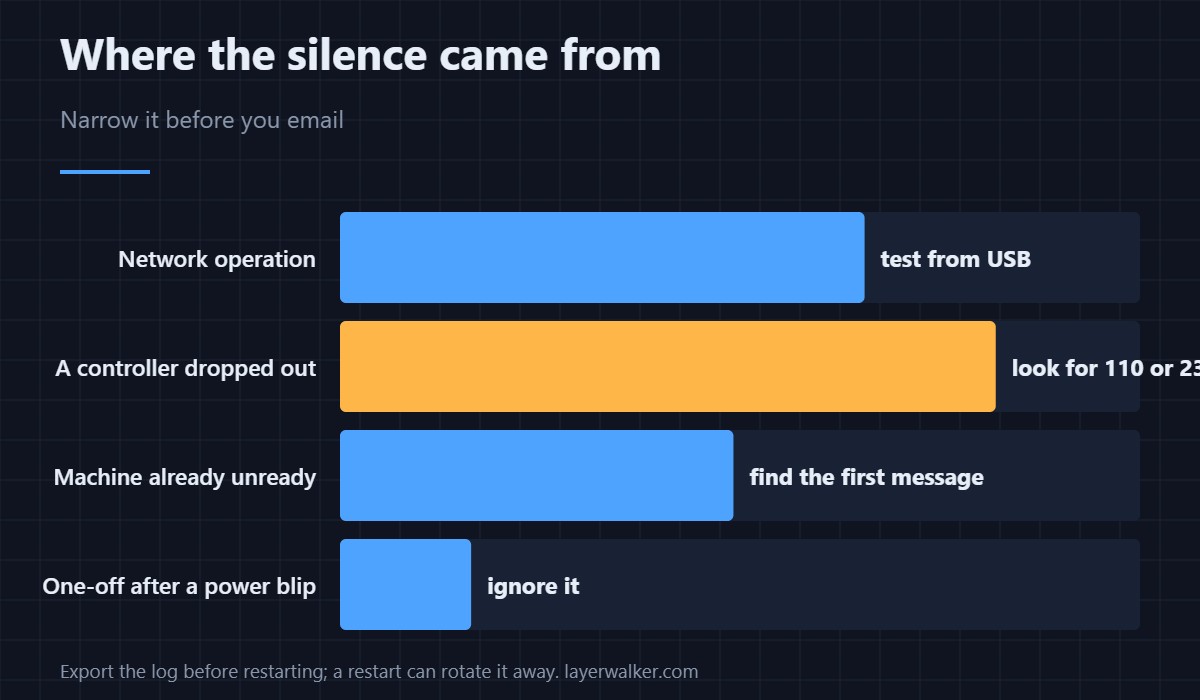
If the timeout happened while sending a job or using the app, the delay may be outside the printer. Try from the local network rather than remotely, and try a file from a USB drive as a comparison. A fault that disappears when printing locally is a connectivity problem, not a controller one.
Look for a companion code
Response timeouts rarely travel alone. A controller that came up late or dropped out produces its own message: the main link is 110 for a hardware fault and 2343 for a timeout on that specific link. If either appears alongside this one, treat that as the real diagnosis.
Then check the obvious physical causes anyway
Reseat the connectors between boards with the machine unplugged at the wall. Vibration loosens them, and a marginal connection produces exactly this kind of intermittent silence. It costs ten minutes and it is the sort of thing support will ask you to do anyway. The timing line between controllers has its own code, 2532, and is worth checking on the same visit.
Why Creality K1 error 2294 often follows something else
A machine that is not in a good state refuses commands and times out on others. If you have been clearing 2283 and carrying on, the underlying condition is still there and this is another face of it. Find the first message of the session.
Creality K1 Error 2294 FAQ
Should I really contact support?
If it repeats, yes, and send the log with a note of what you were doing. A one-off after a power blip is worth ignoring.
How do I export the log?
Through the printer’s own interface. Do it before restarting, because a restart can rotate away what support needs.
Can a slow network cause it?
For network operations, yes. Compare against a print from USB to separate the two.
Is a factory reset a good idea?
Not as a first move. It destroys the evidence and rarely fixes a timeout that is caused by hardware or connectivity.
A tool asking for something the printer cannot produce reports separately as Creality K1 error 2116, and that one is always caused by whatever is sending rather than by the machine.

LayerWalker
Print defect diagnosis, calibration procedures and parts that actually fit. Corrections welcome through the contact page.

