Creality K1 Error 2343: Main MCU Connection Timeout
LayerWalker is a participant in the Amazon Services LLC Associates Program. We may earn a commission when you buy through links on our site, at no extra cost to you.
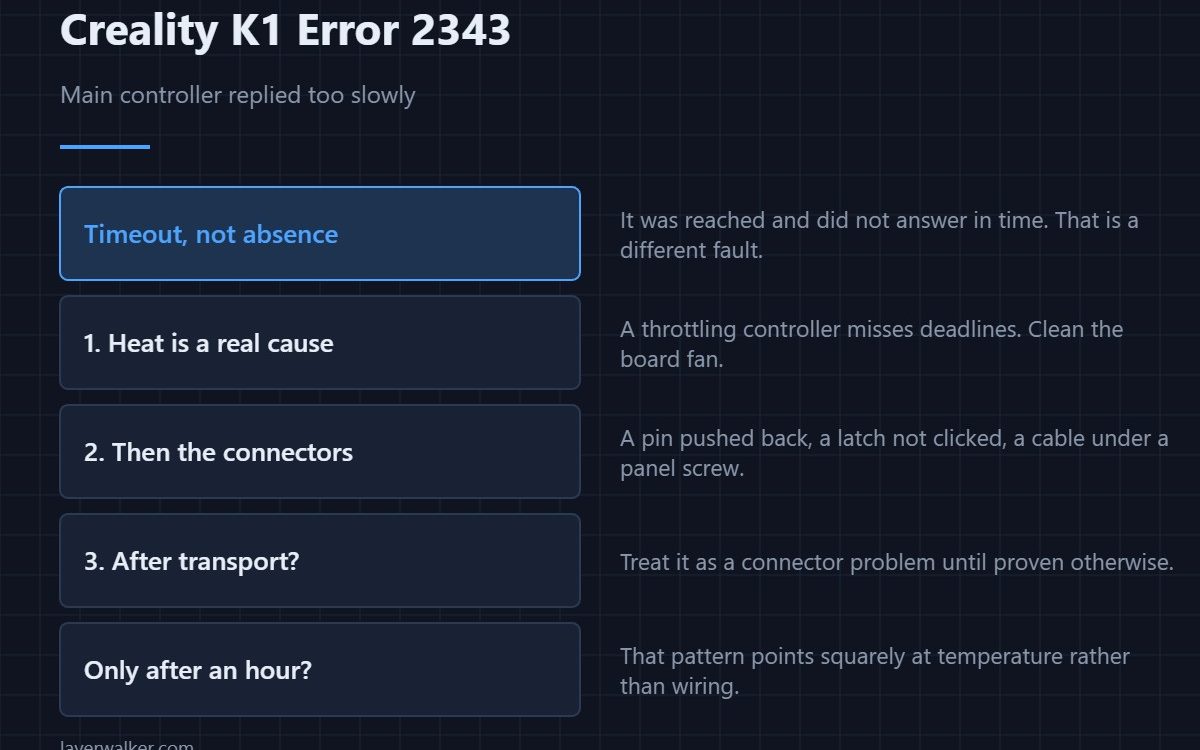
Creality K1 error 2343 means communication with the main controller timed out. That is different from the link being absent: the connection exists and the answer did not arrive quickly enough. Marginal connectors, electrical noise and a controller that is too hot to keep up all produce this, and they need different fixes.
The distinction between absent and slow is the whole diagnosis here, so it is worth holding on to.
Where to buy


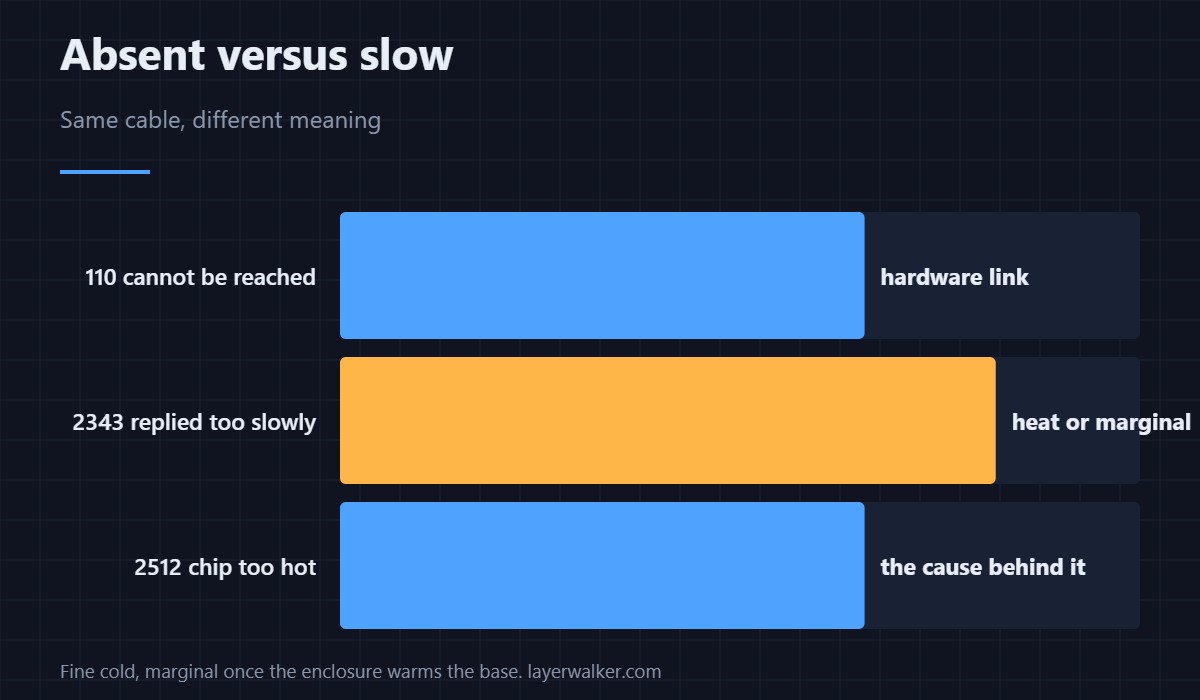
Absent versus slow
If the main board cannot be reached at all, the printer reports 110, a hardware connection fault. A timeout means it was reached and did not reply in time. Reseating connectors helps both; heat and load only explain the second.
Heat is a real cause here
A controller that is throttling because it is too hot misses deadlines, and missed deadlines look exactly like this from the other end. If the machine also flags its own chip temperature as 2512, or if the fault appears only after an hour of printing rather than at startup, cooling is where to look. Clean the board fan — sizes and replacements are in cooling fans.
Then the connectors
With the machine unplugged at the wall, reseat every connector on the path between boards. Look for a pin pushed back in its housing, a latch that never clicked, or a cable pinched by a panel screw. Vibration on a fast machine does this over months.
When Creality K1 error 2343 appears right after transport
Treat it as a connector problem until proven otherwise. Moving a printer unseats plugs more reliably than any amount of ordinary printing, and this is one of the first faults to show up afterwards.
If it keeps happening with no obvious cause
Gather what you were doing each time and export the log, because at that point you are in the same territory as 2294 and the pattern matters more than any single occurrence. A timeout that only happens during heavy motion, or only during heating, is a clue rather than noise, and board temperature is worth reading alongside it as 2512.
Creality K1 Error 2343 FAQ
Can I print with this appearing occasionally?
Not safely. An intermittent link to the main controller means motion and heating can stop without warning.
Does it mean the mainboard is failing?
Not usually. Connections and cooling explain most of these, and both are cheaper to check than a board is to replace.
Why only after an hour?
That pattern points squarely at temperature. Everything is fine cold and marginal once the enclosure has warmed the base.
Would a different power supply help?
Only if the supply is the problem. Check that the printer is on a wall socket rather than a long extension lead before buying anything.
Replying too slowly and never connecting at all are different failures. The second is Creality K1 error 2002, and there power comes before data in the investigation.

LayerWalker
Print defect diagnosis, calibration procedures and parts that actually fit. Corrections welcome through the contact page.

