Creality K1 Error 2512: Main MCU Chip Temperature Abnormal
LayerWalker is a participant in the Amazon Services LLC Associates Program. We may earn a commission when you buy through links on our site, at no extra cost to you.
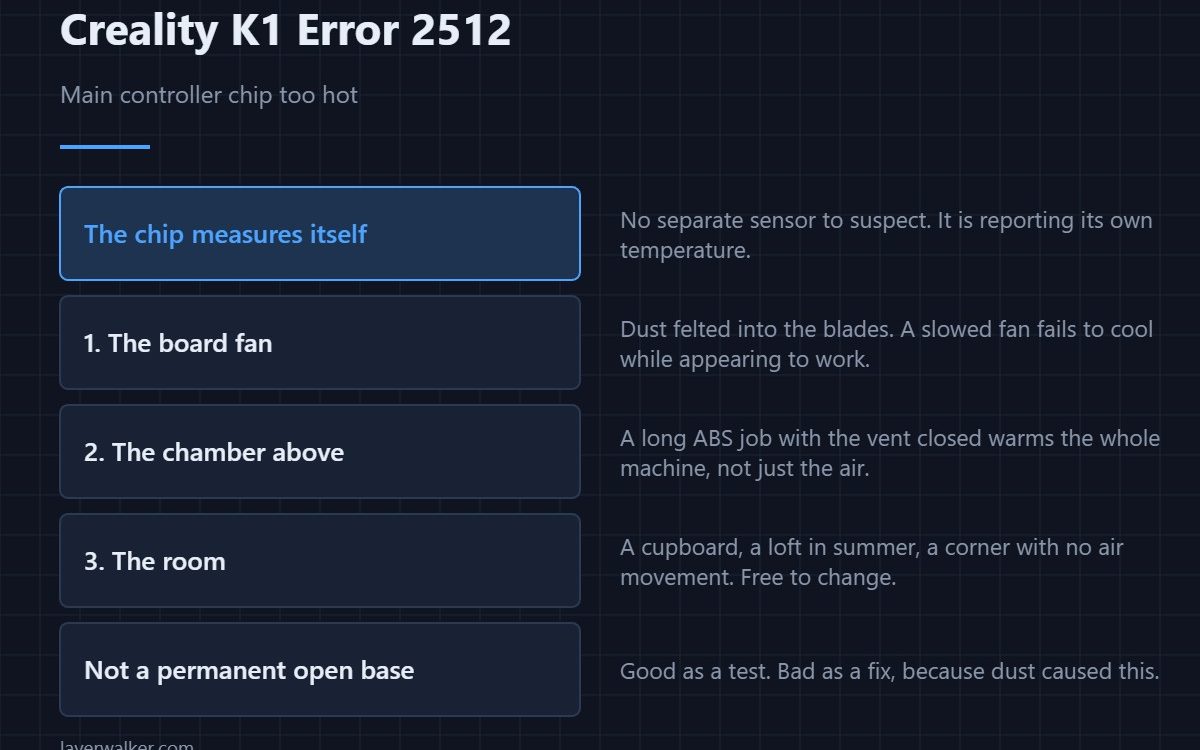
Creality K1 error 2512 means the main controller chip reported a temperature outside its acceptable range. The board sits in the enclosed base beneath a chamber that is warm by design, so this is usually a cooling problem rather than a failed chip. A stopped or dust-clogged board fan accounts for most of them.
The chip is measuring itself, so unlike most temperature faults there is no separate sensor to suspect.
Where to buy


The board fan, first
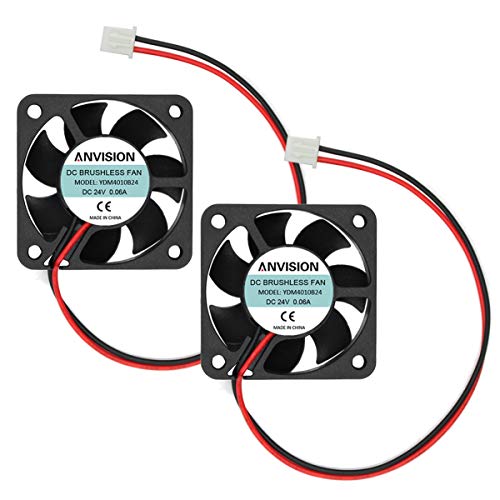
Power off at the wall, open the base, and turn the fan by hand. Dust felted into the blades is the usual finding on a machine more than a year old, and a fan that has slowed rather than stopped still fails to cool while appearing to work. The printer may already have told you as 502, in which case treat the two as one problem.
Then the chamber above it
Everything in the base lives under the print chamber. A long ABS job with the vent closed raises the temperature of the whole machine, not just the air around the model. If you also saw a chamber fault, that is 2511, and opening the vent addresses both at once.
Then the room
A printer in a cupboard, a loft in summer, or a corner with no air movement starts every print with less margin. This is not an excuse; it is a variable you can change for free. Move the machine or ventilate the space before ordering parts.
What Creality K1 error 2512 turns into
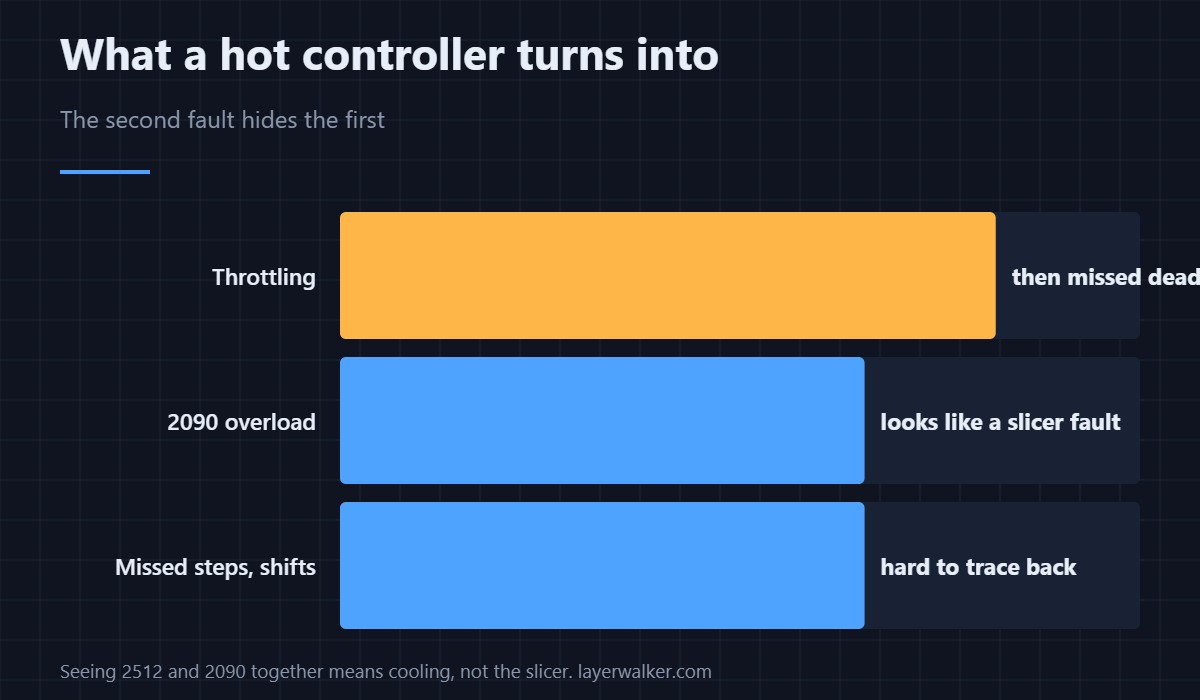
A controller that gets hot throttles, and a throttled controller misses its timing deadlines. That arrives as 2090, the overload fault, which looks like a slicer problem and is not. If you see both in the same session, cooling is the common cause and the slicer is innocent.
What not to do
Do not run the printer with the base open as a permanent fix. It works as a diagnostic — if the fault disappears, you have confirmed cooling — but it leaves the board exposed to dust, which is what caused the problem in the first place. Clean the fan, replace it if it is tired, and put the panel back. Sizes and replacements are in cooling fans.
Creality K1 Error 2512 FAQ
Does this mean the board is failing?
Rarely. It means the board is too hot. Chips that report their own temperature are protecting themselves, not announcing damage.
Can I print through it?
Not sensibly. Throttling produces missed steps and shifted layers, and you will spend longer diagnosing those than cleaning a fan.
Would extra heatsinks fix it?
They help slightly. Airflow does the real work, and a heatsink in still air is barely better than none.
Is this related to the hotend or bed temperature?
Only indirectly. Those heat the chamber, and the chamber heats the base. The chip itself has no heater.

LayerWalker
Print defect diagnosis, calibration procedures and parts that actually fit. Corrections welcome through the contact page.