Creality K1 Error 2283: Printer Not Ready
LayerWalker is a participant in the Amazon Services LLC Associates Program. We may earn a commission when you buy through links on our site, at no extra cost to you.
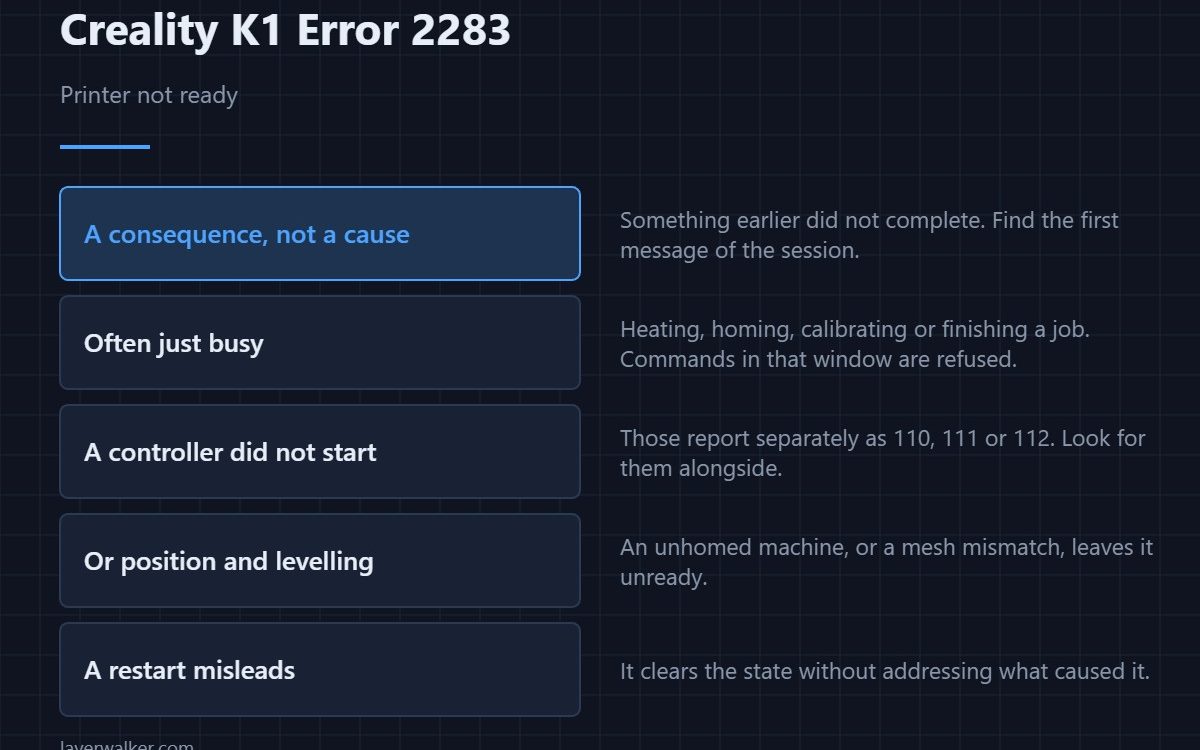
Creality K1 error 2283 means the printer is not in a state where it can accept the command you gave it. It is a consequence rather than a cause: something earlier failed to complete, and this message is the machine declining to proceed until that is resolved. Look for the first error of the session, not this one.
Treating it as the fault is the mistake. It is the machine’s way of saying it is still dealing with something else.
Where to buy


Find the first message, not the loudest
Restart the printer and watch what appears during startup, before you ask it to do anything. A failed self-test, a controller that did not come up, or an unfinished calibration will each leave the machine in this state. The first message is the diagnosis; this one is the symptom.
The ordinary explanation
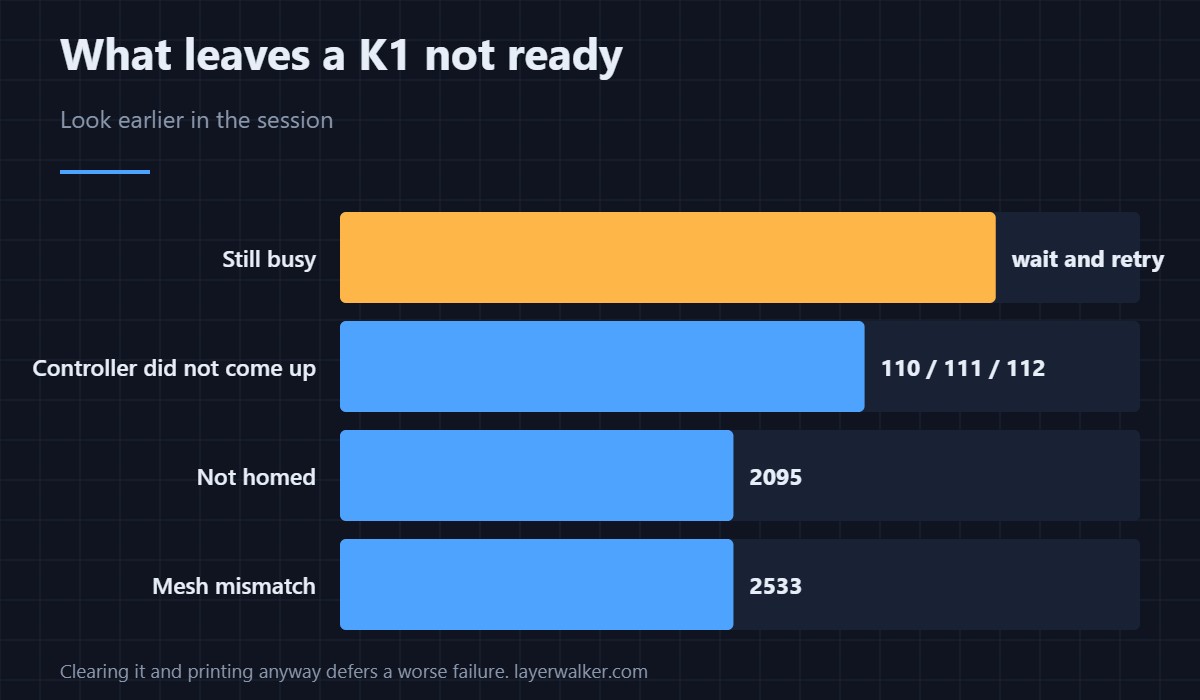
Very often the printer is simply still busy: heating, homing, running a calibration, or finishing a previous job. Commands sent in that window are refused. Wait for the screen to settle and try again before assuming anything is wrong.
When a controller did not start
If one of the subsidiary boards failed to come up, the machine will not consider itself ready. Those report separately: the main board as 110, the print head as 111, the bed as 112. Seeing any of those alongside this one tells you which to fix.
When position or levelling is the blocker
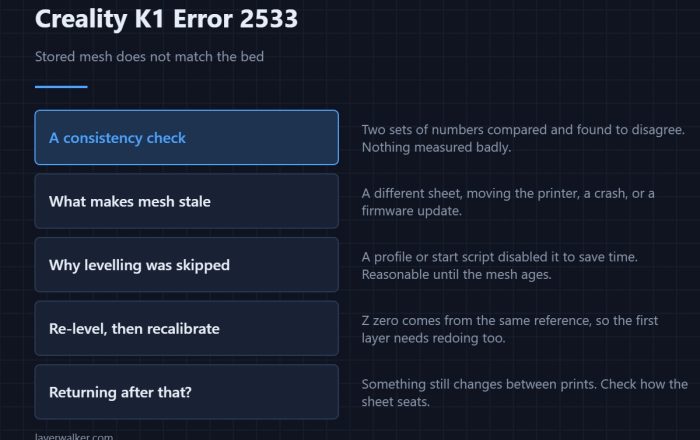
A machine that has not homed refuses movement commands with 2095, and a levelling parameter mismatch reports as 2533. Either can leave the printer unready for a print even though nothing is broken. Clearing the specific condition clears this message with it.
Why Creality K1 error 2283 is worth taking seriously anyway
Because people clear it, restart, and print, and the underlying condition is still there. A self-test that did not pass or a controller that came up late will produce a worse failure later in the job. Spend the five minutes finding what came first.
Creality K1 Error 2283 FAQ
Will a restart fix it?
Often, and that is exactly why it misleads. A restart clears the state without addressing what put the machine there.
Where do I see earlier errors?
Watch the screen through a full startup, and check the printer log if your interface exposes one. The order matters more than the content.
Can a network problem cause it?
A command arriving while the printer is busy is refused the same way regardless of how it arrived. If you are sending jobs remotely, check the machine is idle first.
Is it safe to keep retrying?
Retrying is harmless but pointless. The state does not change because you asked twice.

LayerWalker
Print defect diagnosis, calibration procedures and parts that actually fit. Corrections welcome through the contact page.