Creality K1 Error 111: Hotend MCU Connection Abnormal
LayerWalker is a participant in the Amazon Services LLC Associates Program. We may earn a commission when you buy through links on our site, at no extra cost to you.
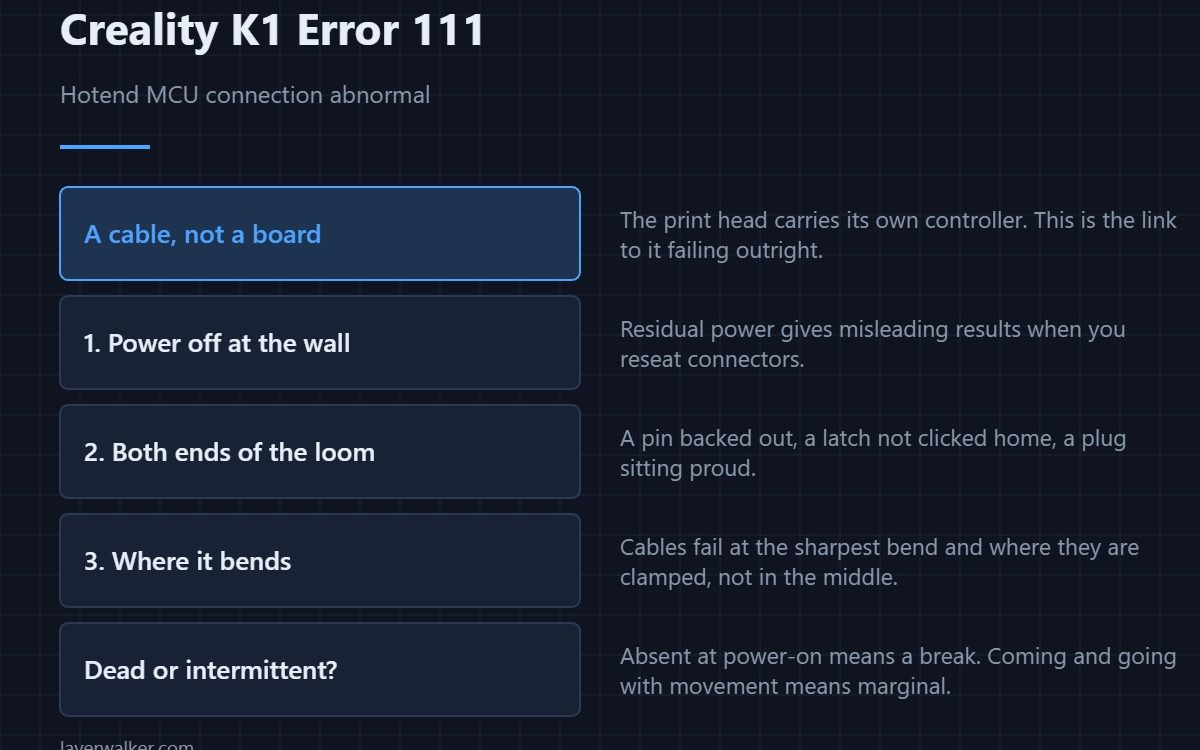
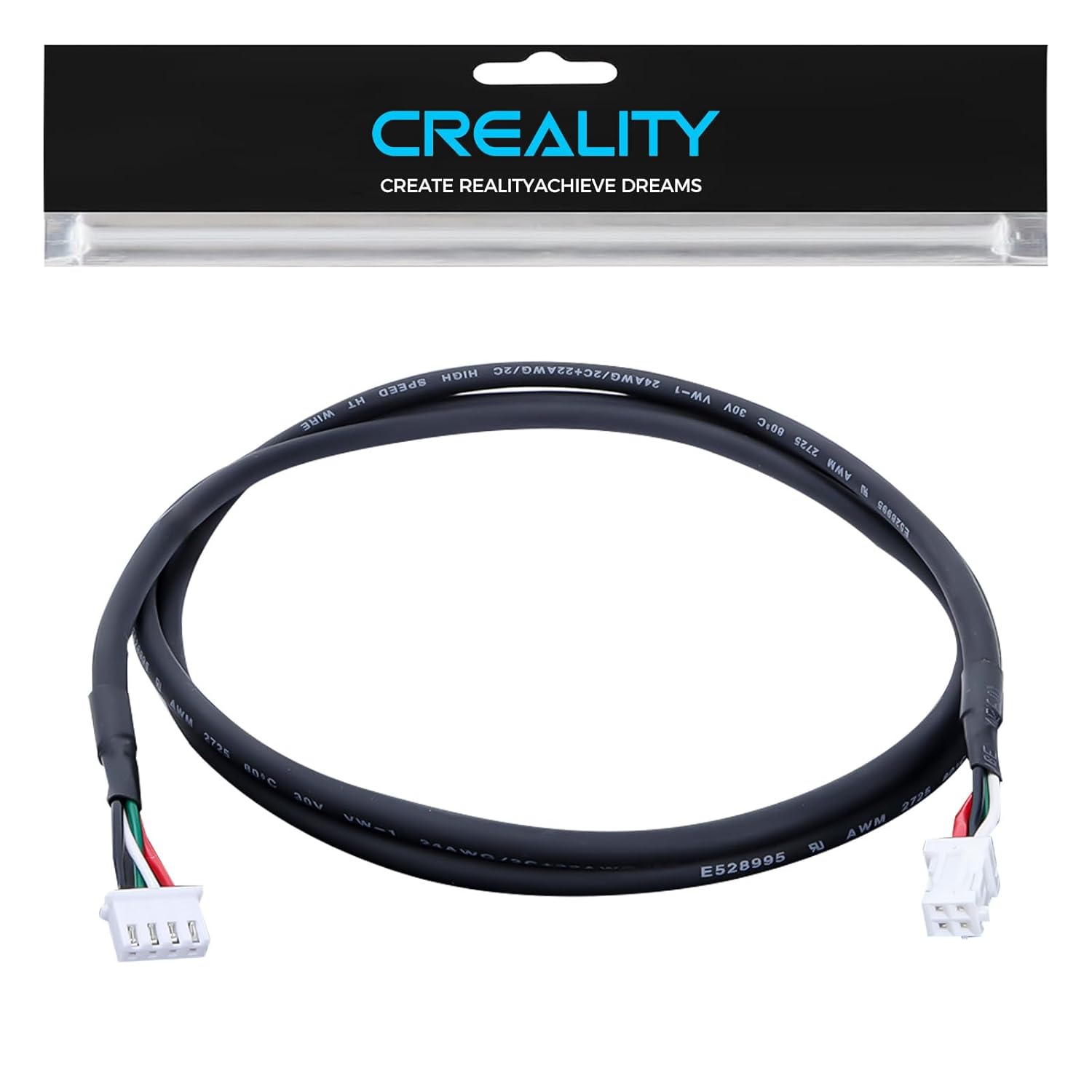
Creality K1 error 111 means the hardware connection to the hotend MCU is abnormal. The print head carries its own small controller, and this code says the main board cannot establish a proper link to it. That is a cable or a connector far more often than a failed board, and the cable in question is the one that flexes on every layer.
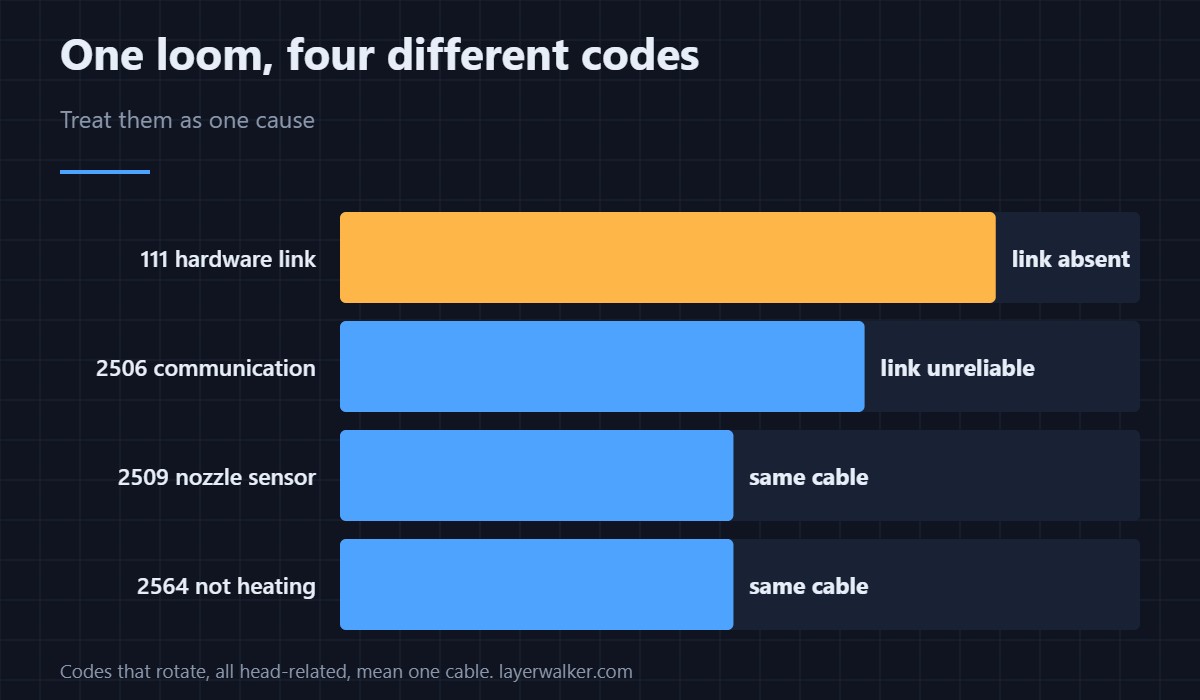
It fires at a lower level than the ordinary communication fault, which is useful: it tends to mean the link is absent rather than unreliable.
Where to buy

Power down fully first
Switch off at the wall, not just at the screen. A board that is still partly powered gives misleading results when you reseat connectors, and the toolhead board is one of the ones that stays alive on residual power for a moment.
Both ends of the loom
Reseat the connector at the print head and at the main board. Look for a pin that has backed out of its housing, a latch that is not clicked home, and a connector sitting slightly proud. On a K1 the head end is inside the cover, so this means taking the cover off rather than peering at it.
Inspect where it bends
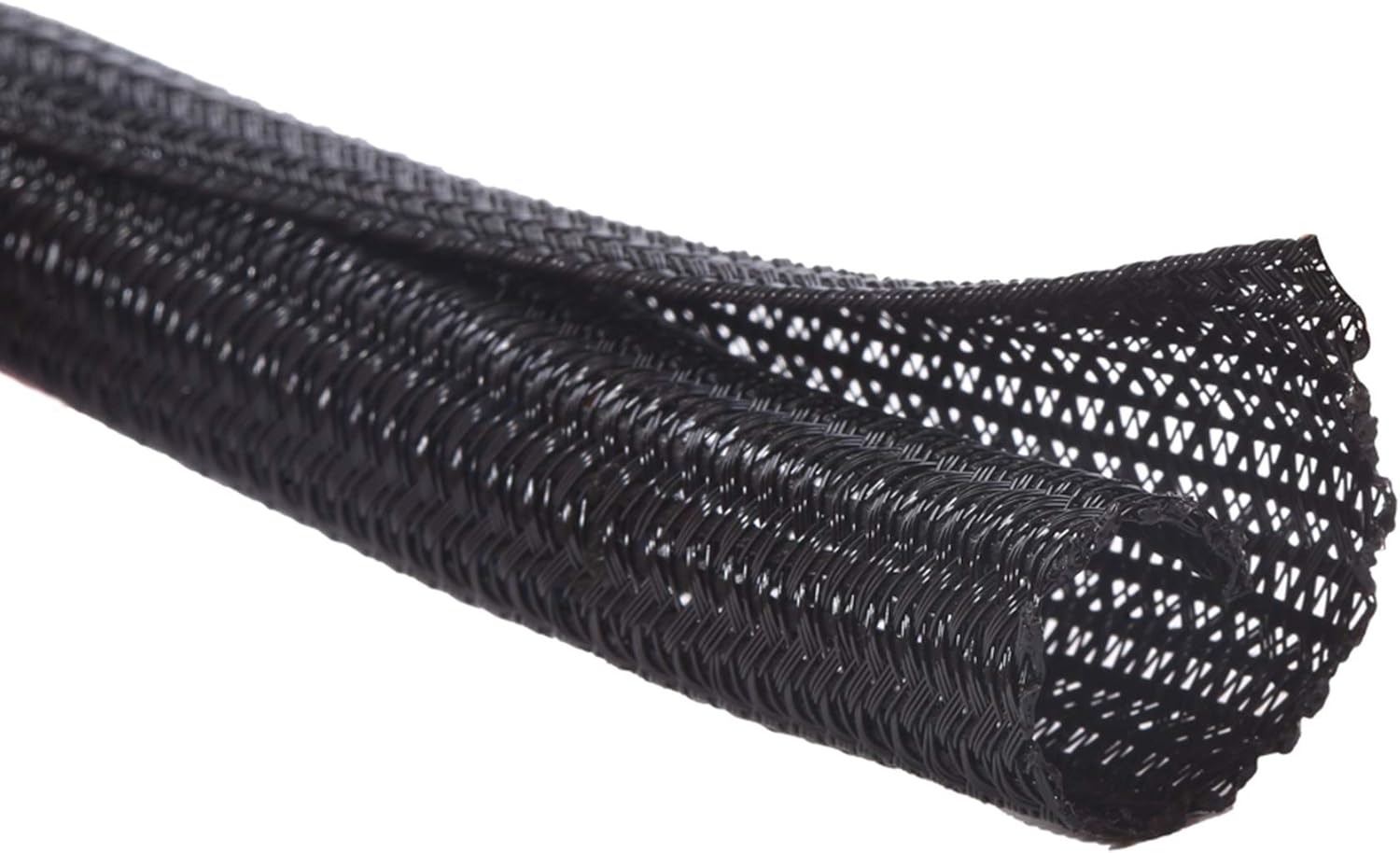
Cables fail at the sharpest bend and where they are clamped. Run the loom through your fingers along its whole length and feel for a flat spot or a permanent kink. Chafing against a frame edge is the other common finding, and it leaves a visible shiny mark before it breaks through.
Why Creality K1 error 111 and the communication fault differ
This code is about the hardware link being abnormal. 2506 is a communication exception on a link that exists but is misbehaving. In practice both usually lead to the same cable, but the distinction tells you whether to expect an intermittent fault or a dead one. A dead link appears at power-on and stays; an intermittent one comes and goes with movement.
What else shares that cable
Everything the head reports: temperatures, fans, the filament sensor. So a marginal loom produces a rotating cast of faults rather than one consistent message. If you have also seen 2509 or heating trouble as 2564, treat them as one cause rather than three. How the head is assembled is in the hotend explainer.
Creality K1 Error 111 FAQ
Does this mean the toolhead board is dead?
Rarely. Connections account for most of these, and the board is the expensive thing to replace, so prove the cable first.
It appeared right after I changed the nozzle. Coincidence?
No. The head cover has to come off for that job, and the loom connector is the easiest thing in there to disturb.
Can I print while it comes and goes?
No. If the main board cannot trust what the head reports, it cannot control temperature safely, which is why it stops rather than continues.
Which K1 models does this apply to?
All of the family share the split-controller design, so K1, K1C, K1 SE and K1 Max report it the same way. Replacement cables are variant-specific, though.

LayerWalker
Print defect diagnosis, calibration procedures and parts that actually fit. Corrections welcome through the contact page.

