Creality K1 Error 506: AI LiDAR Calibration Failure
LayerWalker is a participant in the Amazon Services LLC Associates Program. We may earn a commission when you buy through links on our site, at no extra cost to you.
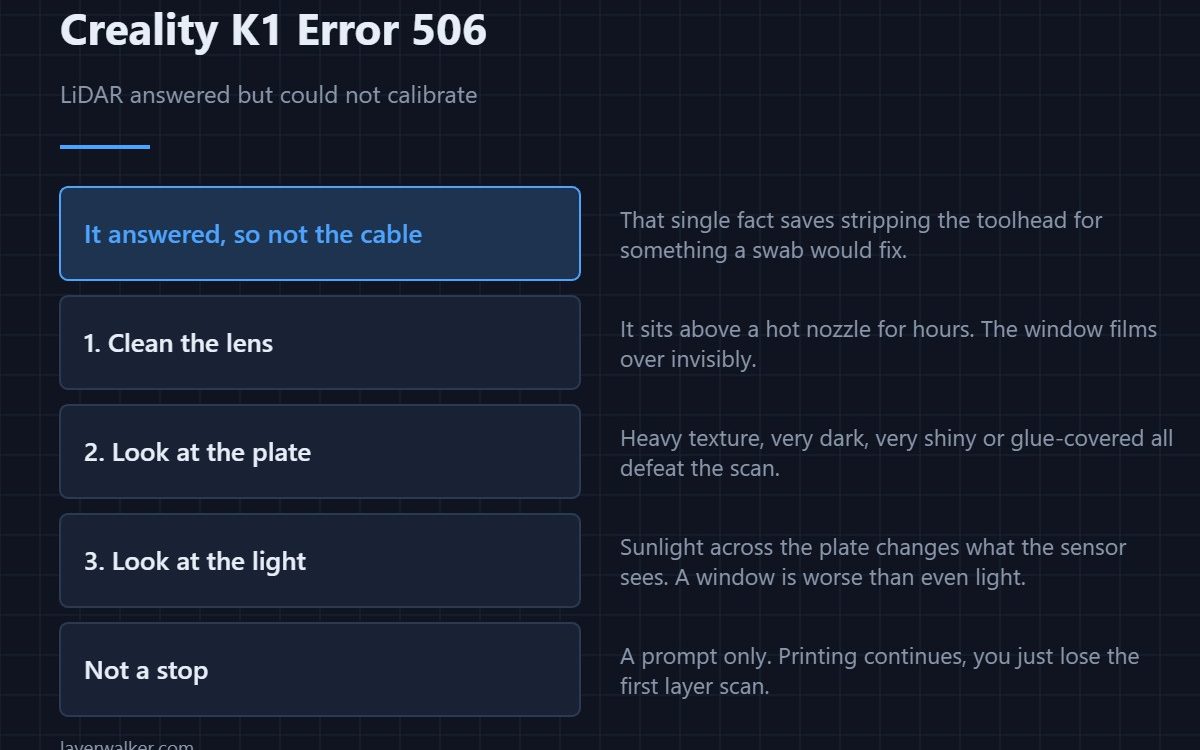
Creality K1 error 506 means the LiDAR module is present and responding but could not complete its calibration. It is a prompt rather than a stop, so printing continues. Because the module answered, the cable is not the problem: look at the lens, the surface it was scanning, and the light around the printer.
That single distinction saves people from stripping the toolhead for a fault that a cotton swab would fix.
Where to buy


The lens, first and usually last
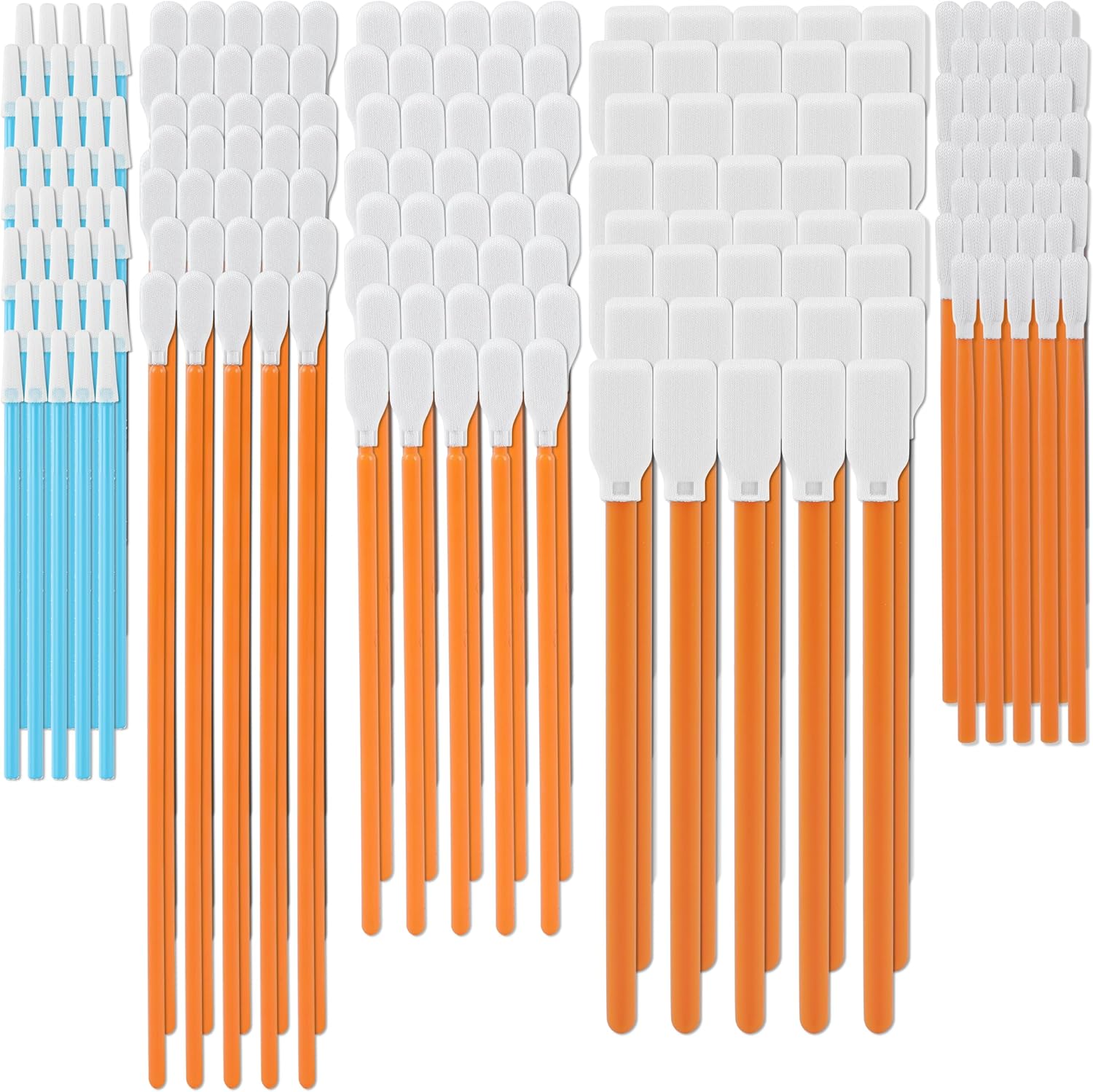
The LiDAR sits on the moving print head, directly above a hot nozzle that emits fine particles for hours at a time. Its window films over with a haze you will not see until you look for it. Clean it gently with a lens wipe or a lint-free swab and try again. Do not use a solvent that will fog plastic optics.
What it was trying to measure
Calibration needs a surface it can read. A heavily textured plate, a very dark plate, a very shiny one, or one covered in dried glue all give it either too little contrast or too much scatter. If the lens is clean and calibration still fails, try a different sheet before you suspect the module — the differences are covered in PEI build plates.
Light in the room matters more than you expect
Strong sunlight across the plate, or a bright lamp at a low angle, changes what the sensor sees. A printer in a window is measurably worse at this than the same printer in even indoor light. It is worth eliminating before you spend money.
Why Creality K1 error 506 is not the same as a missing module
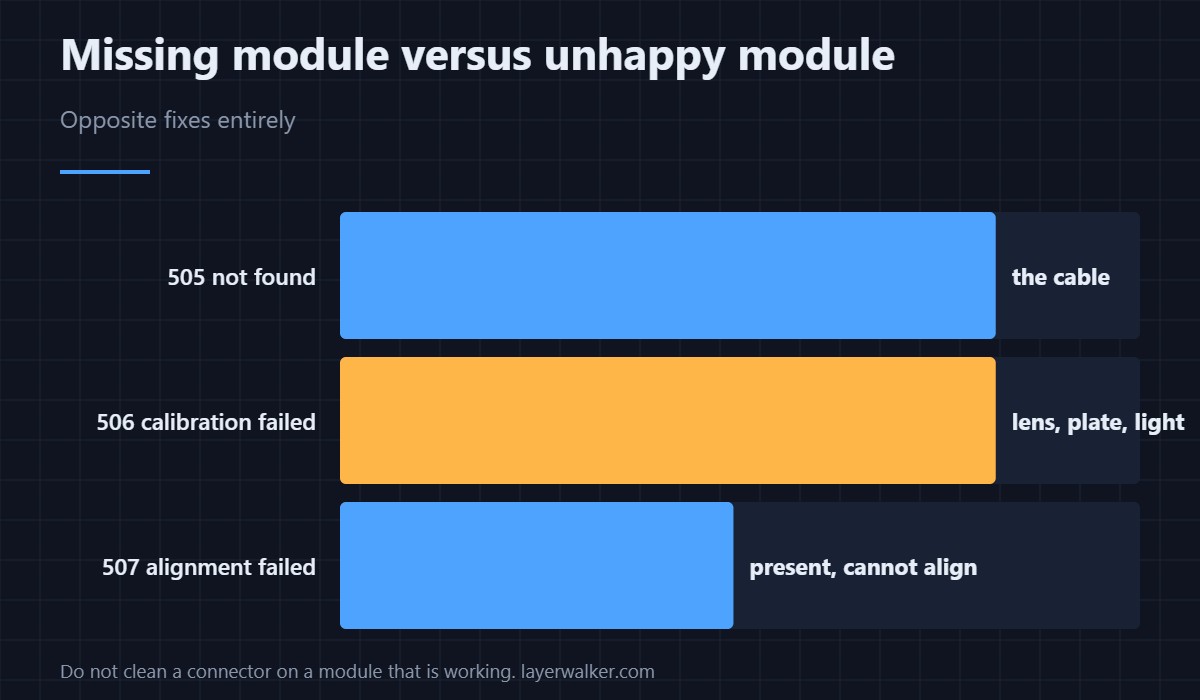
If the printer cannot find the LiDAR at all, that is 505, and there the answer really is the cable. Here the module is alive. Cleaning the connector on a working module wastes an evening and risks disturbing something that currently works.
What you lose by ignoring it
First layer scanning and the flow calibration built on it. Ordinary prints run fine without it. What you lose is the automatic check on that opening layer, which the AI camera also watches from a different angle as 103. Doing it yourself means looking at the first layer for thirty seconds, and what to look for is in first layer problems.
Creality K1 Error 506 FAQ
Can I keep printing?
Yes. It is a prompt, and the printer carries on without the scan.
What should I clean the lens with?
A dry lint-free swab or an optical lens wipe. Avoid acetone and avoid anything abrasive, because scratching the window is permanent.
Does calibration need redoing after a nozzle change?
It is good practice, since the sensor is referenced to the head. A change in nozzle height is exactly the sort of thing that makes a stored calibration wrong.
Is alignment failure the same code?
No, it has its own. Calibration failing and alignment failing are separate results, though both mean the module is alive and unhappy rather than absent.

LayerWalker
Print defect diagnosis, calibration procedures and parts that actually fit. Corrections welcome through the contact page.

