Creality K1 Error 508: Storage Space Nearly Full
LayerWalker is a participant in the Amazon Services LLC Associates Program. We may earn a commission when you buy through links on our site, at no extra cost to you.
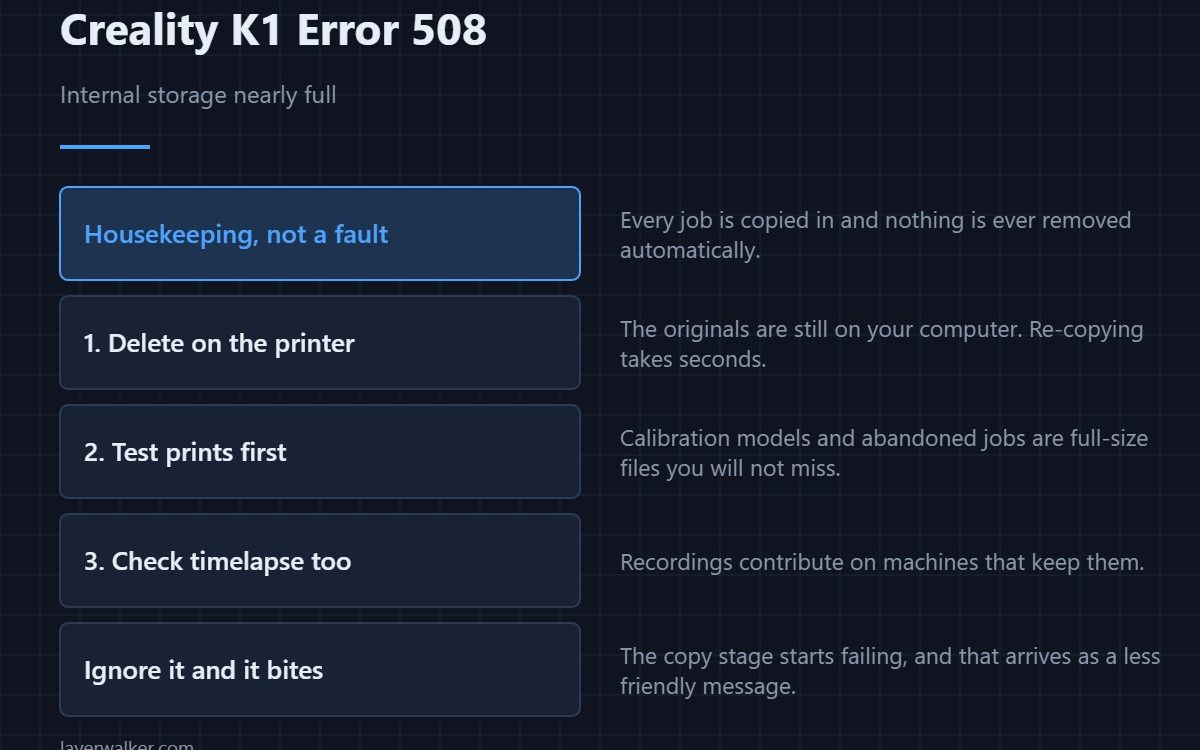
Creality K1 error 508 tells you internal storage usage has reached a threshold and asks you to clean up. It is housekeeping, not a fault. The printer copies every job to internal storage before printing it and never removes them afterwards, so the space fills at exactly the rate you print and nothing reclaims it.
Left alone it stops being a notice and becomes a real failure, because new jobs cannot be copied in.
Where to buy


Delete from the printer, not from the drive
The files taking up room are the copies on the machine, not the originals on your USB stick. Go through the file list on the printer and remove old jobs. Anything you might reprint is still on your computer, and re-copying takes seconds.
Why it grows faster than you think
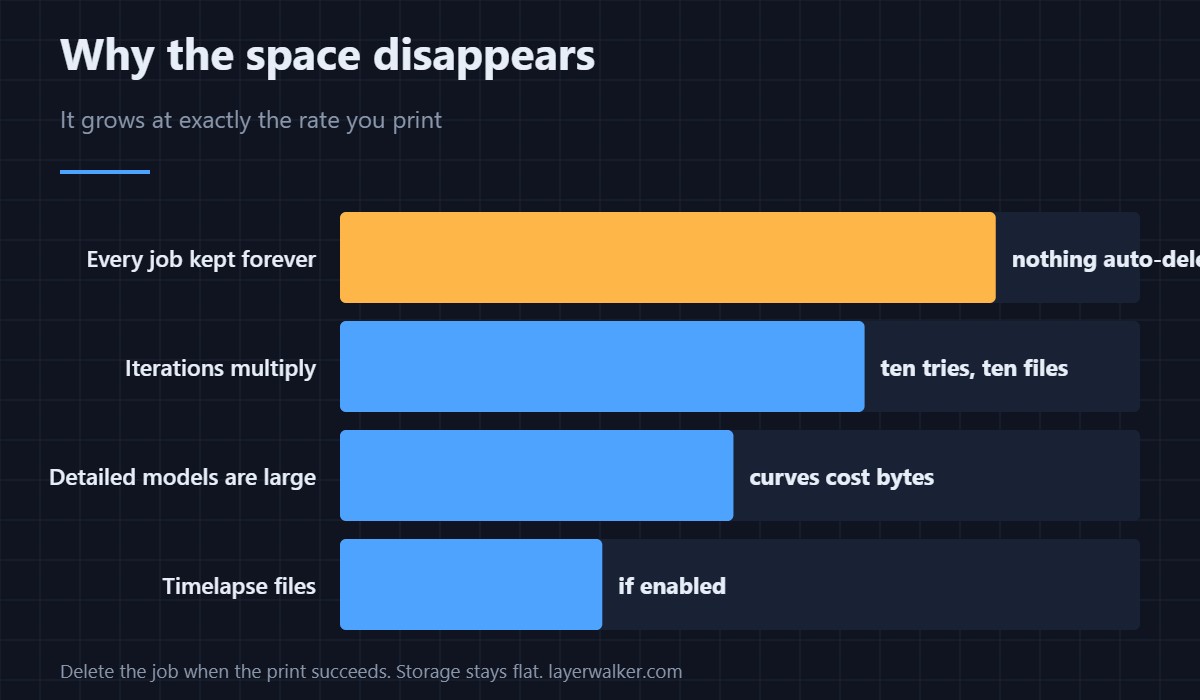
A sliced file for a detailed model is large, and iterations multiply. Ten attempts at the same bracket are ten full files. Test prints, calibration models and abandoned jobs all sit there at full size, and they are the easiest to delete without regret.
What happens if you ignore Creality K1 error 508
The copy stage starts failing, and that arrives as a different and less friendly message — see 100, where a full disk is the cause people most often overlook. Clearing space now avoids diagnosing a copy failure later.
A habit worth forming
Delete the job when the print succeeds. It takes a moment at the machine and it keeps storage flat rather than growing. If you print over the network instead of from a drive, the same accumulation happens, so the habit matters more rather than less — the connected-printer side is covered in 3D printer cameras.
Keeping your originals somewhere sensible
The printer is not a backup. Keep your sliced files and project files on your computer, and treat what is on the machine as disposable. Checking a file in a G-code preview before you send it also means you send fewer failed attempts in the first place, and profile handling is in the Creality slicer guide.
Creality K1 Error 508 FAQ
Will deleting files affect the current print?
Deleting the job that is running is a bad idea. Anything else is safe, but do it between prints if you want to be careful.
Can I add storage to a K1?
Not in the way you would add a drive to a computer. Managing what is there is the practical answer.
Does the printer clean up automatically?
No, and that is why this notice exists. Nothing is removed unless you remove it.
Are camera recordings taking the space?
Timelapse output can contribute on machines that keep it. Check that list too if deleting G-code has not freed as much as you expected.

LayerWalker
Print defect diagnosis, calibration procedures and parts that actually fit. Corrections welcome through the contact page.

