Creality K1 Error 100: G-code Copy From USB Failed
LayerWalker is a participant in the Amazon Services LLC Associates Program. We may earn a commission when you buy through links on our site, at no extra cost to you.
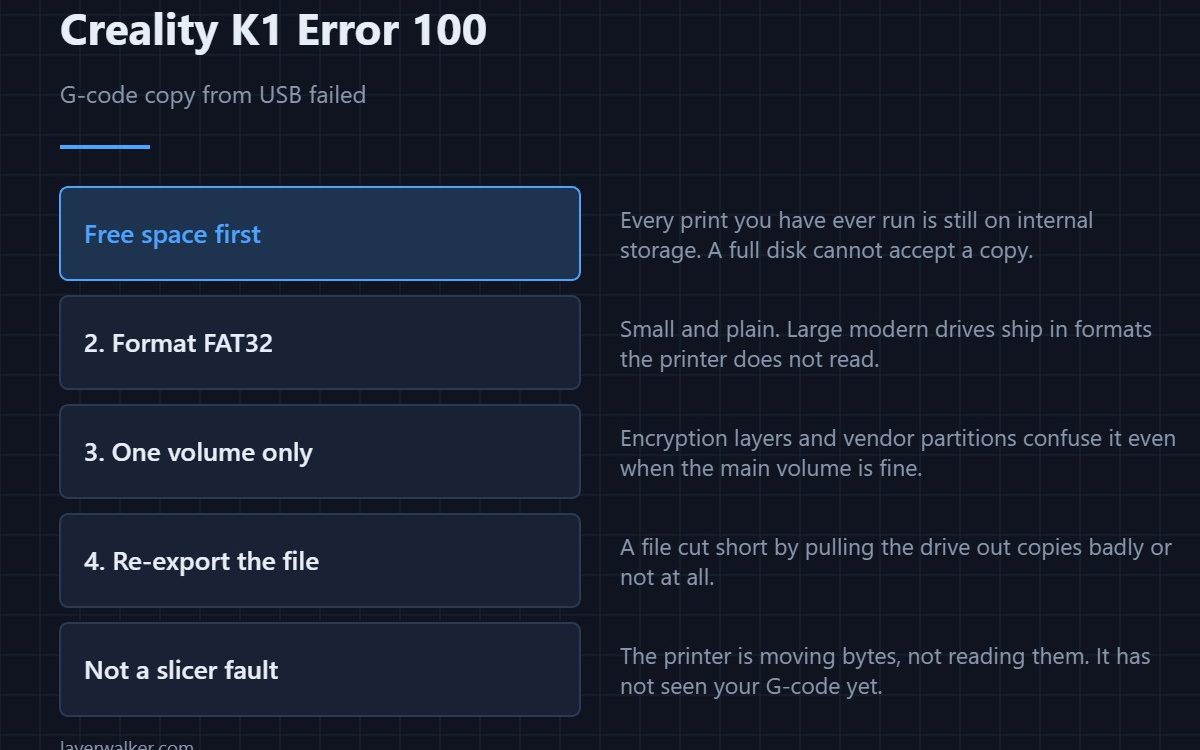
Creality K1 error 100 means the printer tried to copy a G-code file from the USB drive to its internal storage and the copy failed, so it refuses to start printing. Nothing is wrong with your model. The fault is the drive, the file, or the space available on the printer, and those three are quick to separate.
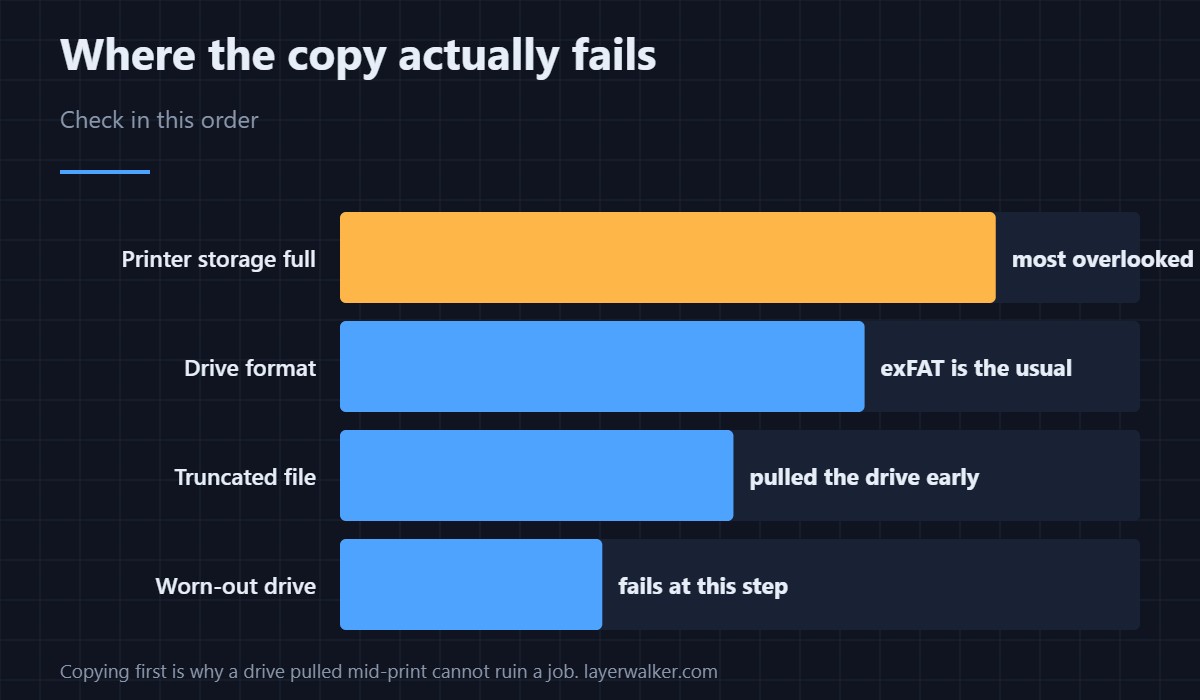
Copying first is deliberate: the K1 prints from internal storage so a drive pulled mid-job cannot ruin a print. The side effect is that a marginal drive fails at the copy stage instead of halfway through.
Where to buy


Start with free space on the printer
Internal storage fills up quietly, because every print you have ever run is still sitting there. A drive that reads perfectly cannot copy into a full disk. Clear old files from the printer first — it costs nothing and it is the single most common cause people overlook.
Then the drive itself
Format it as FAT32 and keep it small. The printer does not care about capacity, and large modern drives ship formatted in ways it does not read. Drives with two volumes, an encryption layer or a vendor partition confuse it even when the main volume is fine. A plain 16 or 32 GB stick is the right tool.
Then the file
A G-code file that was still being written when you pulled the drive out is truncated, and a truncated file copies badly or not at all. Eject properly on your computer rather than unplugging. Re-slice and re-copy, and open the result in a G-code preview first — a file that will not render there will not copy here either.
Why Creality K1 error 100 is not a slicer problem
The printer has not read your G-code yet when this fires. It is moving bytes, not interpreting them. Slicer faults announce themselves differently, usually once printing has started — the clearest example is 2069, which names a specific command in the file. If your slicer is producing files the printer dislikes for other reasons, the Creality slicer guide covers profile and export settings.
Printing without the drive at all
Sending jobs over the network sidesteps this class of fault entirely, and it is worth setting up if you hit drive problems more than once. The same connection carries the camera feed, which is covered in 3D printer cameras.
Creality K1 Error 100 FAQ
Does the file name matter?
Length does. Very long names produce their own error, and names with unusual characters are worth simplifying while you are testing.
The drive works on my computer. Why not here?
Because your computer reads file systems the printer does not. exFAT is the usual culprit and it looks identical in a file manager.
Can I delete old prints from the printer safely?
Yes. Files already printed are just stored copies, and removing them frees the space the copy needs.
Would a slower drive help?
Speed is not the issue; reliability is. An old drive that has been rewritten thousands of times fails at exactly this step, and a cheap new one usually fixes it.
The printer warns before the disk fills rather than after. That notice is Creality K1 error 508, and clearing it is the cheapest way to avoid this copy failure.

LayerWalker
Print defect diagnosis, calibration procedures and parts that actually fit. Corrections welcome through the contact page.

