Creality K1 Error 102: G-code File Name Too Long
LayerWalker is a participant in the Amazon Services LLC Associates Program. We may earn a commission when you buy through links on our site, at no extra cost to you.
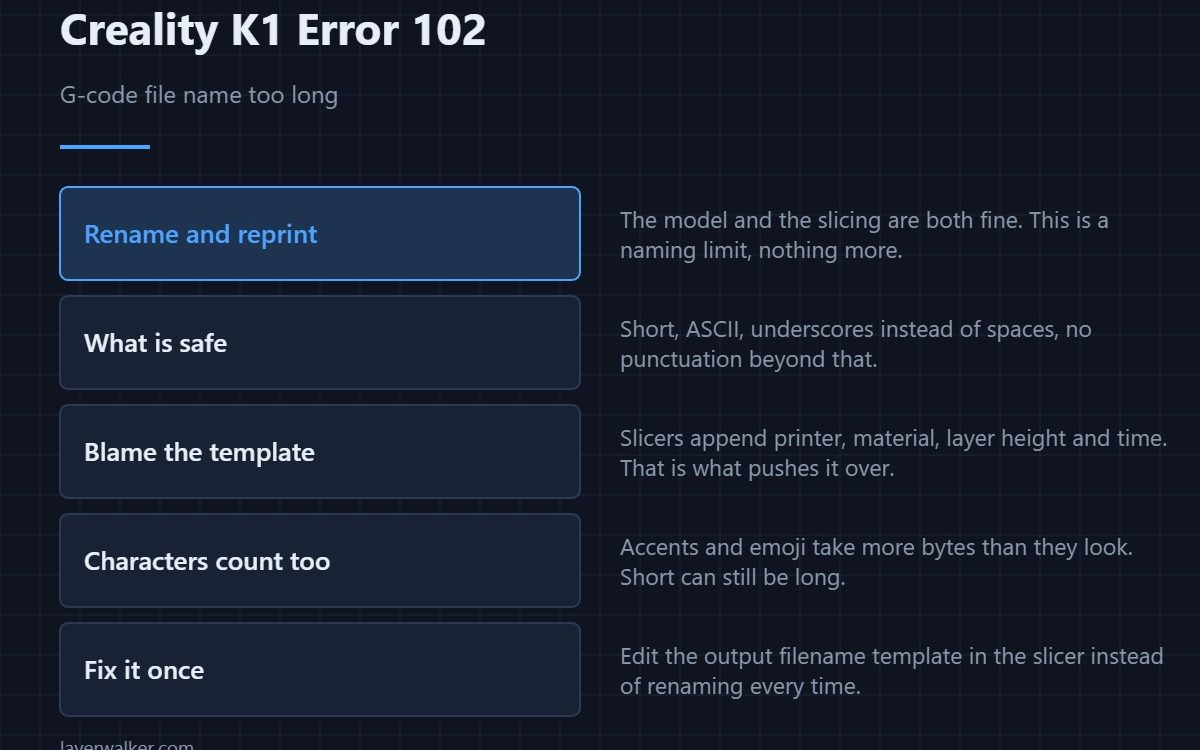
Creality K1 error 102 means the G-code file name is too long for the printer to handle. The model is fine and the slicing is fine. Rename the file to something short and plain, copy it across again, and it will print. This is the least serious error the machine produces and the quickest to clear.
It catches people out because the name was perfectly acceptable on a computer, where length limits are far more generous.
Where to buy


What a safe name looks like
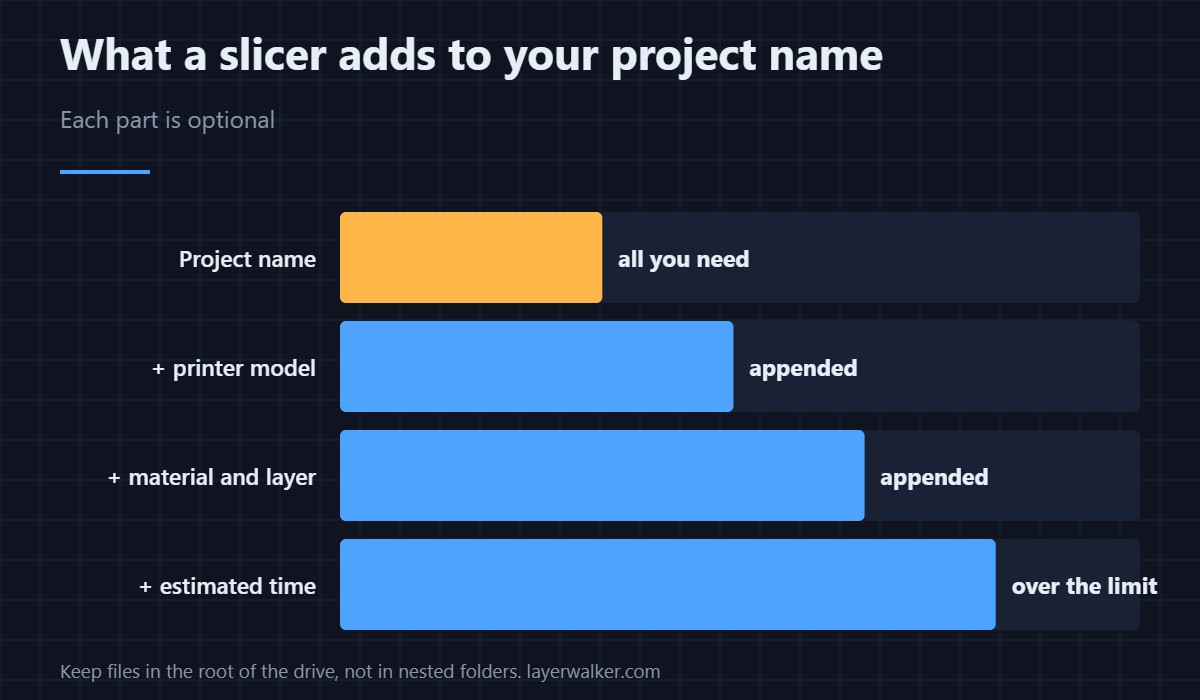
Short, ASCII letters and numbers, underscores or hyphens instead of spaces, and no punctuation beyond that. Something like bracket_v3.gcode is safe. Slicers make long names by helpfully appending the printer, the material, the layer height and the estimated time, and those additions are what push it over.
Turn off the automatic naming
If it happens repeatedly, the fix belongs in the slicer rather than in your fingers. Most slicers let you edit the output filename template, and trimming it to the project name alone solves this permanently. Where that lives is covered in the Creality slicer guide.
Watch for characters as well as length
Non-ASCII characters, accented letters and emoji all take more bytes than they appear to, so a name that looks short can still be long. Symbols like colons, slashes and question marks cause separate problems on the FAT32 file system the printer expects.
Why Creality K1 error 102 is not a copy failure
The printer read the name and objected to it. If instead the file will not transfer at all, that is 100, where free space and drive format are the causes. Two different stages, two different fixes, and renaming will not help the other one.
While you are renaming things
It is a good moment to check the file is what you think it is. Opening it in a G-code preview takes seconds and catches the case where you renamed the wrong export. It also keeps your internal storage tidy, which matters because the printer never clears it for you — see 508.
Creality K1 Error 102 FAQ
How short does the name need to be?
There is no published figure, but a name under about thirty characters is comfortably safe. If in doubt, make it shorter than you think it needs to be.
Does the folder path count?
Keep files in the root of the drive rather than nested in folders. A deep path adds to what the printer has to handle.
Can I rename it on the printer?
Rename it on your computer and re-copy. It is quicker than fighting an on-screen keyboard.
Why did the same model print last week?
Because it had a different name. Re-slicing with a template that includes more detail lengthens the name without you noticing.

LayerWalker
Print defect diagnosis, calibration procedures and parts that actually fit. Corrections welcome through the contact page.